Skip to content
TechBone
OnePlus

OnePlus: Connect via Wi-Fi Direct

Trying to send a photo or mirror your screen from your OnePlus to a Smart TV or Fire TV Stick only works if both devices can actually see each other over Wi-Fi Direct. If the target device never shows up in the list, Wi-Fi Direct is often still switched off on one side or the receiver is not in pairing mode. A stalled invitation usually points to the same cause.

5 min6 steps
VersionAndroid 10 · Oxygenos 10

Step by step

1 / 6

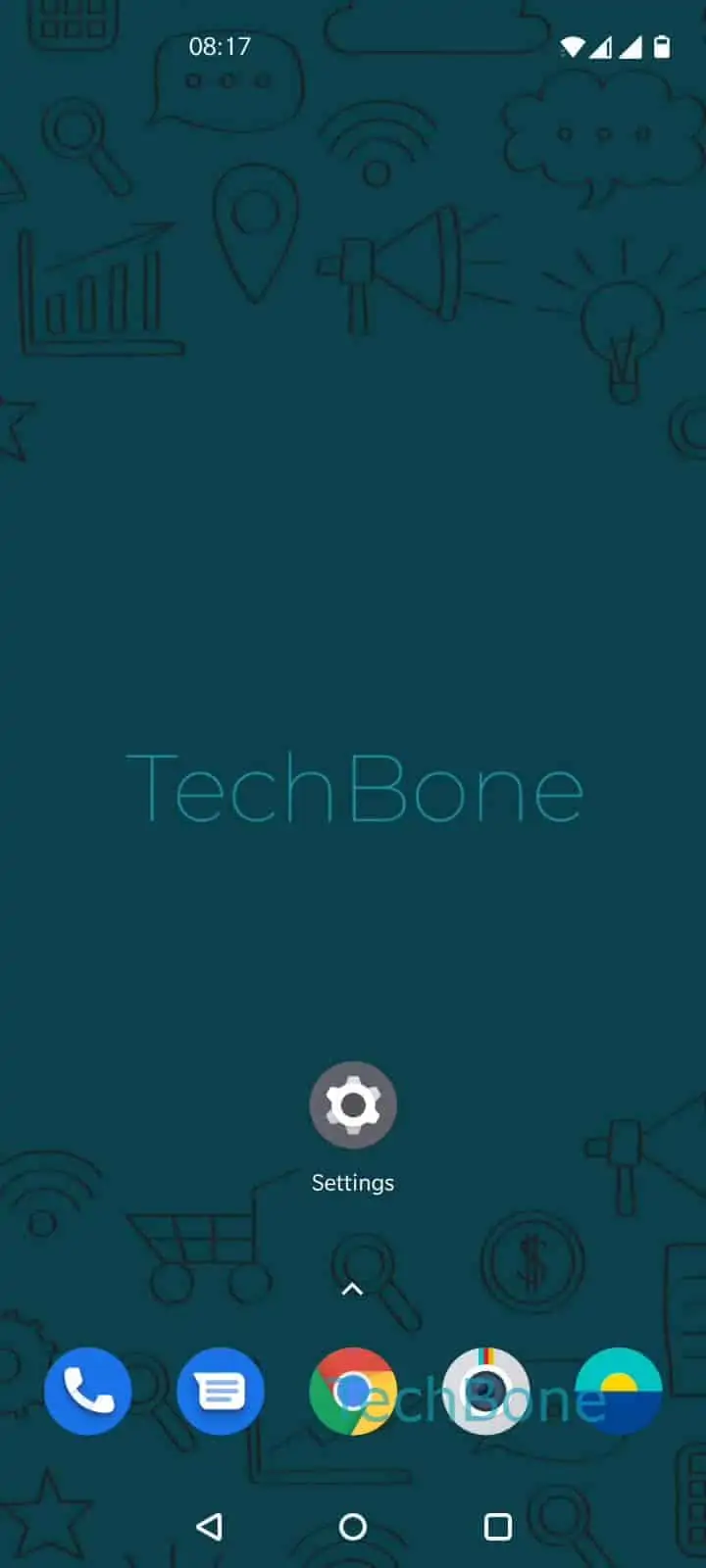
Step 1 of 6: Open the **Settings**

1

Open the Settings

Live simulator

Android 10 · Oxygenos 10
Connect via Wi-Fi Direct – Oxygenos 10: step 1 – Open the Settings
Open the Settings
1 / 6

Scroll or use the buttons for the next step

Feedback

Was the guide correct?

Help others: confirm the path or report a problem.

45

Confirmations

Forum verified this path

OnePlus

Connect via Wi-Fi Direct auf OnePlus

Wi-Fi Direct lets your OnePlus phone send photos, video, or a screen mirror straight to a Smart TV, Fire TV Stick, or other compatible receiver, without a router sitting in between.

The feature lives inside the regular Wi-Fi settings, not in a separate app.

Open SettingsWi-Fi & networkWi-FiWi-Fi preferencesWi-Fi Direct. Your phone starts scanning for nearby devices right away.

Tap the device name once it appears under available devices to send the invitation. The receiving device usually shows its own pairing prompt, confirm it there as well.

Both devices need Wi-Fi Direct switched on at the same time and should stay within a few meters of each other. Walls, distance, and heavy Wi-Fi traffic on other networks all cut into the range noticeably.

If the target device never shows up, check whether it actually supports Wi-Fi Direct at all. Some TVs hide the same function under a separate Screen Mirroring or Miracast menu instead of calling it Wi-Fi Direct.

For streaming services like YouTube or Netflix, a cast protocol tied to your home Wi-Fi network usually gives a steadier picture than a direct connection.

Frequently asked questions

Most TVs need to be put into pairing or mirroring mode first, otherwise they stay invisible to your phone. Turn Wi-Fi Direct off and on again under SettingsWi-Fi & networkWi-FiWi-Fi preferencesWi-Fi Direct if the list stays empty after that.

Compatible devices

Tap your device — opens its hub with matching guides.