
Xiaomi
Shake to Auto-Arrange Home Screen Icons auf Xiaomi
When you delete an app or drag icons around on a Xiaomi home screen, empty cells often stay scattered across different pages instead of closing up into a tidy grid.
MIUI has a built-in function that fixes this without manual sorting. Tap and hold a free spot on the home screen to enter edit mode, then shake the device to trigger the routine. It pulls every icon toward the first free cell and removes the gaps between them.
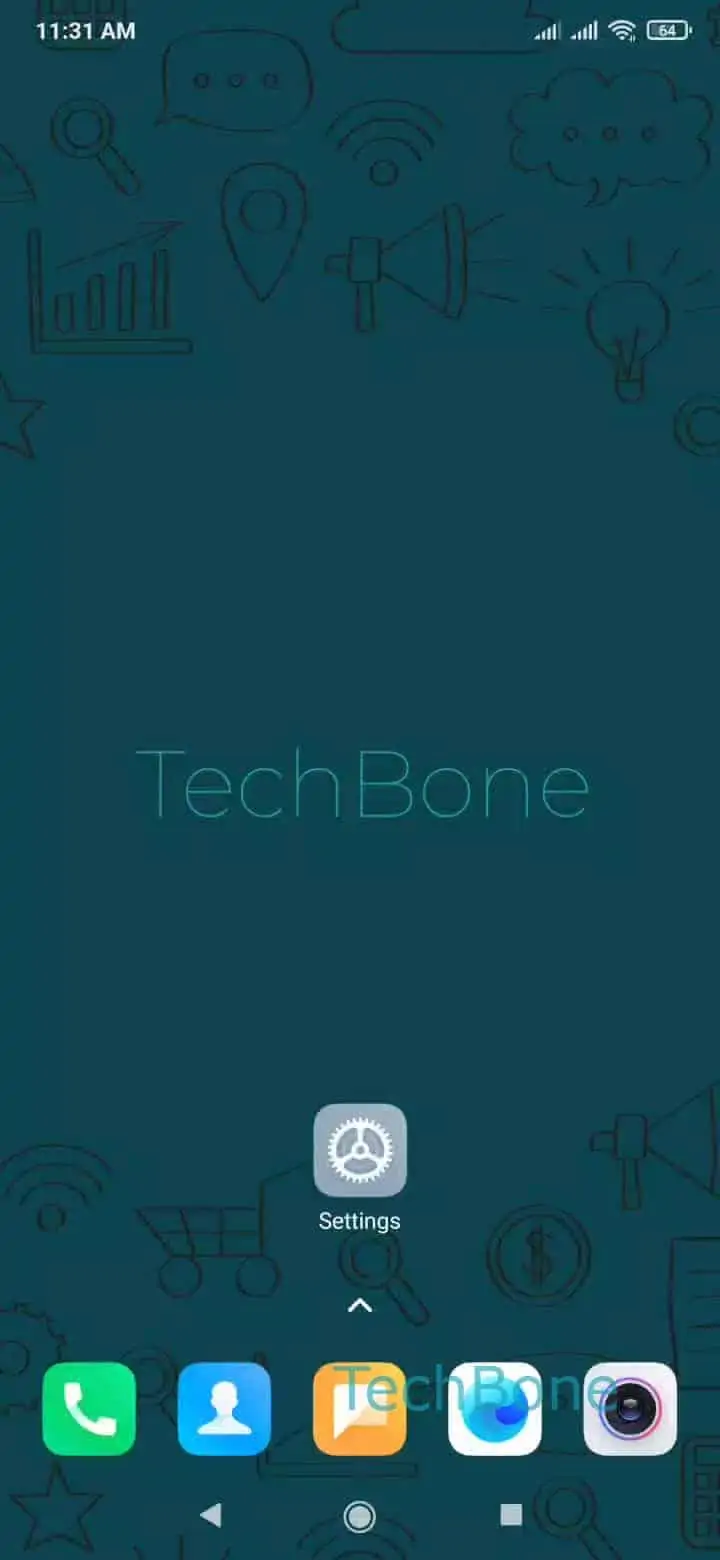
The toggle for this behavior lives in the display settings. Open Open the Settings ➔ Tap on Home screen ➔ Enable or disable Shake to fill empty cells to turn the function on or off.
Turning it off makes sense if you deliberately leave gaps for a custom layout, since an accidental shake in edit mode would otherwise reset your arrangement. Turning it on keeps the grid compact after removing several apps at once.
The feature only changes icon positions on the current page. It does not delete apps, move icons between home screen pages, or touch folder contents.