Skip to content
TechBone
Xiaomi

Xiaomi: Edit App Vault Shortcuts on the Home Screen

If your App Vault on the Home screen still shows outdated app icons, or the shortcuts you actually use don't fit anymore, the list needs a manual update. Xiaomi's App Vault holds up to eight shortcuts from categories like Social Media, Entertainment, Security, or Tools, and MIUI never reorders or refreshes them on its own. You have to add, remove, or move each shortcut yourself.

3 min4 steps
VersionAndroid 10 · MIUI

Step by step

1 / 4

Step 1 of 4: Swipe **right** to access the app vault

1

Swipe right to access the app vault

Live simulator

Android 10 · MIUI
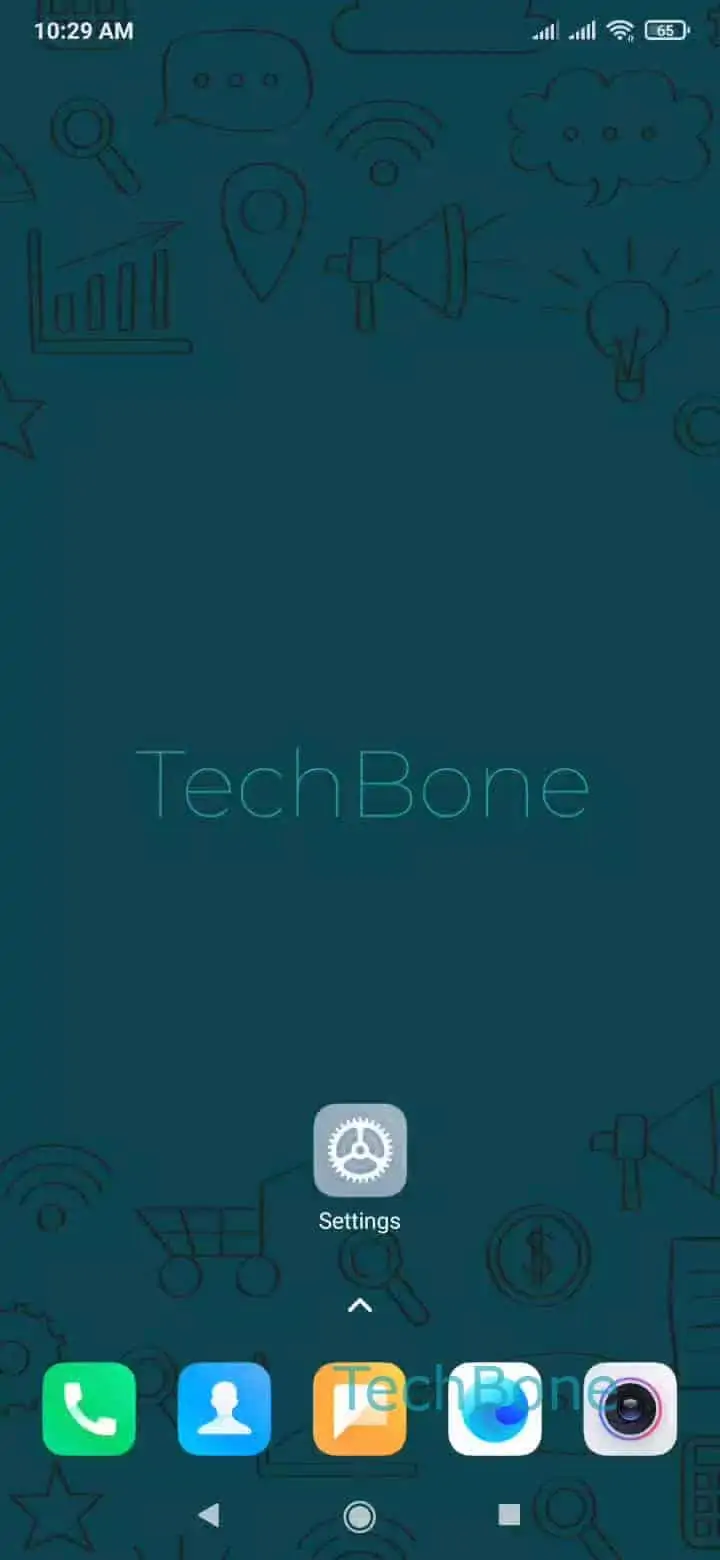
Edit App Vault Shortcuts – MIUI: step 1 – Swipe right to access the app vault
Swipe right to access the app vault
1 / 4

Scroll or use the buttons for the next step

Feedback

Was the guide correct?

Help others: confirm the path or report a problem.

87

Confirmations

Forum verified this path

Xiaomi

Edit App Vault Shortcuts auf Xiaomi

The App Vault sits on the left edge of the Xiaomi Home screen and holds up to eight shortcuts grouped by category, such as Social Media, Entertainment, Security, or Tools. Unlike regular app icons, these shortcuts do not update or rearrange automatically. If a shortcut points to an app you removed, or you want quicker access to a different category, you have to edit the list by hand.

To change the shortcuts, swipe right on the Home screen to open the vault: Swipe right to access the app vaultTap on AddAdd, remove or move a shortcutTap on Back.

From the shortcut editor you can drag an entry to a new position, tap the minus icon to remove one, or pick a new app or category to fill an empty slot. Changes apply immediately once you tap Back, no restart needed.

If the vault still shows the old layout after editing, check that you tapped Back to save the change rather than swiping away mid-edit. This function only manages the vault list itself; it does not affect Home screen widgets or app drawer order, so look elsewhere if those are out of sync.

Frequently asked questions

MIUI limits the vault to eight slots to keep the panel readable on one screen. If you need more shortcuts, group related apps in a folder on the Home screen instead.