
Xiaomi
Share Contacts as File, Text or QR Code auf Xiaomi
Xiaomi bundles three ways to hand off a saved contact: as a vCard file, as plain text, or as a scannable QR code. Each format lands differently on the receiving end, which is why picking the right one matters when a friend cannot open what you sent.
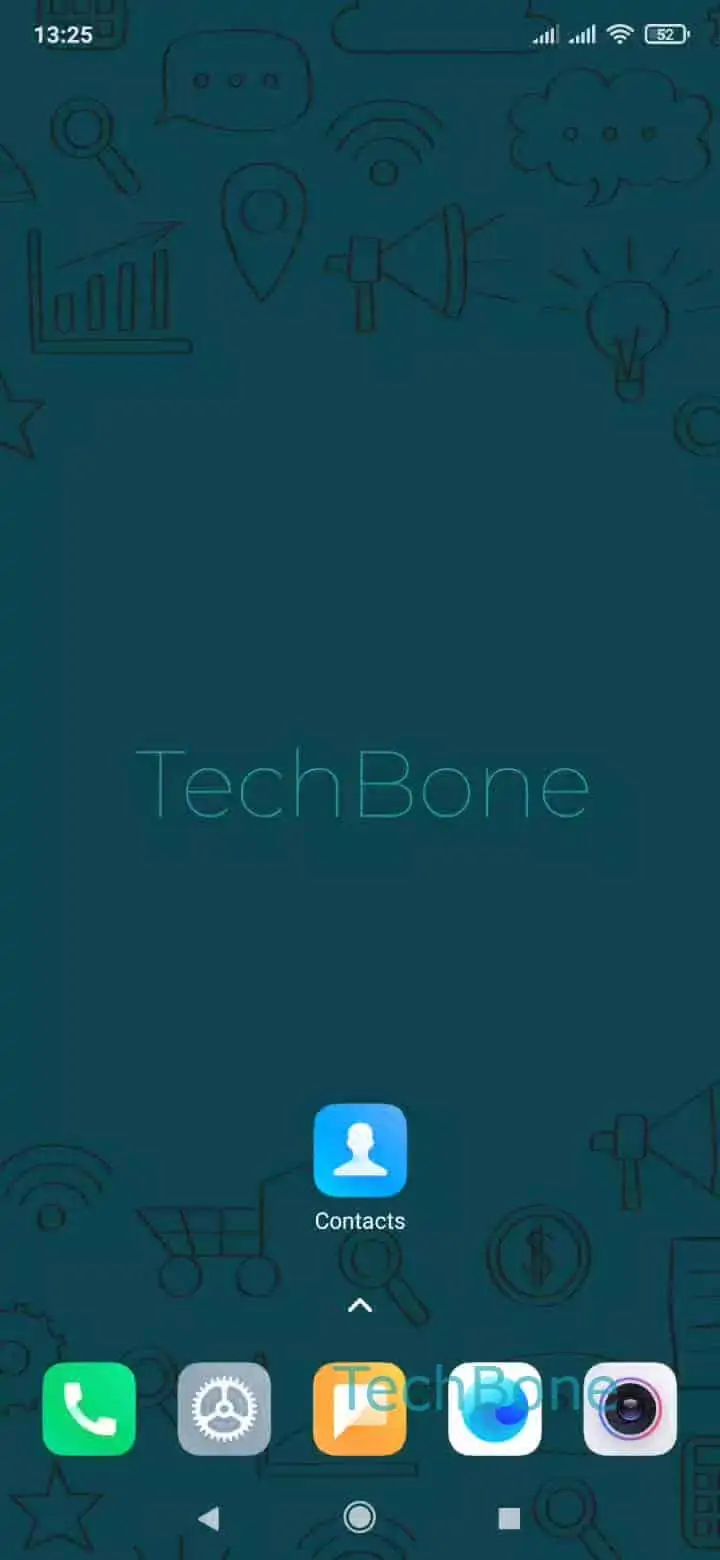
Open the Open the Contacts app and Choose a contact you want to send. From the contact profile, Open the menu and Tap on Share to reach the format picker.
At that point you Choose File, Text or QR code. File sharing works best over Messaging, Bluetooth or cloud apps, since it preserves all saved fields including photo and notes. Text sharing strips the contact down to readable lines, useful for apps that block file attachments. QR code sharing is the fastest option in person, since the other phone only needs to scan it with a camera or a contacts app that supports import.
Once you pick a format, Choose an app and follow the instructions on screen to finish sending. If the recipient uses a different phone brand, plain text or QR code usually import more reliably than a file attachment.