
Xiaomi
Wi-Fi Direct Setup auf Xiaomi
Wi-Fi Direct on your Xiaomi phone lets you send files straight to a nearby device, like a smart TV or Fire TV Stick, without routing anything through a router or the internet. Both devices first need to broadcast themselves on the same wireless network before they can negotiate a direct peer-to-peer link for the actual transfer.
If the receiving device does not show up in your scan, the usual cause is that it is not listening on the same network band, or Wi-Fi Direct is switched off on its side. Restarting the scan or moving the devices closer together often clears a stalled handshake.
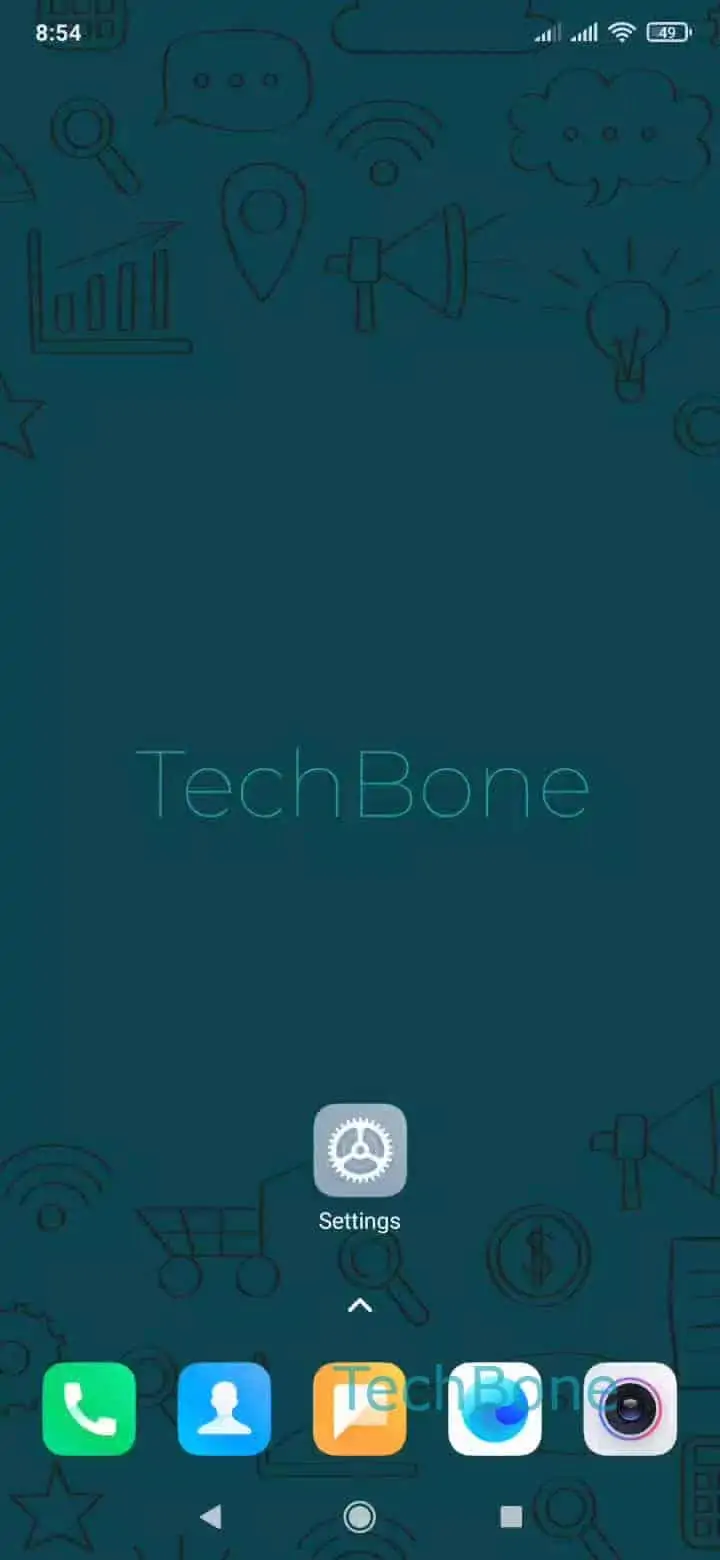
To open the feature on your phone, go to Open the Settings ➔ Tap on Wi-Fi ➔ Tap on Additional settings ➔ Tap on Wi-Fi Direct ➔ Choose an available device to send an invitation. Your phone then lists every compatible device currently broadcasting nearby.
Wi-Fi Direct works best for one-off transfers of photos, videos, or documents. For continuous streaming to a TV, a dedicated casting protocol usually performs more reliably, since Wi-Fi Direct links can drop if either device sleeps or switches networks mid-transfer.