
Skip to content
TechBone
Android

Android: Add an App Shortcut to the Home Screen

Apps you use daily can get lost in a crowded app drawer, forcing you to search or swipe through several pages every time you want to open one. Android keeps the drawer as the master list, but it does not automatically put anything on the home screen for you. Without a manual shortcut, quick access depends entirely on how the drawer is sorted.

3 min4 steps
Version

Step by step

1 / 4

Step 1 of 4: Swipe **upwards** to open the App drawer

1

Swipe upwards to open the App drawer

Live simulator

Android 14 · Android 14
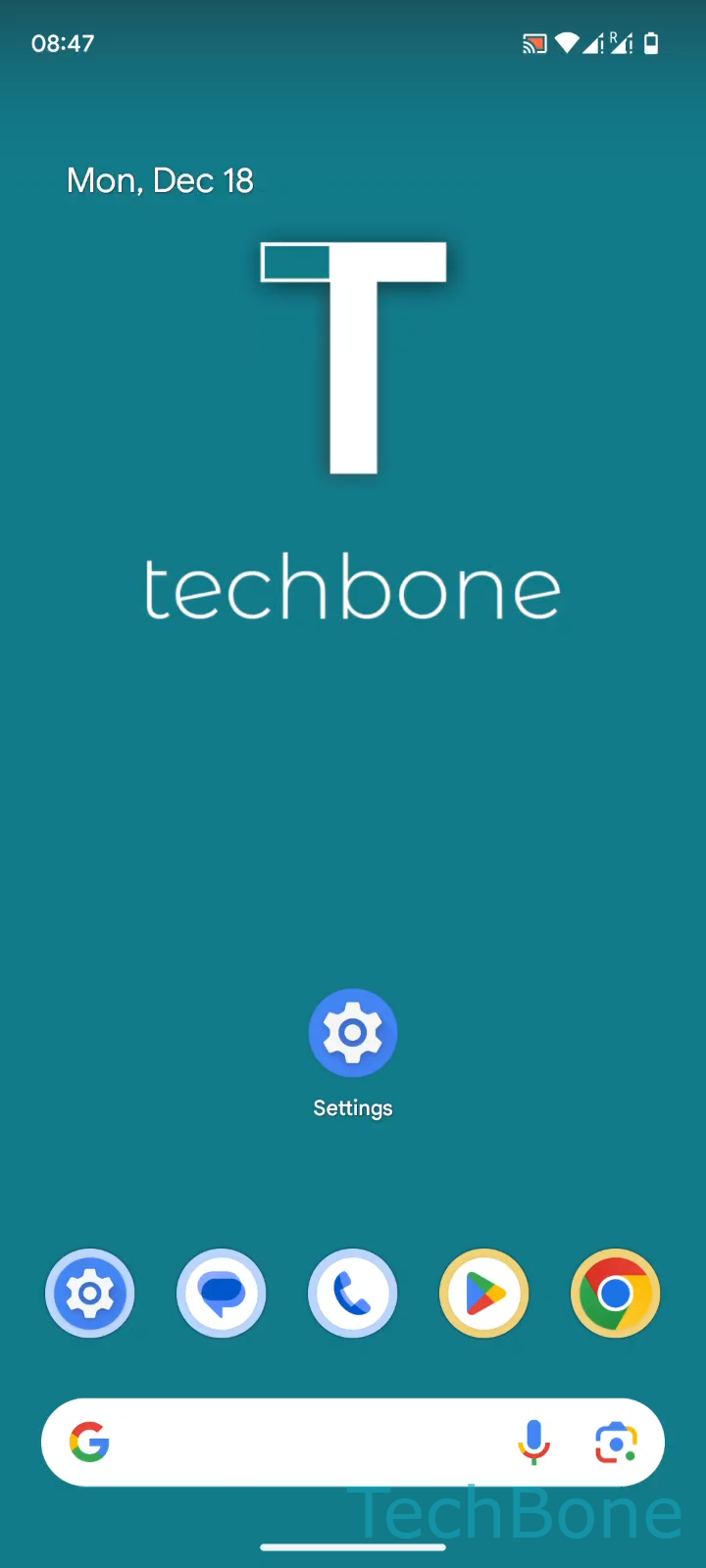
Add App Shortcut to Home Screen – Android 14: step 1 – Swipe upwards to open the App drawer
Swipe upwards to open the App drawer
1 / 4

Scroll or use the buttons for the next step

Feedback

Was the guide correct?

Help others: confirm the path or report a problem.

79

Confirmations

Forum verified this path

Android

Add App Shortcut to Home Screen auf Android

The app drawer on Android stores every installed app in one long list, sorted alphabetically or by usage depending on the launcher. This keeps the home screen uncluttered by default, but it also means frequently used apps are not automatically placed where you can tap them directly.

To fix this, Android lets you copy an app icon from the drawer onto the home screen without removing it from the drawer itself. The path is: Swipe upwards to open the App drawerTap and hold an AppDrag the App upwardRelease the App to place it on the home screen.

The original entry stays in the drawer, so the shortcut is just a second access point, not a move. Once placed, the icon can be repositioned or dragged onto another app icon to create a folder.

This method works for regular apps only. If you need a shortcut to a specific action inside an app, such as a contact or a note, look for a long-press menu on the icon instead, since that uses a different mechanism than a plain home screen shortcut.

Frequently asked questions

No. The app stays listed in the drawer. The home screen icon is a second shortcut pointing to the same app, not a move.