
Skip to content
TechBone
Android

Android: Change Keyboard Language While Typing

Switching between two languages while texting a friend or writing an email can break your flow if you have to dig through Settings every time. Android lets you swap keyboard language mid-sentence right from the text field, but the switch key or gesture is easy to miss. Knowing where to tap saves you from retyping half your message.

3 min3 steps
Version

Step by step

1 / 3

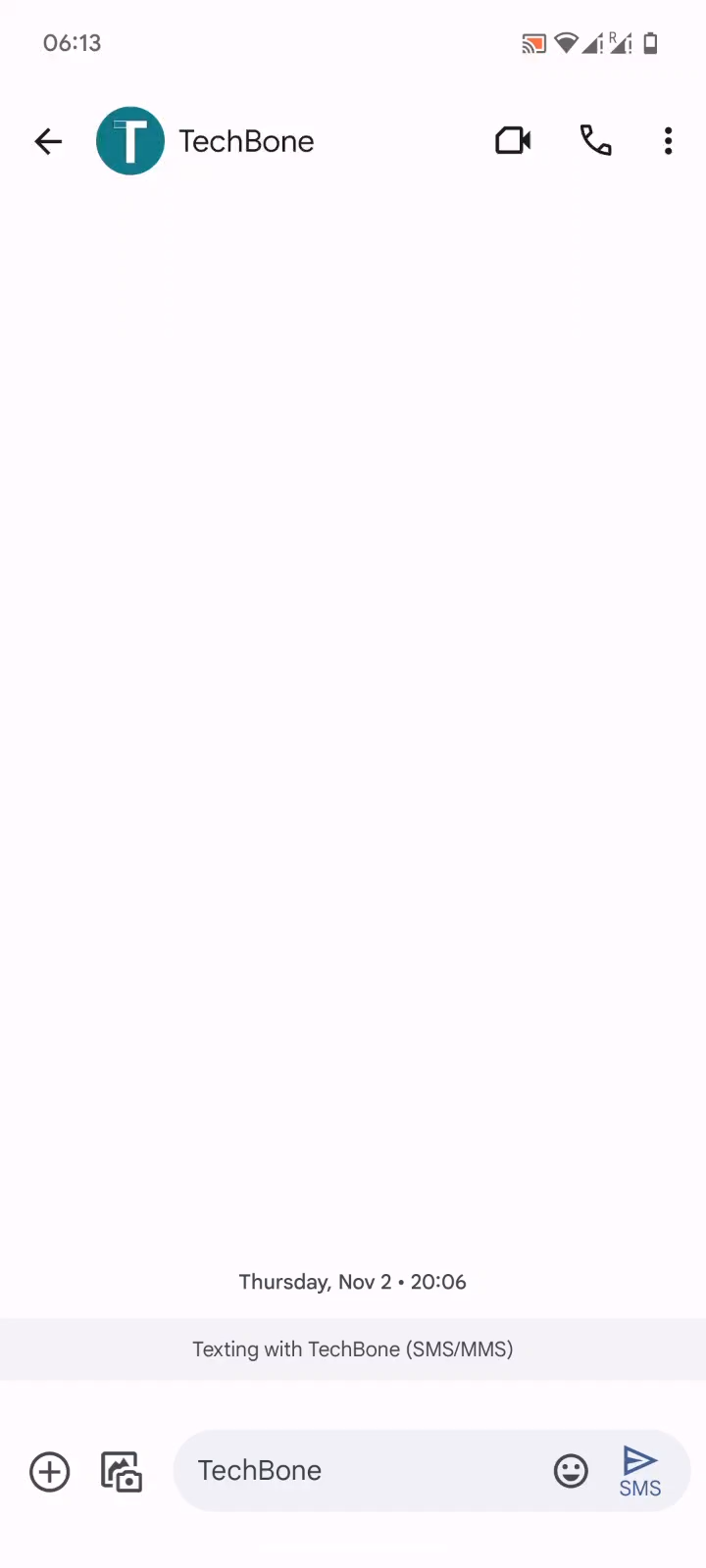
Step 1 of 3: Tap on a **Text field**

1

Tap on a Text field

Live simulator

Android 14 · Android 14
Switch Keyboard Language While Typing – Android 14: step 1 – Tap on a Text field
Tap on a Text field
1 / 3

Scroll or use the buttons for the next step

Feedback

Was the guide correct?

Help others: confirm the path or report a problem.

97

Confirmations

Forum verified this path

Android

Switch Keyboard Language While Typing auf Android

Android keeps the keyboard language switch inside the text field itself, not tucked away in a settings menu. If you already added more than one keyboard language under your system settings, you can jump between them without leaving the app you are typing in.

Tap into any text field first, then look at your keyboard for the small globe or language icon. Follow Tap on a Text fieldTap on the Language switch key or hold the Space barChoose a Language and pick the language you need from the list that appears.

Holding the space bar works as a shortcut on most keyboard apps and skips the extra tap on the globe icon. If neither option shows up, only one keyboard language is currently active, so add a second language through your keyboard's language settings first.

After switching, autocorrect and suggestion words update to match the new language, which can feel off if you switch back and forth often in the same message. This is normal behavior, not a bug, since the keyboard only keeps one active dictionary at a time.

Frequently asked questions

The Language switch key only appears once at least two keyboard languages are enabled. With a single language active, Android has nothing to switch to, so add another language through your keyboard's language settings first.