
Android
Change Keyboard Layout in Gboard auf Android
Gboard assigns a keyboard layout to every language you add, not to the keyboard as a whole. If a language was added with the wrong regional layout, or if you need an alternative like Dvorak or Colemak, the letters you tap will not match what you expect to type.
The layout option sits inside the language settings of Gboard, separate from the general keyboard settings. This is why many users only find the toggle for suggestions or emoji, but never the layout switch itself.
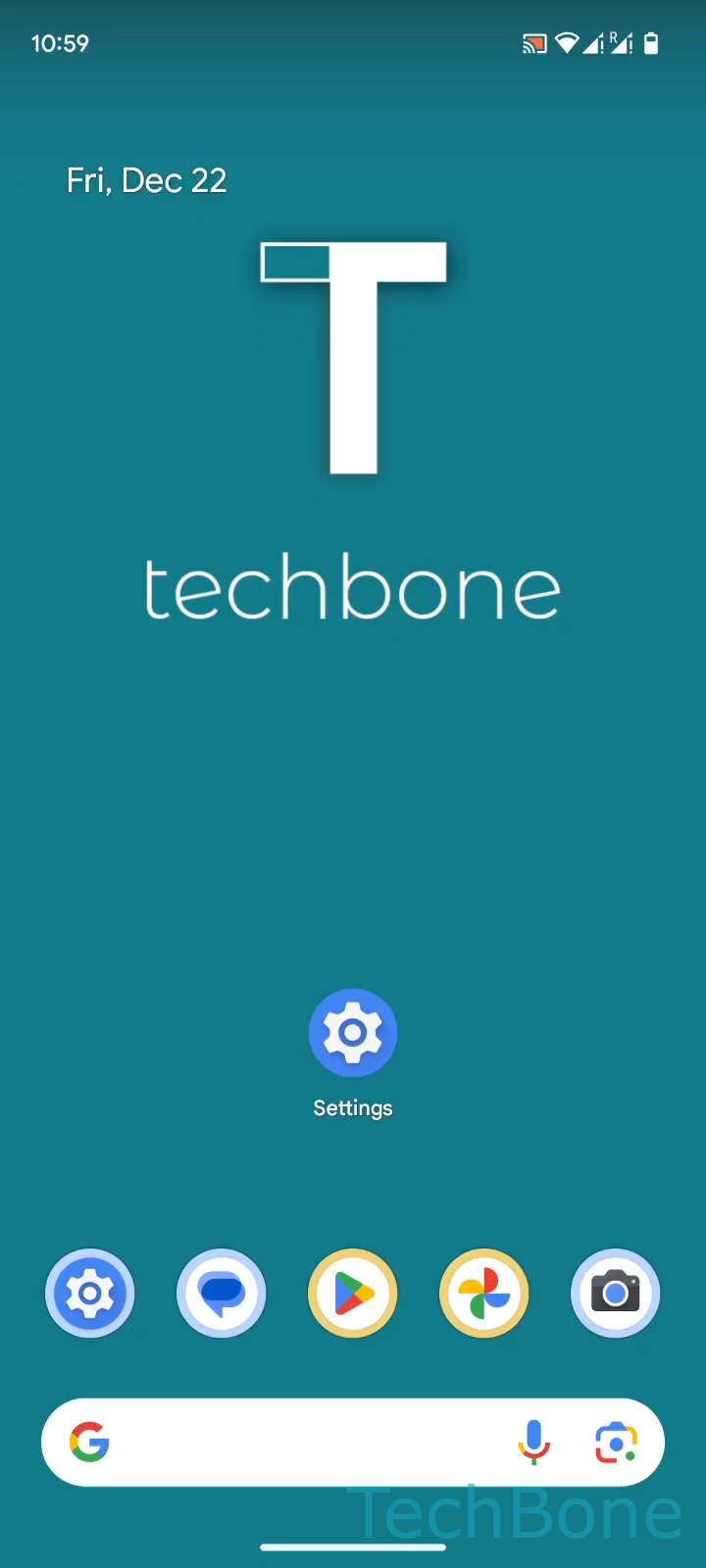
To change it, open Tap on Settings ➔ Tap on System ➔ Tap on Keyboard ➔ Tap on On-screen keyboard ➔ Tap on Gboard ➔ Tap on Languages. Select the language you want to adjust, then choose the layout from the list, for example QWERTZ, AZERTY, Dvorak, Colemak or PC, and confirm with Done.
Each language can carry its own layout, so switching between an English and a German keyboard automatically applies the correct one if you set them up individually beforehand. If letters still appear wrong after this change, check whether autocorrect or a third-party keyboard app is overriding Gboard, since those run independently from this setting.