Skip to content
TechBone
Android

Android: Set the Lock Screen Timeout Delay

If your Android phone stays unlocked for several seconds after the display turns black, or locks itself the instant you glance away, two separate timers are at play. The screen timeout controls the display, while a second delay decides when the lock screen actually kicks in. Mixing up these two settings often leaves a device unlocked longer than expected or forces you to re-enter a PIN every time the screen dims.

5 min6 steps
Version

Step by step

1 / 6

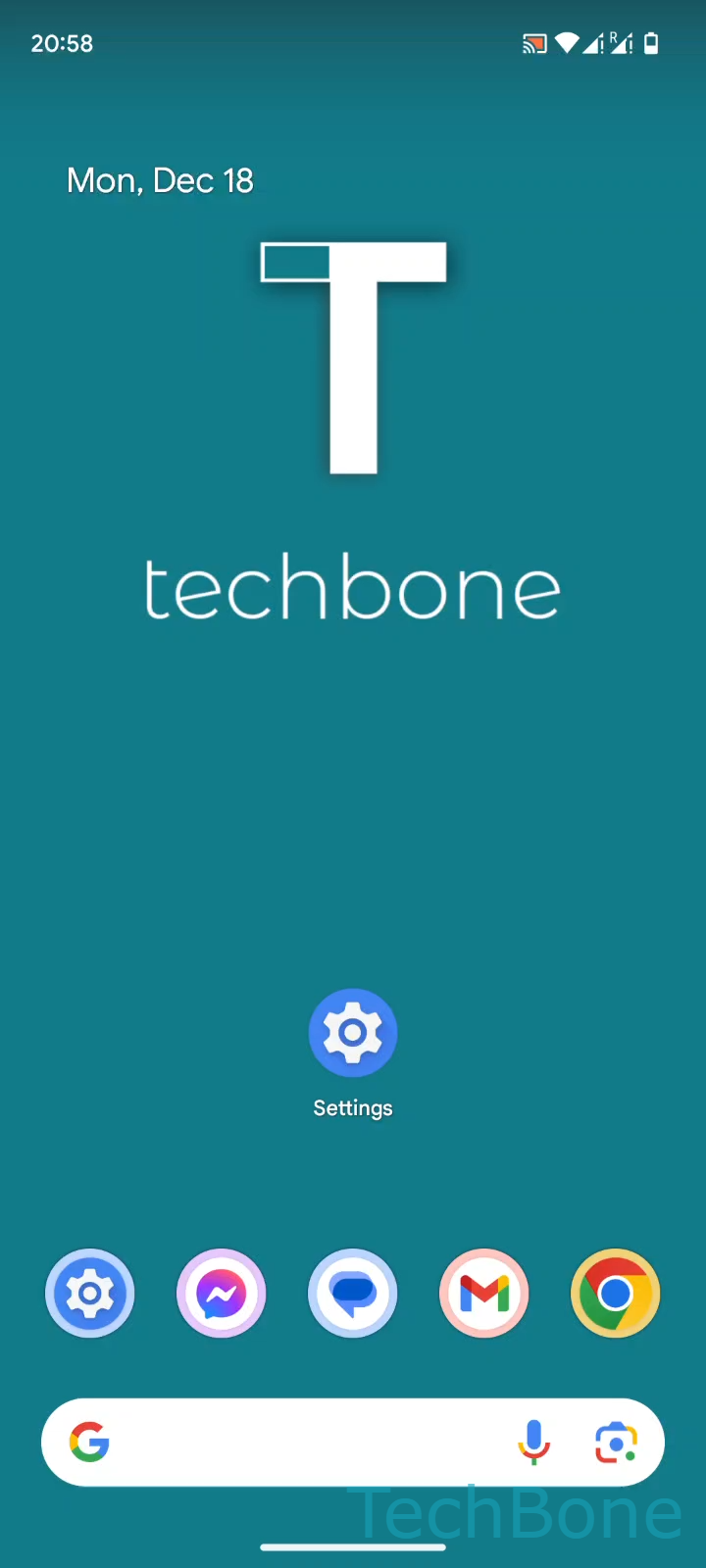
Step 1 of 6: Tap on **Settings**

1

Tap on Settings

Live simulator

Android 14 · Android 14
Set Lock Screen Timeout Delay – Android 14: step 1 – Tap on Settings
Tap on Settings
1 / 6

Scroll or use the buttons for the next step

Feedback

Was the guide correct?

Help others: confirm the path or report a problem.

73

Confirmations

Forum verified this path

Android

Set Lock Screen Timeout Delay auf Android

Two different timers control what happens when your Android display goes dark. One is the standard screen timeout that dims and switches off the panel. The other is the lock screen timeout, which decides how many seconds pass before the device actually locks and asks for your PIN, pattern or fingerprint again.

Many phones ship with this second timer set to a short delay instead of Immediately. The screen can turn black while the phone stays unlocked for a few extra seconds. That is practical if you unlock the display often, but it leaves a gap if someone else picks up the device during that window.

Where to change the delay

Open Tap on SettingsTap on Security & privacyTap on Device unlockTap on Screen lock settingsTap on Lock after screen timeout. From there, Select Immediately or the desired Duration to define the exact delay.

Pick Immediately on shared or work devices, or whenever banking and messaging apps stay open in the background. A short duration such as 5 or 15 seconds makes sense on a personal phone you unlock constantly, since it avoids re-entering the PIN every time the display briefly dims.

Frequently asked questions

Screen timeout only controls how long the display stays lit before it turns off. Lock screen timeout is a separate delay that starts once the display is off and decides when the device switches from unlocked-but-dark to fully locked, requiring your PIN, pattern or fingerprint again.