Skip to content
TechBone
Android

Android: Change the Home Screen Grid Size

When your home screen feels cluttered or icons look too small, the app grid is usually set to a dense layout like 5x5. Android lets you switch between several grid options such as 4x4, 4x5, 3x3 or 2x2, but the setting hides inside the wallpaper and style menu instead of the display settings where most people look first. The available options also differ by device model, which adds to the confusion.

4 min5 steps
Version

Step by step

1 / 5

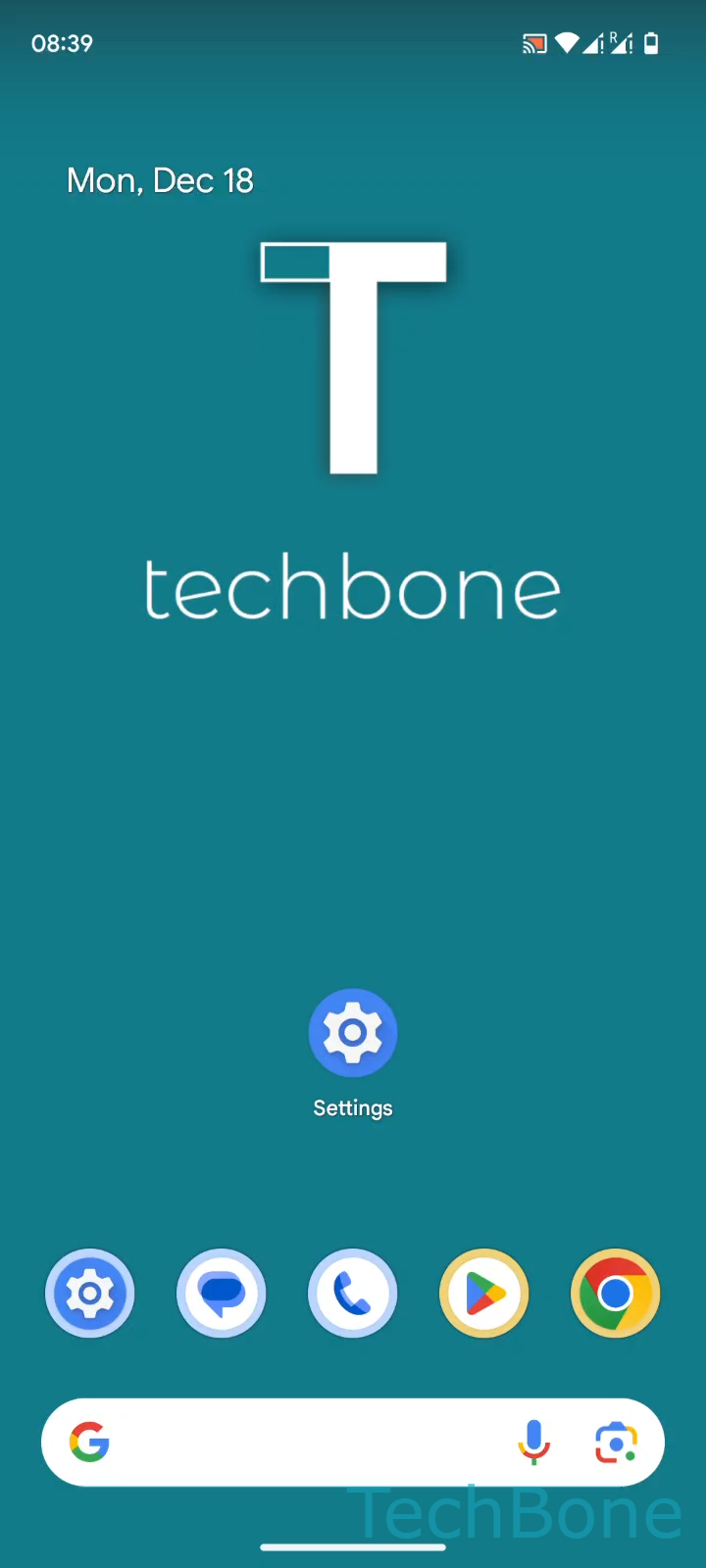
Step 1 of 5: Tap on **Settings**

1

Tap on Settings

Live simulator

Android 14 · Android 14
Change Grid Size on Home Screen – Android 14: step 1 – Tap on Settings
Tap on Settings
1 / 5

Scroll or use the buttons for the next step

Feedback

Was the guide correct?

Help others: confirm the path or report a problem.

91

Confirmations

Forum verified this path

Android

Change Grid Size on Home Screen auf Android

The home screen grid determines how many app icons fit in each row and column. A dense grid like 5x5 packs more icons on screen but shrinks each one, while a looser grid such as 3x3 or 2x2 makes icons and labels larger and easier to tap.

This setting lives under the wallpaper and personalization options, not inside the general display settings, which is why many users struggle to find it. Changing the grid does not delete or move your apps. Icons simply rearrange to fit the new layout, and some may shift onto an additional home screen page if there is not enough room.

Menu path

Tap on SettingsTap on Wallpaper & styleTap on Home screenTap on App gridSet the App grid

Available grid sizes depend on the device model. Common options include 5x5, 4x5, 4x4, 3x3 and 2x2. If you only need more space temporarily, consider using folders or an extra home screen page instead of changing the whole grid.

Frequently asked questions

On most Android devices the app grid setting sits under SettingsWallpaper & styleHome screen instead of the general display menu, since it is treated as a personalization option rather than a screen setting.