

Android
Schedule Dark Mode auf Android
Dark theme on Android can run on a schedule instead of a manual switch. The setting lives inside the Display menu, right under the Dark theme toggle, which is why many people never notice it.
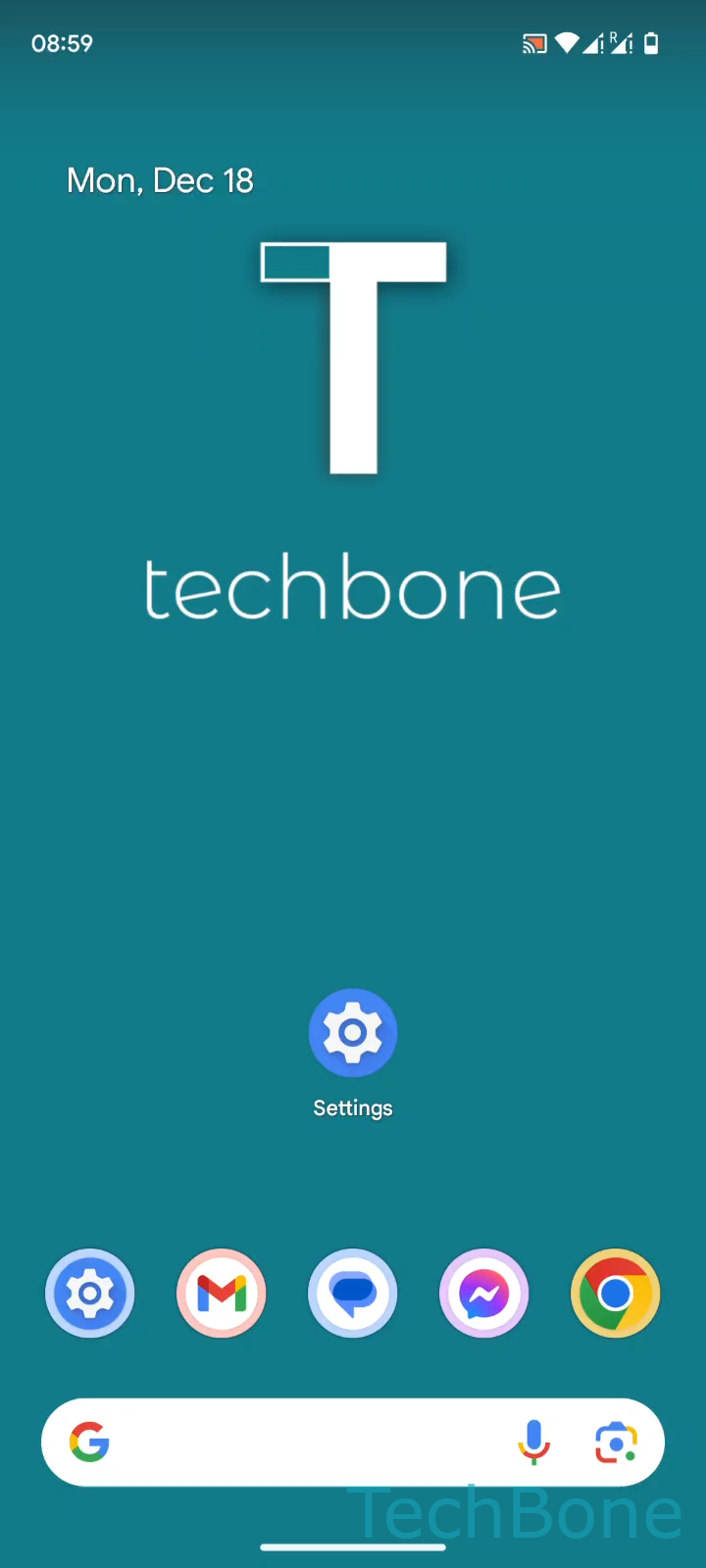
Open Tap on Settings ➔ Tap on Display ➔ Tap on Dark theme ➔ Tap on Schedule. From here you get two options: Choose Turns on an custom time or Turns on from sunset to sunrise.
The custom time option lets you set a fixed Set the Start/End time, useful if you keep a regular sleep and wake schedule. The sunset-to-sunrise option uses your phone's location to shift the switch time automatically as daylight hours change throughout the year, so no manual updates are needed after setting it once.
If your phone shows no change at the expected time, check whether location access is enabled when using the sunset-to-sunrise mode, since that option depends on it to calculate accurate times.
A schedule is the better choice over manual toggling whenever you want consistent behavior without remembering to switch modes, but if you need Dark theme active only occasionally for specific apps or situations, turning it on manually stays the more flexible option.