
Android
Install an App from the Play Store auf Android
The Play Store search bar works with autocomplete, so typing only part of a name often surfaces several similar apps before the one you want. Picking the wrong suggestion is the most common reason people end up with a clone or an outdated version instead of the official app.
If the button next to an app reads Open instead of Install, the app is already present on your device, sometimes hidden in a folder or under a slightly different icon. In that case, reinstalling does nothing new; you only need to launch it.
Storage space also affects installation. When your phone is low on free memory, the Play Store can stall the download or fail silently without a clear error message. Freeing up space before trying again usually resolves this without any extra steps.
The verified path stays the same across recent Android versions:
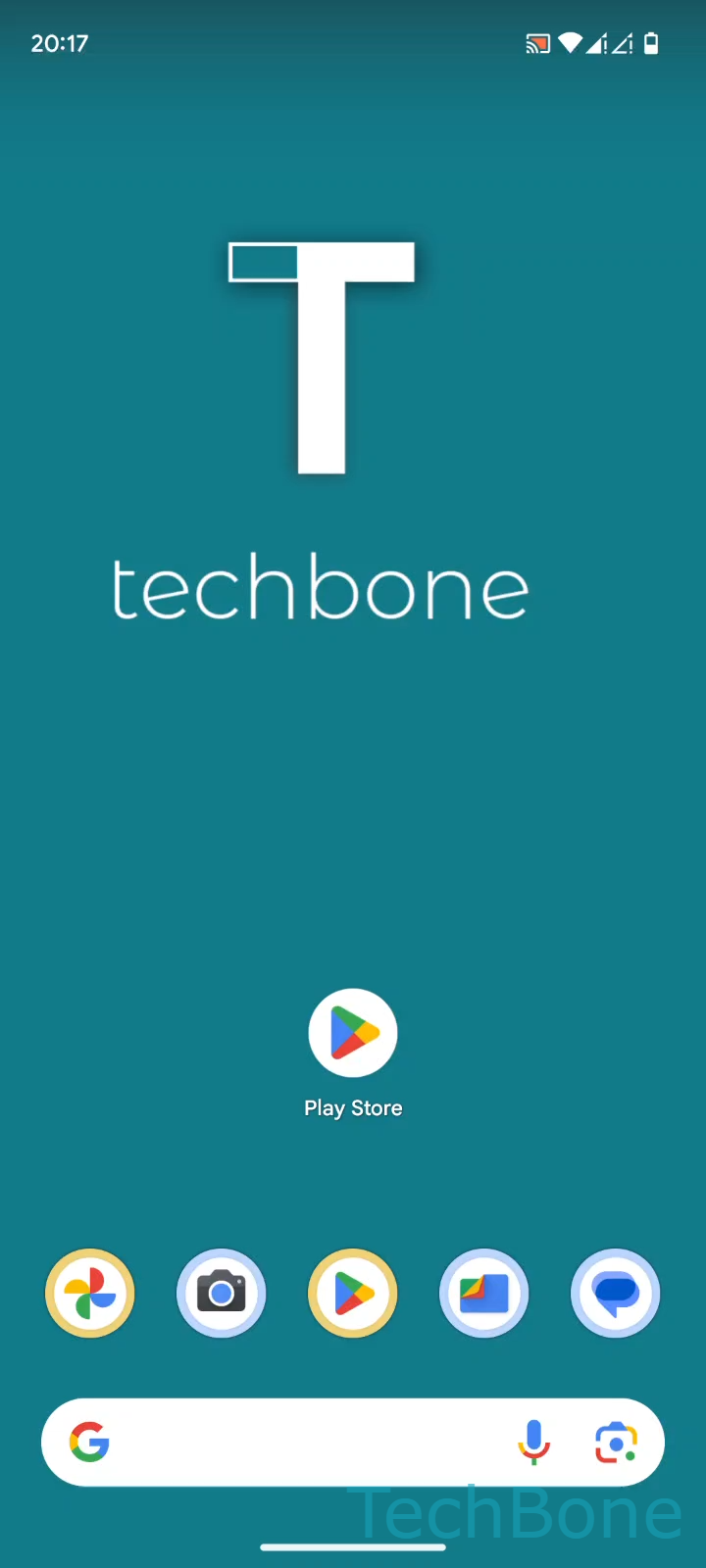
Tap on Play Store ➔ Tap on the Search bar ➔ Enter an App name and select a Suggestion ➔ Tap on Install
If an app will not install even with free storage and a stable connection, check whether it is restricted in your region or requires a minimum Android version your device does not meet.