

Android
Pair a Bluetooth Device auf Android
Bluetooth pairing fails most often because the target device was never added to your phone's list of known connections, or because it dropped out of discovery mode before you started scanning. Android only shows devices that are actively broadcasting themselves as available, so headsets, speakers and car systems usually need to be put into their own pairing mode first.
Once discoverable, the other device appears in the list of available connections on your phone. Selecting it triggers a pairing request, and some accessories ask you to confirm a matching numeric code on both screens before the link is trusted.
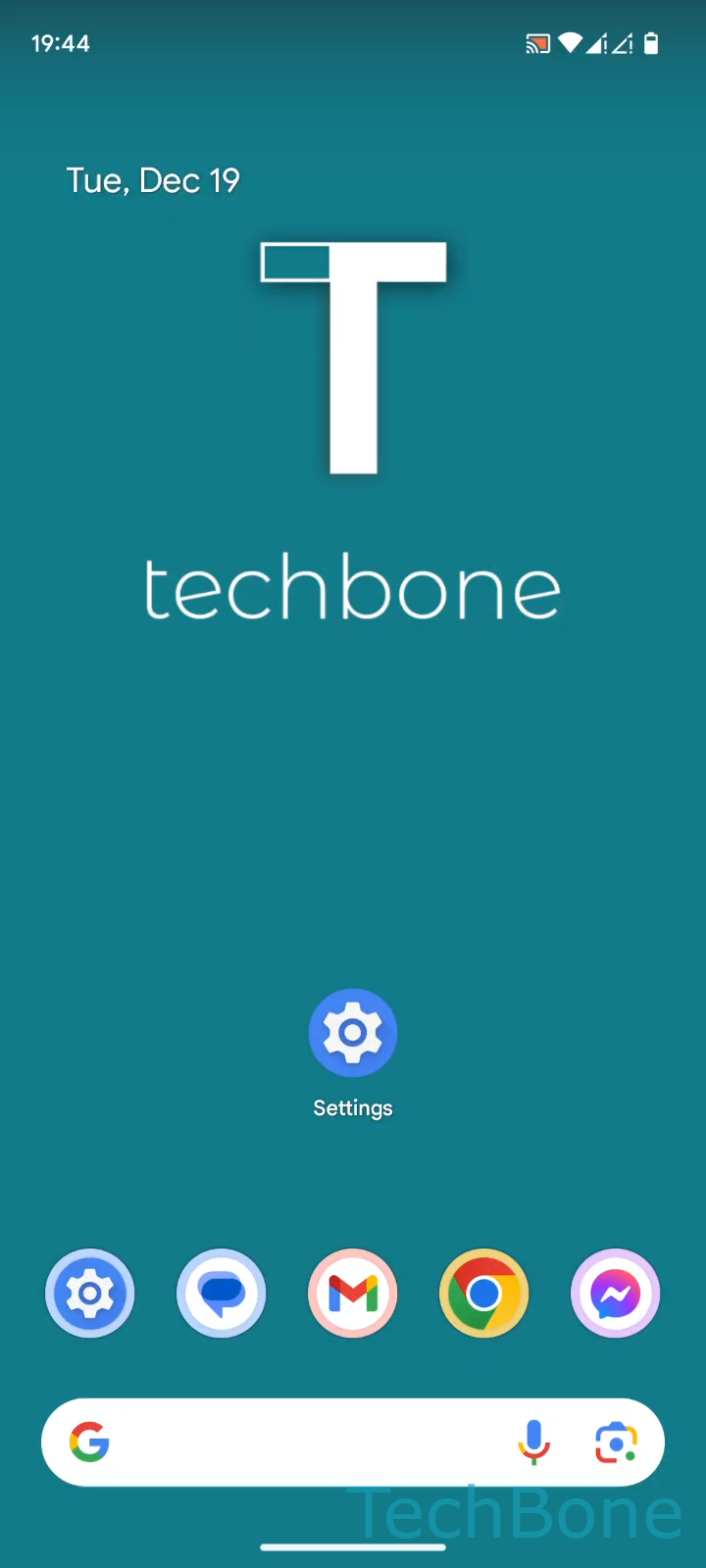
To pair a new device, go to Tap on Settings ➔ Tap on Connected devices ➔ Tap on Pair new device ➔ Select an Available device ➔ Tap on Pair.
If nothing shows up under available devices, the accessory is likely not in pairing mode, out of range, or already connected to another phone. Restarting Bluetooth on your Android device or moving closer to the accessory usually resolves discovery issues. If the device connects but audio or file transfer still does not work, the problem is often with a specific profile rather than the pairing itself, and removing then re-pairing the device can help.