

Android
Change Preferred Network Type auf Android
Android phones support a range of network types depending on the hardware inside them, typically 2G, 3G, 4G and sometimes 5G. The preferred network type setting tells the device which of these to prioritize when connecting to your carrier.
Problems appear when the selected network type does not match local coverage. A phone locked to 5G in an area with only patchy 5G towers can end up with worse speeds than one allowed to fall back to 4G. The same applies further down the chain: a device set to 3G can still use 2G automatically if 2G reception is stronger, but only if 3G stays selected as the preferred type rather than being turned off entirely.
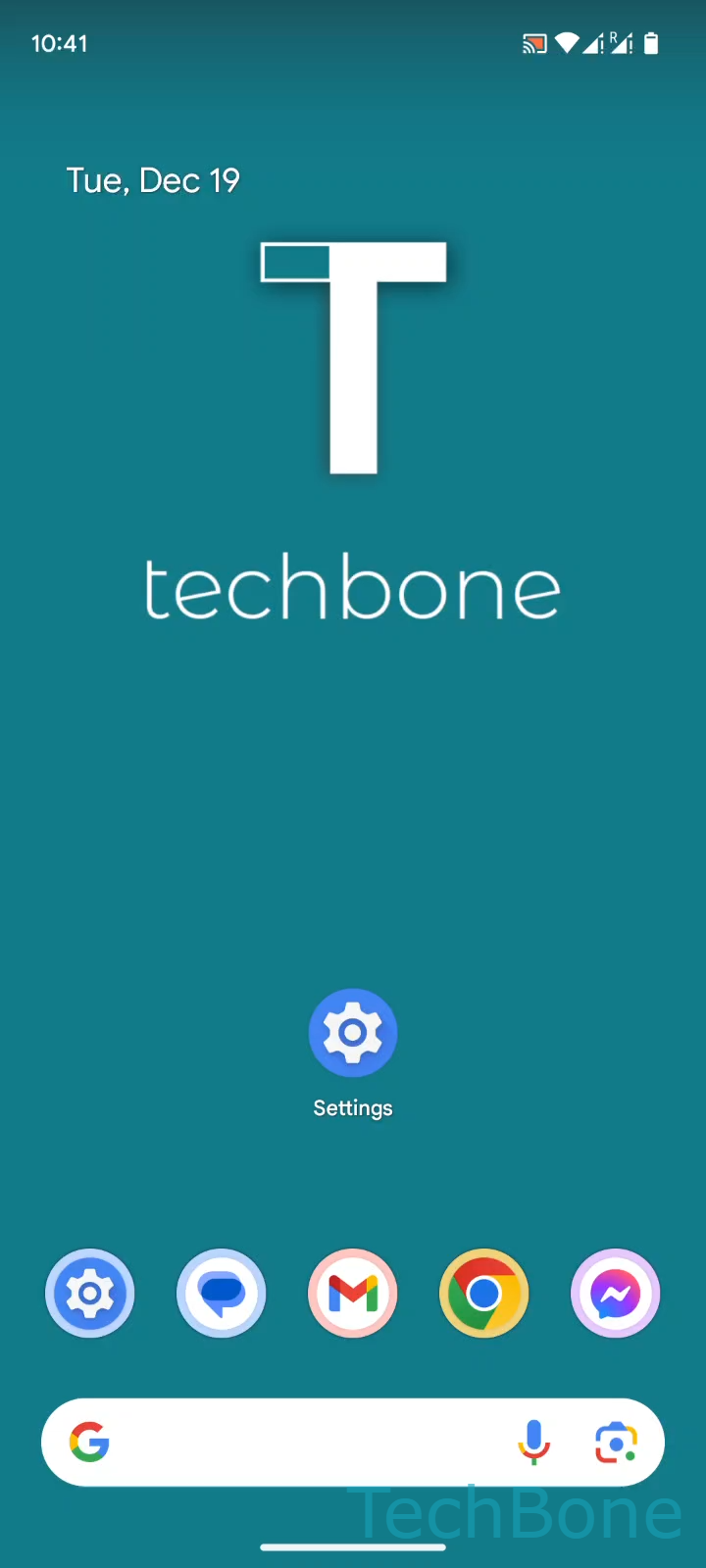
To change the setting, go to Tap on Settings ➔ Tap on Network & internet ➔ Tap on SIMs ➔ Choose a SIM card (Dual SIM) ➔ Tap on Preferred network type ➔ Select the Preferred network type.
This fix helps most with intermittent signal drops, slow data in rural or basement areas, or battery drain from constant network searching. It will not resolve issues caused by a carrier outage, a faulty SIM, or a phone that physically does not support a given network type. If reception stays poor after switching, check the SIM card and airplane mode toggle before adjusting network settings again.