Skip to content
TechBone
Android

Android: Unarchive a Conversation in Google Messages

A text thread you need suddenly disappears from your main inbox in Google Messages, but a new message from that contact never arrives. In most cases the conversation was not deleted, it just moved into the Archived section during a swipe or a bulk cleanup. Once you know where that folder sits, getting the thread back takes seconds.

4 min5 steps
Version

Step by step

1 / 5

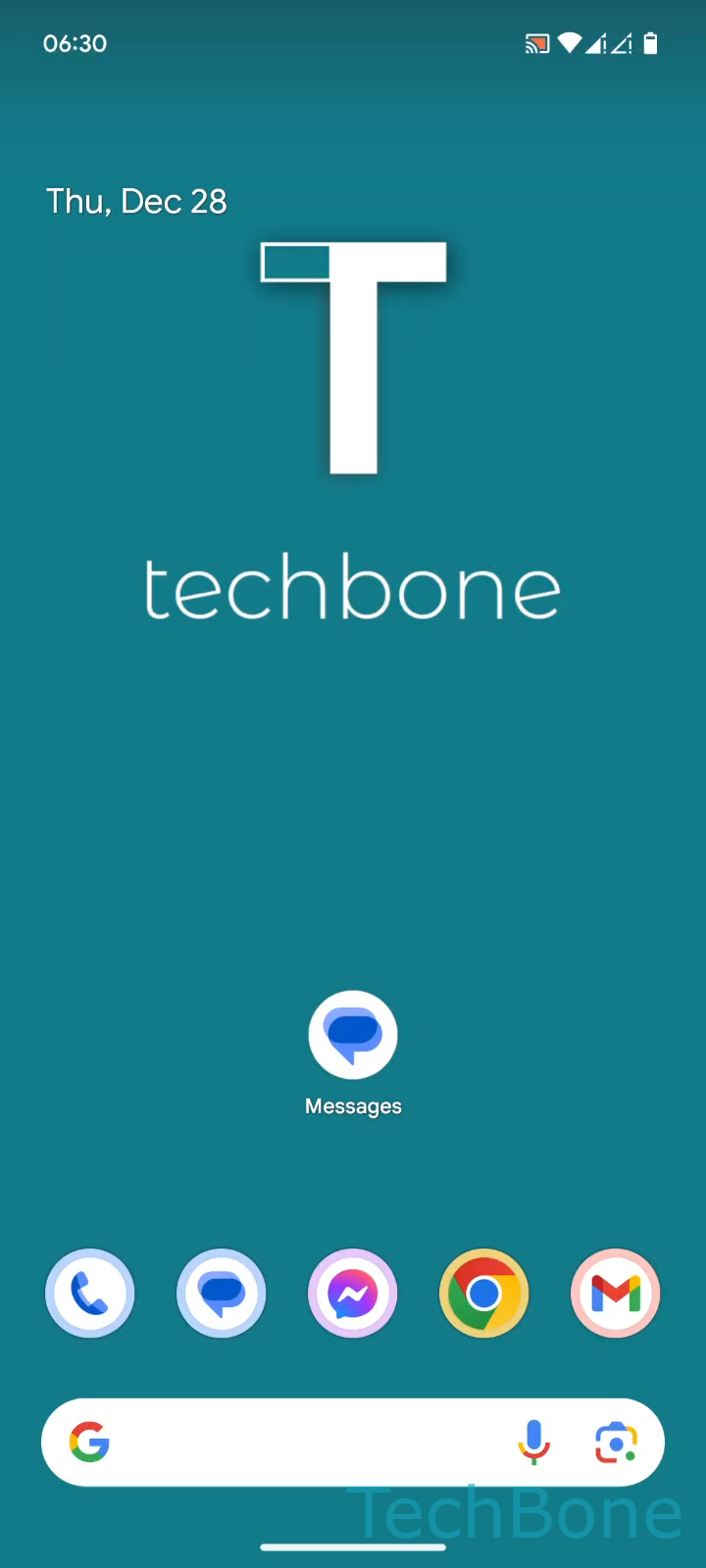
Step 1 of 5: Tap on **Messages**

1

Tap on Messages

Live simulator

Android 14 · Android 14
Unarchive a Conversation in Google Messages – Android 14: step 1 – Tap on Messages
Tap on Messages
1 / 5

Scroll or use the buttons for the next step

Feedback

Was the guide correct?

Help others: confirm the path or report a problem.

41

Confirmations

Forum verified this path

Android

Unarchive a Conversation in Google Messages auf Android

Google Messages archives a conversation instead of deleting it whenever you swipe it away or tap Archive from the conversation menu. Archived threads still receive new messages, but they stay hidden from the main conversation list until you move them back manually.

This is why a chat can seem gone even though nothing was removed. The archive keeps every message, attachment and read status intact, so unarchiving restores the thread exactly as it was.

How to unarchive a conversation

Open Tap on MessagesTap on Google AccountTap on Archived. This shows every conversation currently stored in the archive.

Find the thread you need, then Tap and hold a Conversation to select it. A small action bar appears above the list.

Tap Tap on Unarchive to move the conversation back to your main inbox. It reappears in the regular conversation list right away, in its normal position based on the latest message timestamp.

If a thread is not in the archive, check whether it was blocked or deleted instead, since both actions remove it from this list permanently.

Frequently asked questions

A swipe gesture on the conversation list or a tap on the archive icon inside a thread sends it there automatically. Some third-party backup or cleanup apps can trigger the same action, so check recent app activity if this keeps happening without you doing it manually.