Skip to content
TechBone
Huawei

Huawei: Turn On Captions and Customize Style

If subtitles do not appear automatically when you play a video, or the caption text disappears against a light background, the caption function on your Huawei phone still needs a manual setup. EMUI keeps this feature off by default, so you have to activate it, pick a language, and adjust the text style yourself. Once configured correctly, captions stay readable regardless of the video background.

9 min11 steps
VersionAndroid 10 · EMUI

Step by step

1 / 11

Step 1 of 11: Open the **settings**

1

Open the settings

Live simulator

Android 10 · EMUI
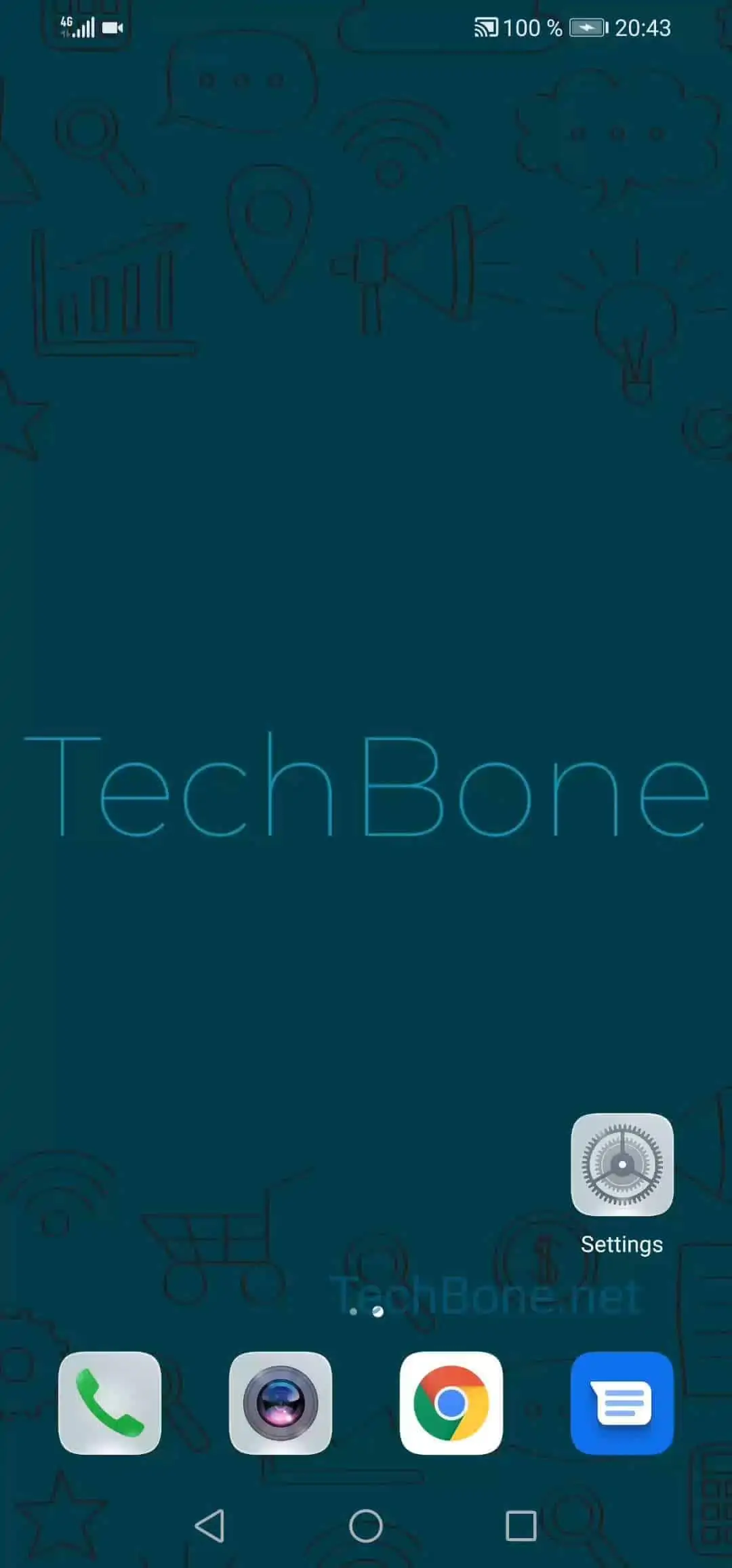
Set Up Captions – EMUI: step 1 – Open the settings
Open the settings
1 / 11

Scroll or use the buttons for the next step

Feedback

Was the guide correct?

Help others: confirm the path or report a problem.

60

Confirmations

Forum verified this path

Huawei

Set Up Captions auf Huawei

Captions on a Huawei phone depend on two things: whether the media file actually contains a subtitle track, and whether the accessibility caption function is switched on.

By default this function stays off, which is why subtitles can be missing even in videos that support them.

Once you turn it on, EMUI lets you choose a caption language, set a text size, and pick a caption style so the text stays visible on both light and dark video backgrounds.

To activate and customize captions, follow this path:

Open the settingsTap on Accessibility featuresTap on AccessibilityTap on CaptionsActivate CaptionsTap on LanguageChoose a languageTap on Text sizeChoose a Text sizeTap on Caption styleChoose a caption style

The language selection only applies to caption tracks already embedded in the file; it does not translate audio or generate new subtitles.

If captions still do not show up after this setup, the video itself has no subtitle track, and no on-device setting can add one.

Frequently asked questions

Activating Captions only displays subtitle tracks that already exist in the file. If the video has no embedded captions, none will appear regardless of your settings.