
Huawei
Enable or Disable Huawei Beam auf Huawei
Huawei Beam uses NFC to detect a second phone that is held back to back with yours. Once the two devices recognize each other, EMUI automatically switches on Bluetooth or WLAN to handle the actual file transfer, since NFC alone is too slow for photos, apps, or larger files.
If Beam does not trigger anything when the phones touch, check whether NFC is switched on first. Beam only works as an active option once NFC is enabled somewhere in the device settings; with NFC off, the toggle stays inactive or does not respond.
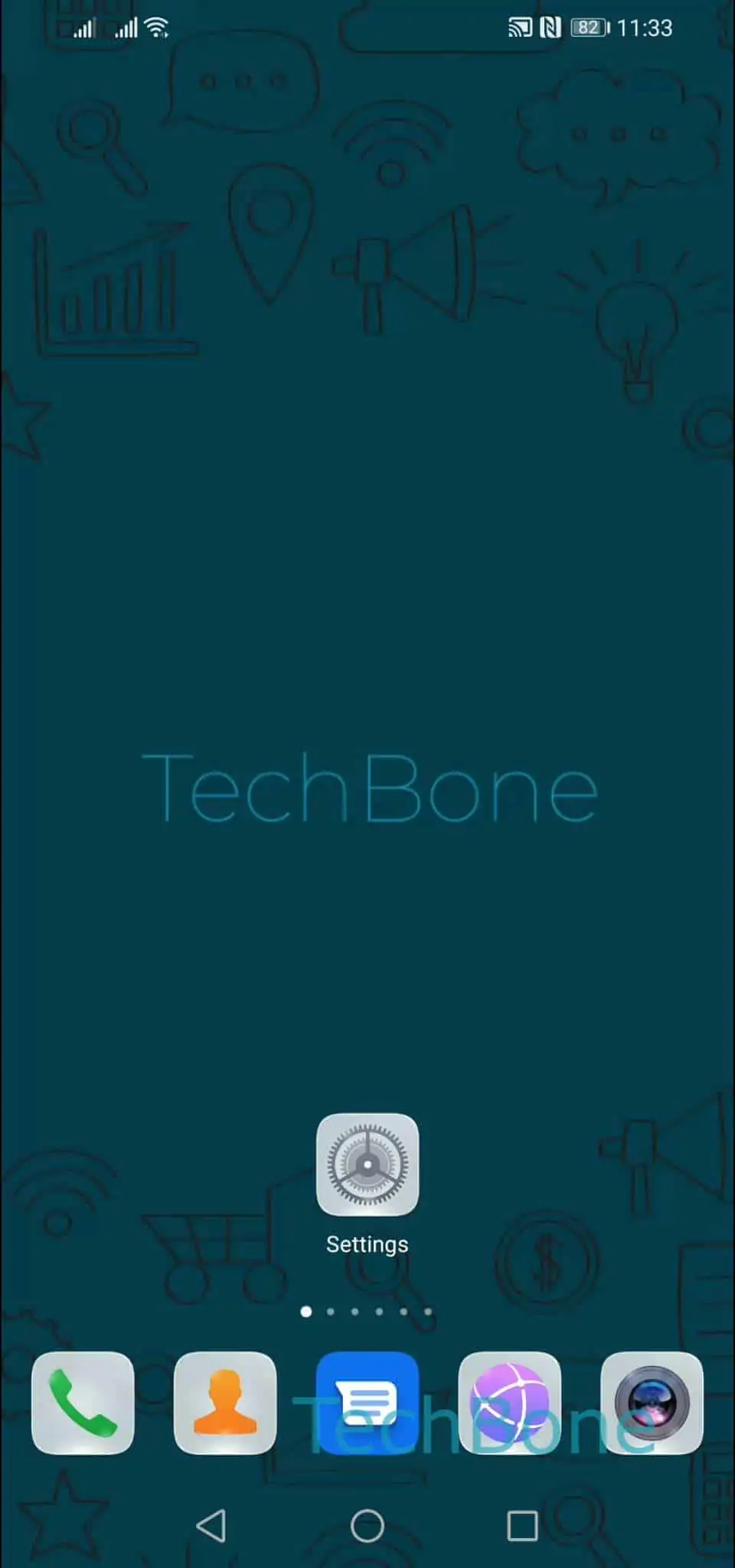
To reach the toggle: Open the Settings ➔ Tap on More connections ➔ Tap on Huawei Beam ➔ Enable or disable Huawei Beam.
Turning Beam off prevents accidental transfers when phones touch inside a bag or pocket, which helps in crowded places. Turning it back on restores the quick touch-to-share option for photos, contacts, and apps between two NFC-capable Huawei phones.
If the goal is sending files to a phone from a different brand, Beam will not help, since it depends on matching software on both sides. A direct Bluetooth share or a cloud link works more reliably in that case.