
Huawei
Enable or Disable Huawei Share auf Huawei
Huawei Share lets two Huawei phones exchange photos, videos or documents by holding them close together, without a cable or a shared cloud account. This works over a direct Wi-Fi and Bluetooth connection between the devices, so no mobile data is used.
By default, Huawei Share stays off. That is why a nearby phone will not show up as a receiver until you switch the feature on manually.
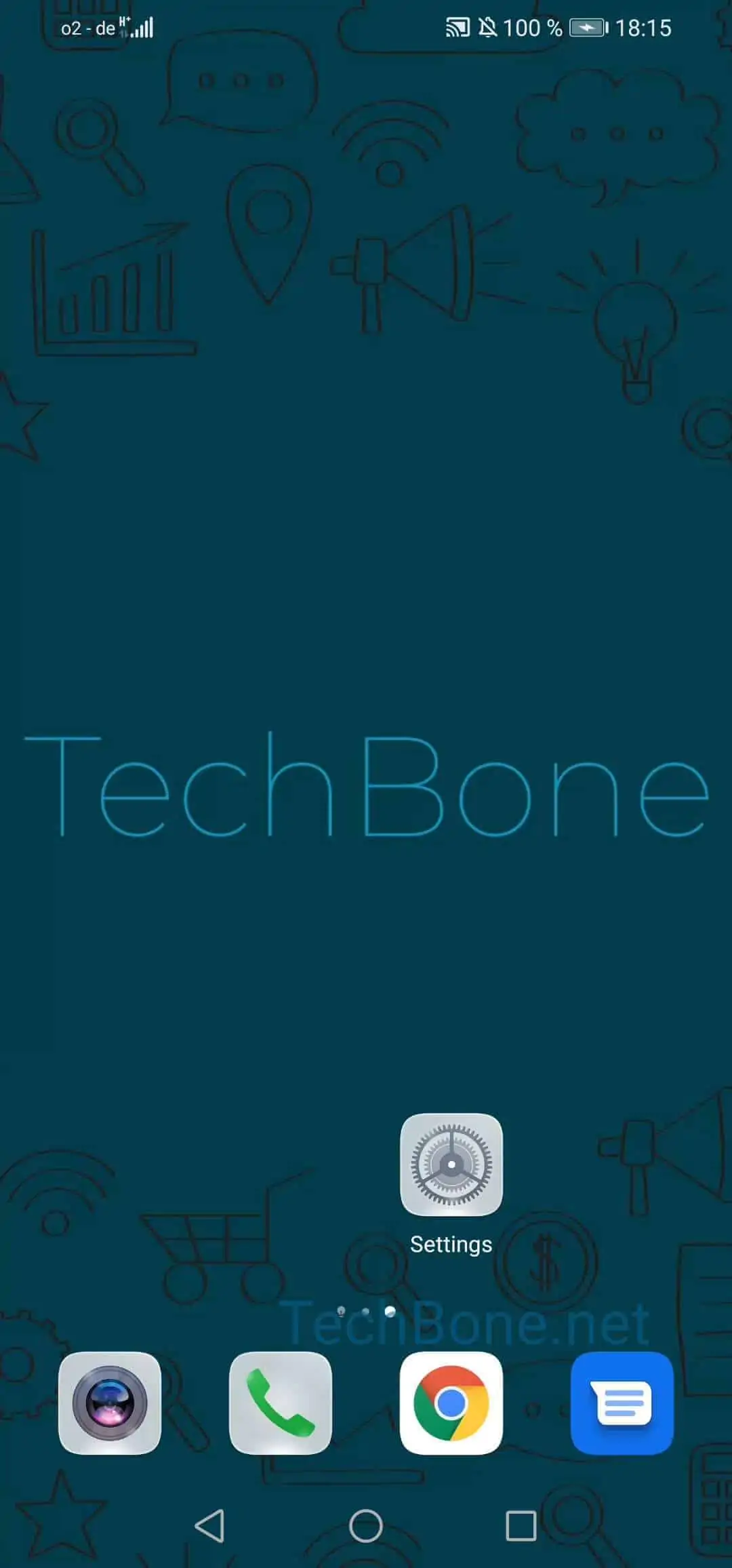
To turn it on, open Open the settings ➔ Tap on More connections ➔ Tap on Huawei Share ➔ Activate or deactivate Huawei Share. The same toggle switches the feature off again if you no longer need it or want to save battery.
On the same screen you also find Computer Share. Turning this on lets you access files on your phone from a PC or laptop that is connected to the same Wi-Fi network, without installing extra software on the computer.
Leaving Huawei Share disabled makes sense if you rarely transfer files this way or prefer to limit background wireless connections. If you regularly exchange files with other Huawei users nearby, keeping it active saves you from opening the settings every time.