Skip to content
TechBone
Huawei

Huawei: Turn Data Roaming On or Off

If your Huawei phone locks onto a foreign or unfamiliar network abroad, mobile data simply stops working until roaming is switched on. Once you activate it, the phone can use a foreign carrier's mobile network, and that access almost always comes with extra charges from your provider. Leaving roaming off protects you from surprise bills but also blocks data, calls, and messages on networks outside your home carrier.

4 min5 steps
VersionAndroid 10 · EMUI

Step by step

1 / 5

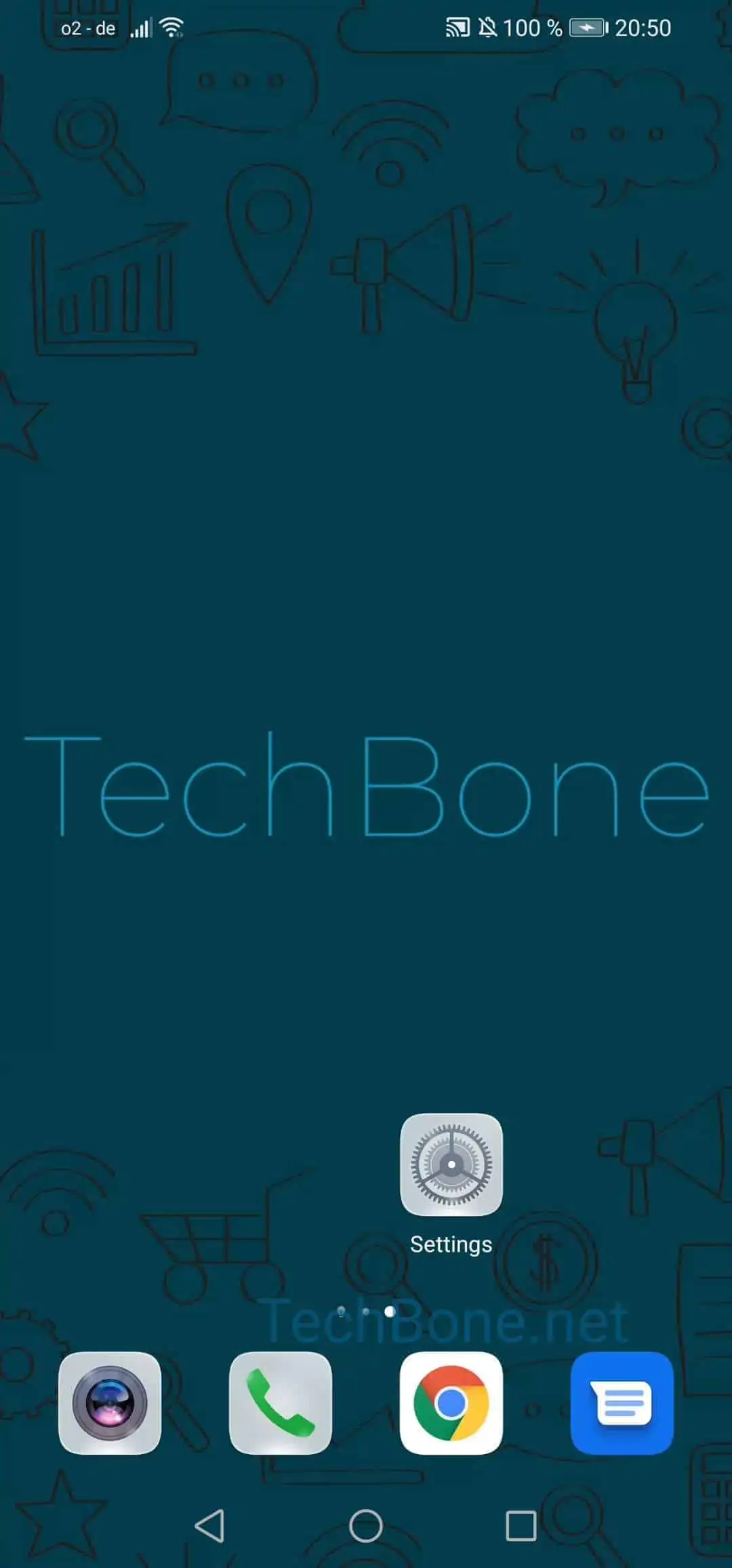
Step 1 of 5: Open the **settings**

1

Open the settings

Live simulator

Android 10 · EMUI
Enable or Disable Data Roaming – EMUI: step 1 – Open the settings
Open the settings
1 / 5

Scroll or use the buttons for the next step

Feedback

Was the guide correct?

Help others: confirm the path or report a problem.

71

Confirmations

Forum verified this path

Huawei

Enable or Disable Data Roaming auf Huawei

When a Huawei phone connects to a network outside your home carrier, the system blocks mobile data by default. This is a safeguard, since using a foreign network almost always triggers extra charges from your provider. Data roaming has to be switched on manually before calls, messages, or mobile data will work through that foreign network.

To change the setting, go to Open the settingsTap on Mobile networkTap on Mobile dataActivate or deactivate Data roamingConfirm with OK.

When to leave roaming off

If you are traveling and want to avoid unexpected costs, keep roaming disabled and rely on Wi-Fi instead. Some providers offer roaming packages or flat rates; check with your carrier before switching it on for an extended trip.

When to turn it on

Enable roaming only when you actually need mobile data or calls on a foreign network, for example during short business trips or when no Wi-Fi is available. Turn it off again once you are back on your home network or once you no longer need the connection, so it does not stay active by accident.

Frequently asked questions

Check that your provider actually supports roaming agreements in that country and that your plan includes it. Also confirm the setting under Open the settingsTap on Mobile networkTap on Mobile data is still switched on, since some phones reset it after a restart.