Skip to content
TechBone
Huawei

Huawei: Check for Software Updates Manually

If your Huawei phone hasn't shown a notification about a new version, you could still be missing a fix or feature that already rolled out. Update alerts on EMUI often depend on background checks that get delayed by network conditions or staged rollouts. Checking the update status yourself confirms whether a new version is actually available for your device.

3 min4 steps
VersionAndroid 10 · EMUI

Step by step

1 / 4

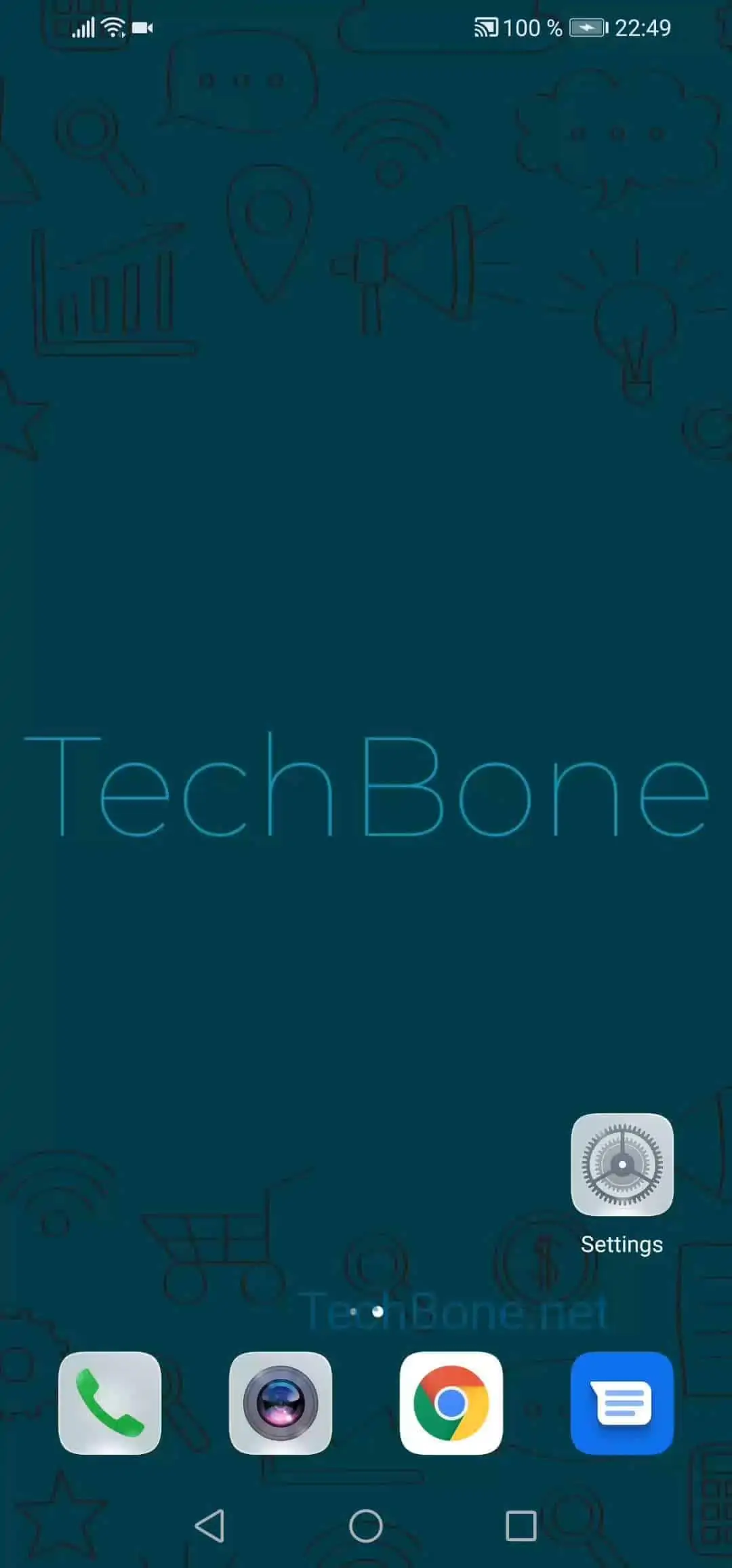
Step 1 of 4: Open the **settings**

1

Open the settings

Live simulator

Android 10 · EMUI
Check for Software Updates – EMUI: step 1 – Open the settings
Open the settings
1 / 4

Scroll or use the buttons for the next step

Feedback

Was the guide correct?

Help others: confirm the path or report a problem.

65

Confirmations

Forum verified this path

Huawei

Check for Software Updates auf Huawei

Huawei phones normally notify you automatically when a new software version becomes available. That check runs in the background and can be delayed by weak network connections, staged server rollouts, or paused background tasks for the settings app.

If you suspect a fix or feature has already shipped but no alert appeared, checking manually removes the guesswork. This is also useful after a support conversation that mentioned a fix, or when troubleshooting a bug that a newer version might resolve.

To check manually, go to Open the settingsTap on System & updatesTap on Software updateTap on Check for updates. If a new version exists, it appears here with the option to download and install it right away.

If nothing shows up, your device is already on the latest version available for it, or the rollout for your region and model has not reached you yet. In that case, waiting a few days and checking again is usually the better fix than trying to force an update through other means.

Frequently asked questions

Your Huawei phone is either already on the latest version, or the update has not been rolled out to your specific model and region yet. Staged rollouts can take days to reach every device, so checking again later under Software update is the simplest next step.