
Huawei
Add Cities to World Clock auf Huawei
The Huawei Clock app only shows your own time zone by default. Anyone working with colleagues abroad, planning calls across regions, or keeping track of family in another country needs the World clock section to show additional cities.
This function lives inside the built-in Clock app on EMUI and does not need a separate download. Once a city is added, its current time stays visible every time you open the app, and it updates automatically with daylight saving changes for that region.
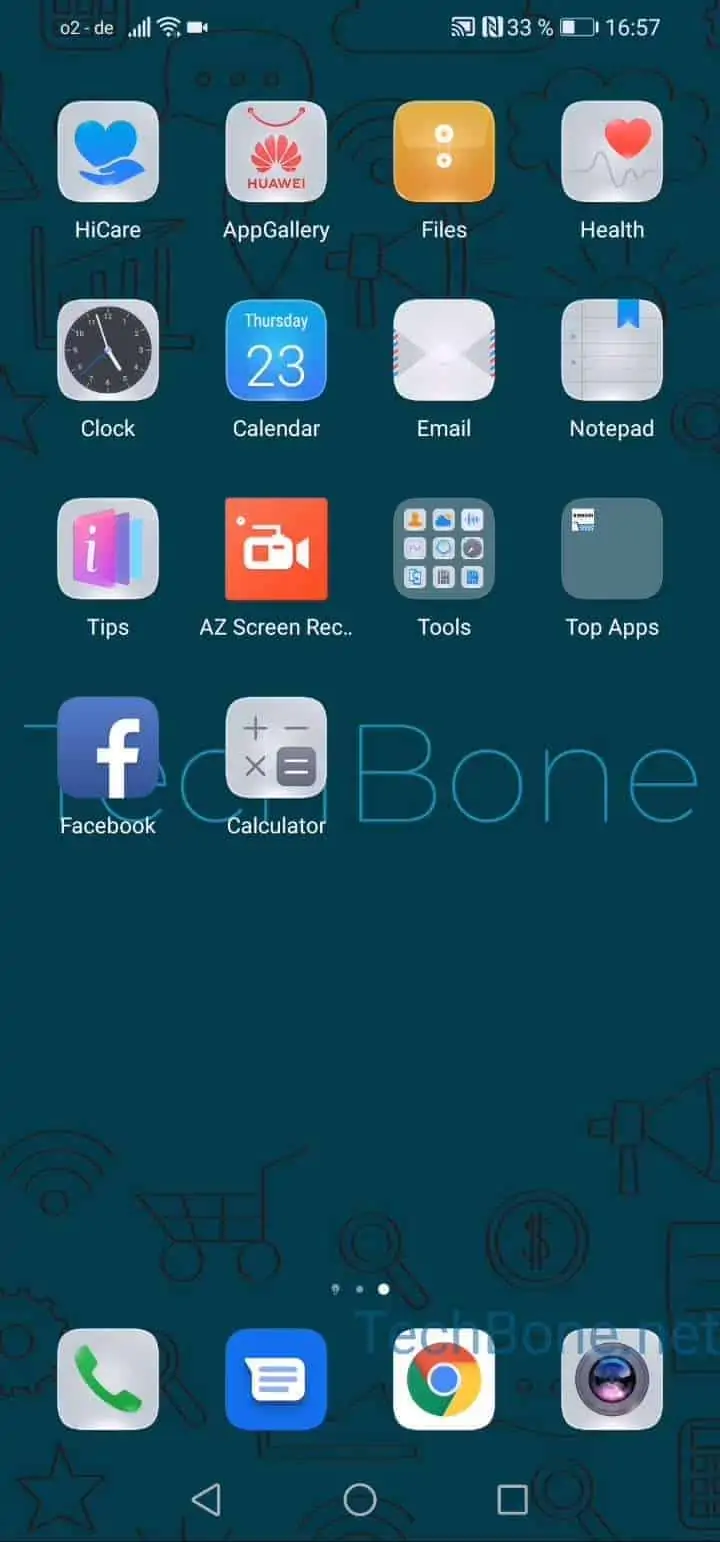
To add a city, open Clock ➔ World clock ➔ Add, then Type in the city name and Choose a city from the matching results. Repeat the same steps to add more cities, there is no fixed limit shown in the app.
To remove a city again, tap and hold its entry until it gets marked, then tap the bin icon that appears. This works the same way whether you added one city or several.
If you only need a quick time check without keeping a permanent entry, a search engine or voice assistant query is faster for a one-off lookup. The World clock feature is the better option when you check the same cities regularly.