Skip to content
TechBone
OnePlus

OnePlus: Add an App to Do Not Disturb Exceptions

If notifications from a specific app stay silent even though Do Not Disturb is active on your OnePlus, the app is missing from the exception list. This mostly affects messaging or call apps where you still want alerts to break through. The fix sits inside the notification settings of that single app, not in the general Do Not Disturb menu.

6 min8 steps
VersionAndroid 10 · Oxygenos 10

Step by step

1 / 8

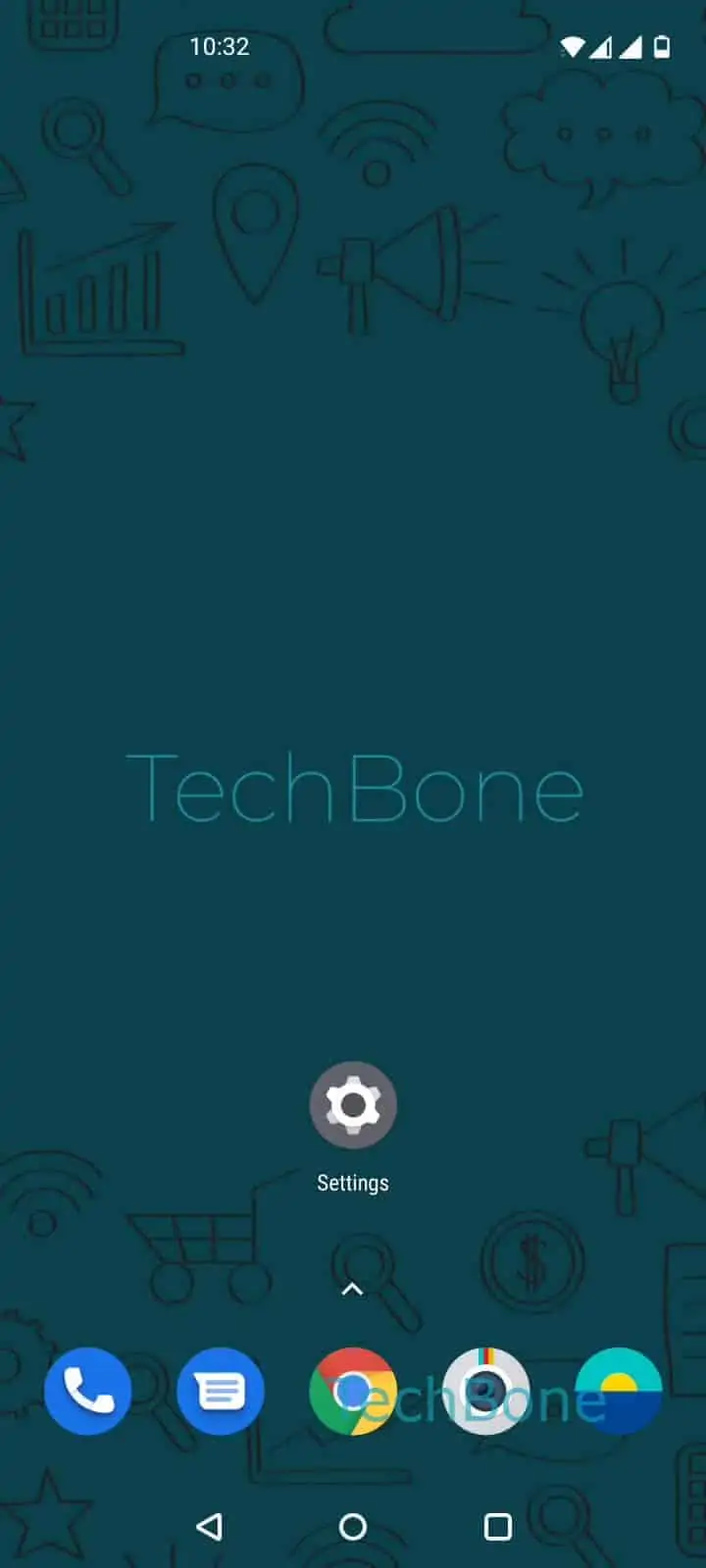
Step 1 of 8: Open the **Settings**

1

Open the Settings

Live simulator

Android 10 · Oxygenos 10
Add App to Do Not Disturb Exceptions – Oxygenos 10: step 1 – Open the Settings
Open the Settings
1 / 8

Scroll or use the buttons for the next step

Feedback

Was the guide correct?

Help others: confirm the path or report a problem.

33

Confirmations

Forum verified this path

OnePlus

Add App to Do Not Disturb Exceptions auf OnePlus

Do Not Disturb on OnePlus silences notifications system-wide, but individual apps can be told to ignore that block. This is handled per app, not through a global exception list, which is why the setting is easy to miss.

Each app has its own notification categories, such as messages, calls or reminders. Only the category you enable will break through Do Not Disturb, while the rest of the app stays silent. This lets you allow, for example, incoming calls from a specific app while muting its promotional alerts.

Menu path

Open SettingsApps & notificationsSee all apps ➔ choose the app ➔ Notifications ➔ pick a category ➔ Advanced ➔ enable Override Do not Disturb.

If the app shows no separate categories, the override toggle applies to all of its notifications at once. Turning the toggle off again restores the normal Do Not Disturb behavior for that app.

This setting is useful for apps you rely on during focus time, such as a work chat or a family calling app. For apps that send frequent low-priority alerts, leaving the override disabled keeps Do Not Disturb effective.

Frequently asked questions

Check that you enabled the override on the correct notification category. Some apps split alerts into categories like Messages and Calls, and only the enabled category bypasses Do Not Disturb.

Compatible devices

Tap your device — opens its hub with matching guides.