Skip to content
TechBone
OnePlus

OnePlus: Turn Android Beam On or Off

If Android Beam is missing from your settings, NFC is probably switched off on your OnePlus phone, since Beam only shows up once near field communication is active. Android Beam lets you send photos, contacts, or app content to another Android device just by holding the two phones back to back. Without it enabled you lose that quick tap-to-share transfer option entirely.

3 min4 steps
VersionAndroid 10 · Oxygenos 10

Step by step

1 / 4

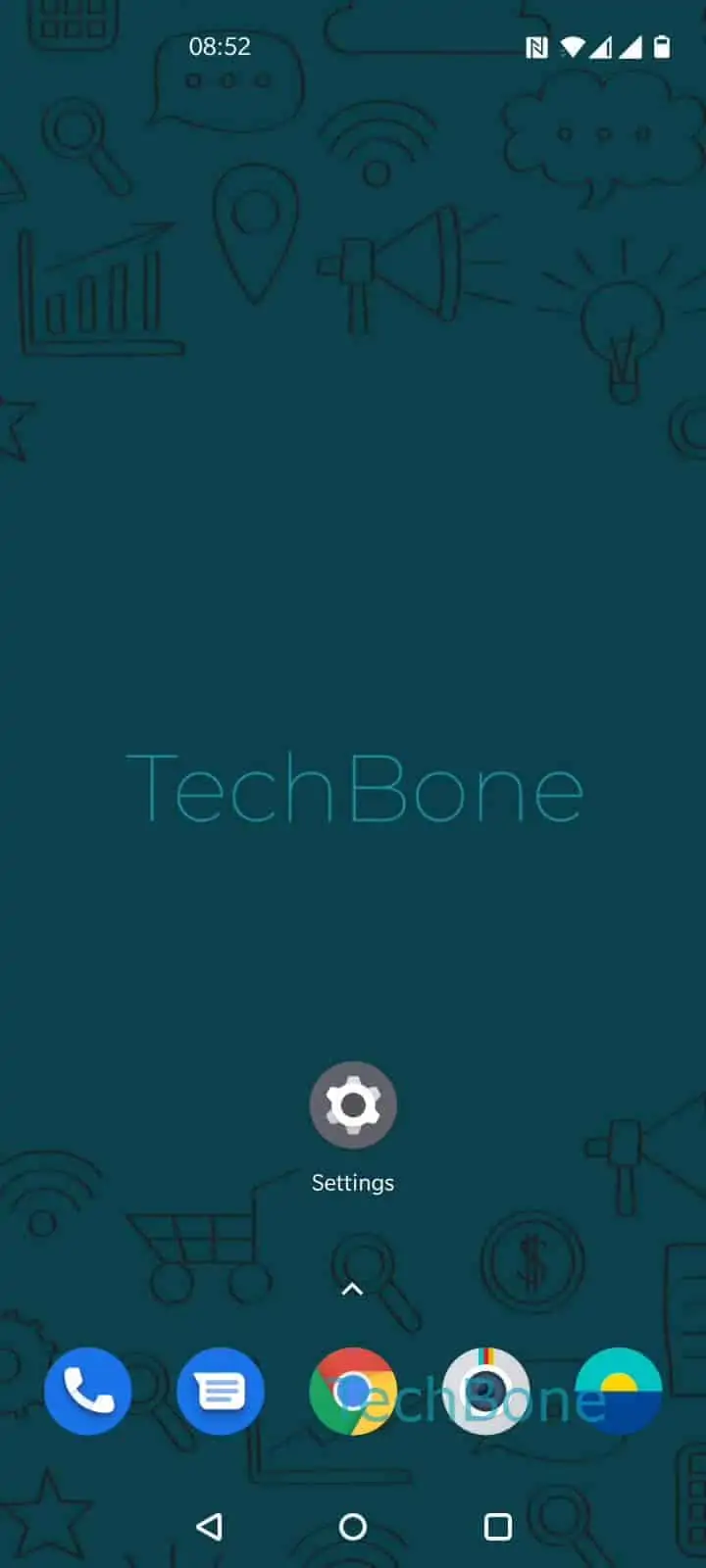
Step 1 of 4: Open the **Settings**

1

Open the Settings

Live simulator

Android 10 · Oxygenos 10
Enable or Disable Android Beam – Oxygenos 10: step 1 – Open the Settings
Open the Settings
1 / 4

Scroll or use the buttons for the next step

Feedback

Was the guide correct?

Help others: confirm the path or report a problem.

11

Confirmations

Forum verified this path

OnePlus

Enable or Disable Android Beam auf OnePlus

Android Beam only shows up in your settings once NFC is already switched on for your OnePlus phone. Beam uses near field communication to send photos, contacts, or app content to another Android device by holding both phones back to back.

If the menu item is missing, check that NFC is active first, since Beam depends on it. The toggle itself sits inside the Bluetooth & device connection settings, not inside the NFC menu.

Here is the verified path:

Open the SettingsTap on Bluetooth & device connectionTap on Android BeamEnable or disable Android Beam

Turning Android Beam off does not disable NFC itself, so contactless payments and tag scanning keep working. It only stops the back-to-back file transfer function.

Disabling it makes sense if you only use NFC for payments and never share files this way, or if Beam transfers keep failing with certain apps. If you regularly move larger files, a dedicated file-sharing app usually gives faster and more reliable results than Beam, since Beam relies on an older transfer method with limited device support.

Frequently asked questions

Android Beam only appears once NFC is turned on. Enable NFC first, then open SettingsBluetooth & device connection to find the Android Beam entry.

Compatible devices

Tap your device — opens its hub with matching guides.