Skip to content
TechBone
OnePlus

OnePlus: Set the Camera Aspect Ratio

If your photos come out square when you wanted a wide landscape shot, or a portrait leaves odd black bars, the camera aspect ratio on your OnePlus is probably set wrong for what you are shooting. The Camera app offers different formats depending on your phone screen ratio, and the wrong pick crops out parts of the scene or adds unwanted space around your subject. Switching between 4:3, Full and 1:1 changes exactly how much of the frame actually gets saved.

3 min4 steps
VersionAndroid 10 · Oxygenos 10

Step by step

1 / 4

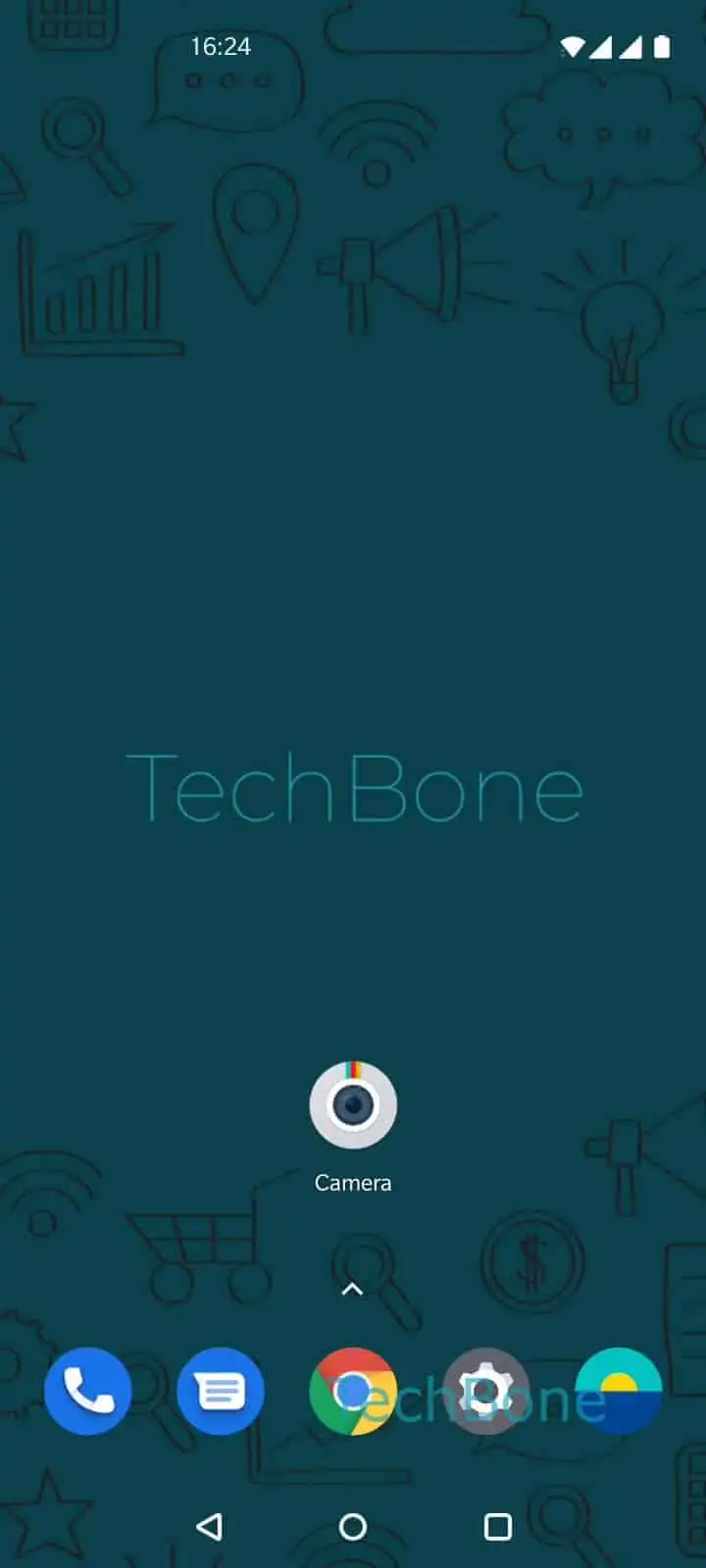
Step 1 of 4: Open the **Camera app**

1

Open the Camera app

Live simulator

Android 10 · Oxygenos 10
Set Camera Aspect Ratio – Oxygenos 10: step 1 – Open the Camera app
Open the Camera app
1 / 4

Scroll or use the buttons for the next step

Feedback

Was the guide correct?

Help others: confirm the path or report a problem.

32

Confirmations

Forum verified this path

OnePlus

Set Camera Aspect Ratio auf OnePlus

The aspect ratio setting decides how much of what the sensor sees actually ends up in your saved photo. On a OnePlus phone this matters because the screen itself can be 16:9 or 21:9, while the sensor is often built around a 4:3 ratio. Without adjusting the setting, the Camera app crops or stretches the preview to fit your screen, which is why photos sometimes look tighter or wider than expected.

Each option serves a different purpose. 4:3 uses the full sensor height and works well for standard prints or detailed shots. Full stretches the frame to match your screen, which suits landscapes and quick sharing since it fills more of the display. 1:1 crops to a square, useful for profile pictures or square social posts, but it always cuts the sides of the image.

To change it, open the Camera app ➔ open the Settings ➔ tap on Aspect ratio ➔ choose 4:3, Full or 1:1. The setting applies to new photos only, so anything already saved keeps its original ratio.

If pictures still look off after switching, the issue is more likely tied to resolution or zoom level than to aspect ratio itself.

Frequently asked questions

No, video format is controlled separately in the video settings of the Camera app. The aspect ratio option under SettingsAspect ratio only affects still photos.

Compatible devices

Tap your device — opens its hub with matching guides.