Skip to content
TechBone
OnePlus

OnePlus: Turn Keyboard Auto-Correction On or Off

Typing a technical term, a name, or slang on your OnePlus and watching Gboard swap it for a completely different word is frustrating, especially in a WhatsApp chat or a work email you cannot easily edit after sending. Auto-correction speeds up typing for most people, but it also guesses wrong often enough to break sentences or change meaning. If wrong substitutions keep showing up, the fix sits in the keyboard's text correction settings.

6 min7 steps
VersionAndroid 10 · Oxygenos 10

Step by step

1 / 7

Step 1 of 7: Open the **Settings**

1

Open the Settings

Live simulator

Android 10 · Oxygenos 10
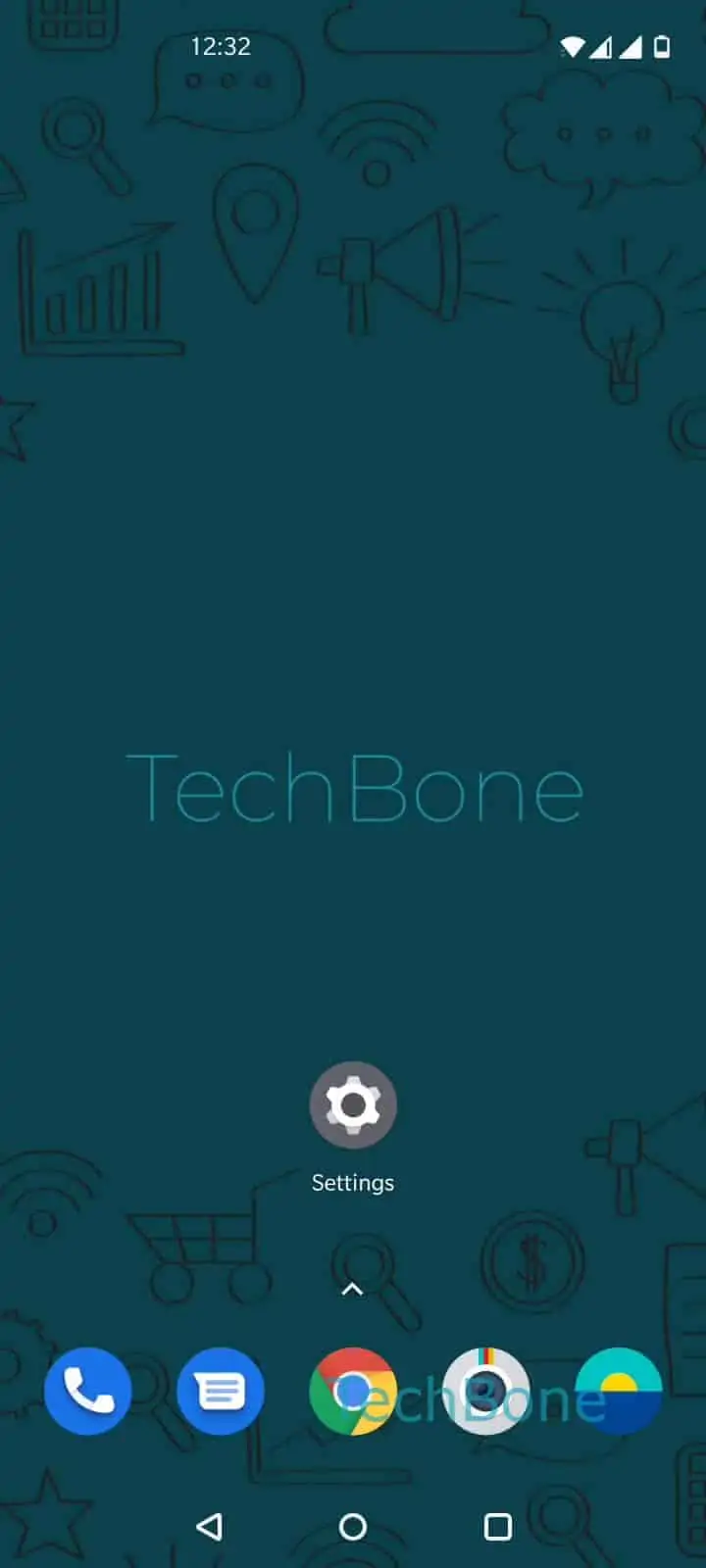
Enable or Disable Keyboard Auto-Correction – Oxygenos 10: step 1 – Open the Settings
Open the Settings
1 / 7

Scroll or use the buttons for the next step

Feedback

Was the guide correct?

Help others: confirm the path or report a problem.

90

Confirmations

Forum verified this path

OnePlus

Enable or Disable Keyboard Auto-Correction auf OnePlus

Auto-correction on OnePlus runs through Gboard, the default virtual keyboard in Android. It compares each word you type against a dictionary and swaps anything it does not recognize for the closest match. That works well for common typos, but it regularly misfires on names, abbreviations, slang, or technical vocabulary.

Once a wrong correction slips into a sent message, there is no built-in undo beyond retyping the word. Disabling auto-correction stops these substitutions completely, though you lose the speed benefit for genuine typos. Keeping it enabled but reviewing suggestions before hitting send is a middle ground worth trying first.

Where to change the setting

Go to Open the SettingsTap on SystemTap on Languages & inputTap on Virtual keyboardTap on GboardTap on Text correctionEnable or disable Auto-correction.

This setting applies system-wide to Gboard, so it affects every app that uses the default keyboard, from messaging apps to browsers. If you switch to a different keyboard app later, you will need to repeat this check inside that app's own settings, since auto-correction preferences do not carry over between keyboards.

Frequently asked questions

No. Word suggestions are a separate feature from auto-correction. You can turn off Auto-correction in Text correction and still see suggested words in the bar above the keys, you just tap them manually instead of the keyboard swapping text automatically.

Compatible devices

Tap your device — opens its hub with matching guides.