Skip to content
TechBone
OnePlus

OnePlus: Turn Auto-Punctuate On or Off for Double-Tap Spacebar

If double-tapping the spacebar drops in a period you did not want, or nothing happens at all when you try it, Gboard's automatic punctuation behavior is set differently than you expect. This shortcut is meant to speed up typing by turning two quick space taps into a period plus a space, but it can also mess with fast typists who just want two spaces. The setting lives inside the keyboard's own text correction options, not in the general system menu, which is why many OnePlus users never find it.

6 min7 steps
VersionAndroid 10 · Oxygenos 10

Step by step

1 / 7

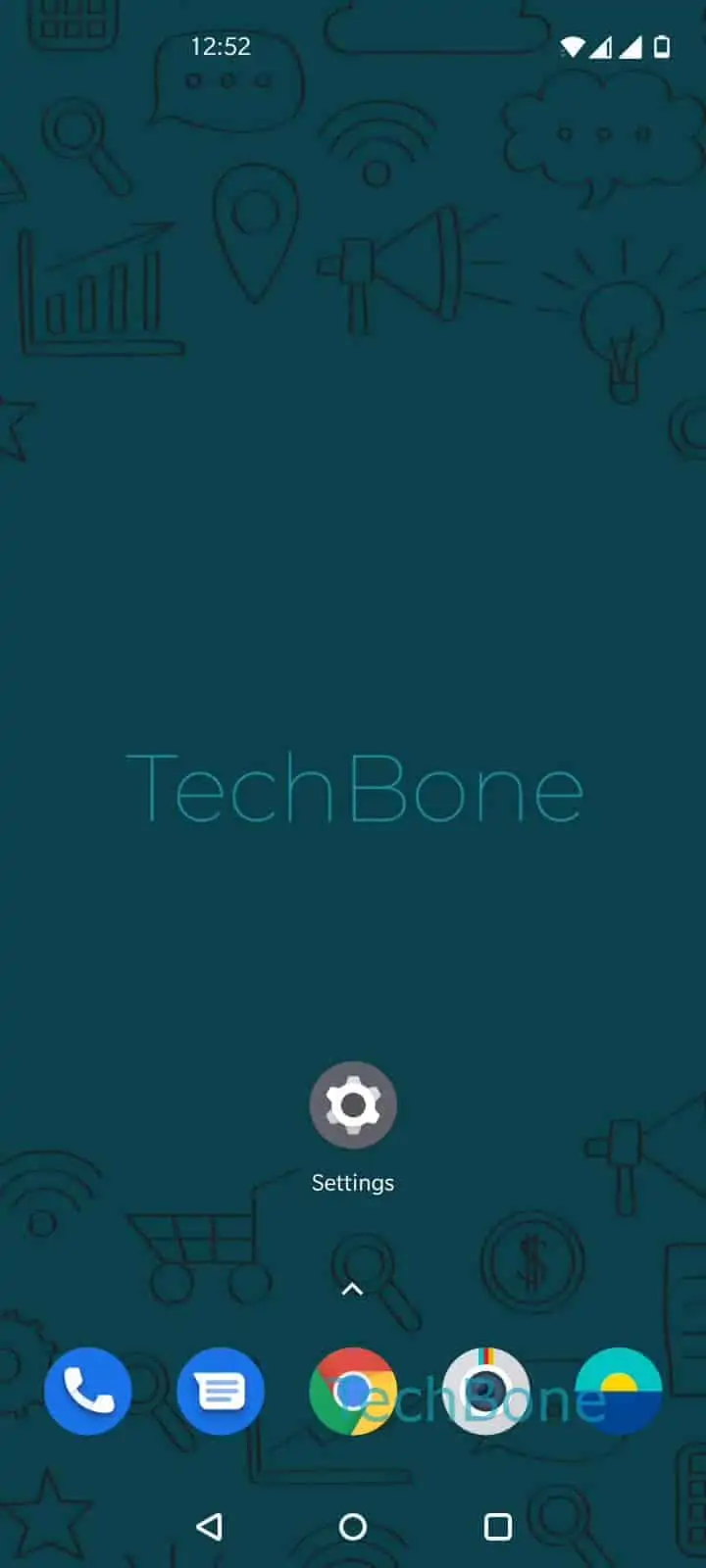
Step 1 of 7: Open the **Settings**

1

Open the Settings

Live simulator

Android 10 · Oxygenos 10
Enable or Disable Auto-Punctuate for Double-Tap Spacebar – Oxygenos 10: step 1 – Open the Settings
Open the Settings
1 / 7

Scroll or use the buttons for the next step

Feedback

Was the guide correct?

Help others: confirm the path or report a problem.

38

Confirmations

Forum verified this path

OnePlus

Enable or Disable Auto-Punctuate for Double-Tap Spacebar auf OnePlus

Auto-punctuate is a Gboard behavior, not a general Android system setting. When it is turned on, tapping the spacebar twice in a row automatically inserts a period followed by a space, letting you end a sentence and start the next one without lifting your fingers.

On OnePlus phones running Android, this option sits inside the keyboard app itself, so it only affects typing done with Gboard. If you use a different keyboard app, this switch has no effect there, and you would need to check that app's own settings instead.

Turning the feature off is useful if you type quickly and often hit the spacebar twice by accident, ending up with periods in places you did not intend. Turning it on helps if you want fewer taps per sentence and do not mind Gboard adding punctuation automatically.

To change it, follow this path:

Open the SettingsTap on SystemTap on Languages & inputTap on Virtual keyboardTap on GboardTap on Text correctionEnable or disable Double-space period

This setting only changes the double-space shortcut. It does not affect autocorrect, predictive text, or other punctuation rules, so if periods appear in the wrong place for other reasons, look at the separate text correction options instead.

Frequently asked questions

Check whether Double-space period is switched off under Text correction in Gboard settings. If it is off, no period gets inserted no matter how fast you tap the spacebar.

Compatible devices

Tap your device — opens its hub with matching guides.