Skip to content
TechBone
OnePlus

OnePlus: Show or Hide Battery Percentage in Status Bar

Guessing whether your OnePlus is at 20 percent or 60 percent from the battery icon alone is unreliable, especially once the icon outline gets thin. Without an exact number next to the icon, you only see a rough fill level in the status bar. That makes it hard to judge how much time you have left before a meeting or a long trip away from a charger.

3 min4 steps
VersionAndroid 10 · Oxygenos 10

Step by step

1 / 4

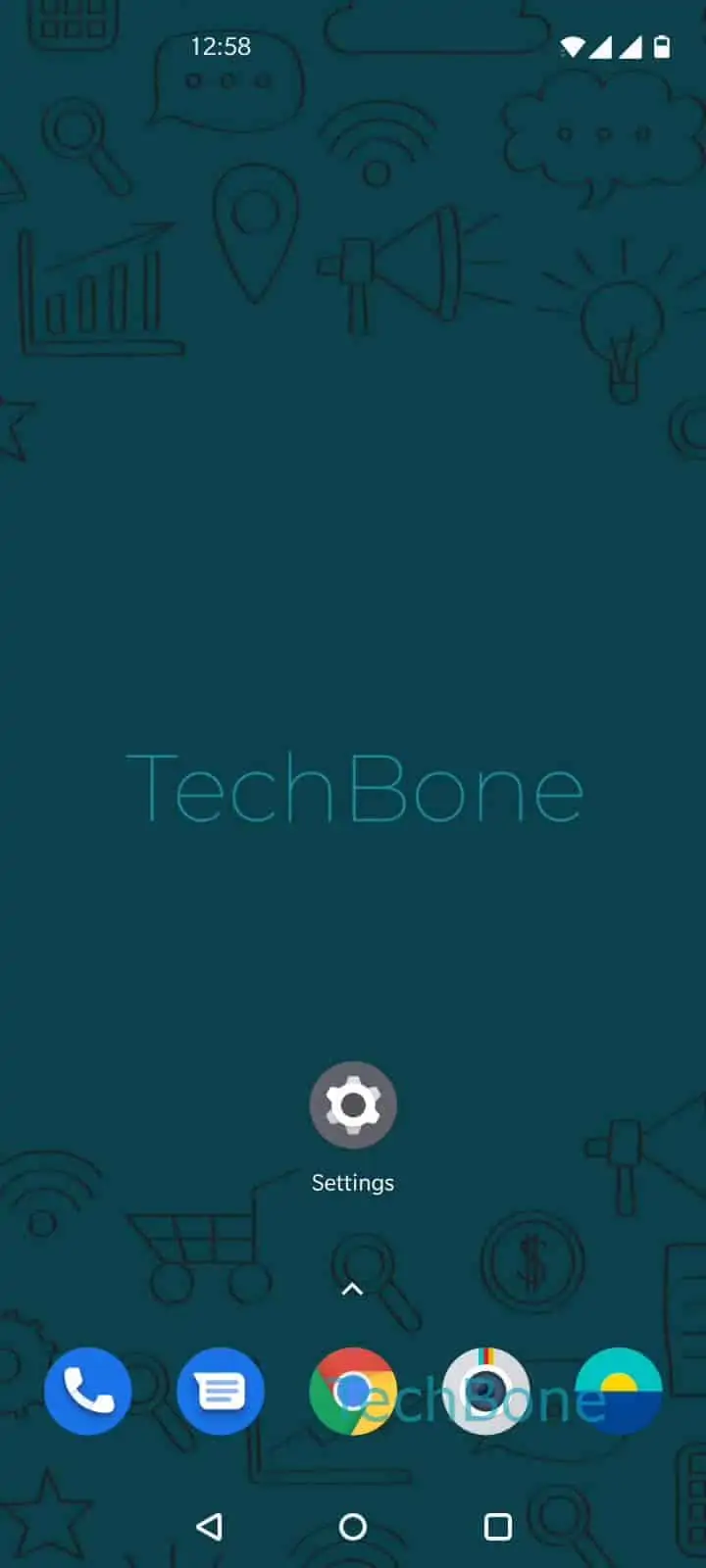
Step 1 of 4: Open the **Settings**

1

Open the Settings

Live simulator

Android 10 · Oxygenos 10
Show or Hide Battery Percentage in Status Bar – Oxygenos 10: step 1 – Open the Settings
Open the Settings
1 / 4

Scroll or use the buttons for the next step

Feedback

Was the guide correct?

Help others: confirm the path or report a problem.

53

Confirmations

Forum verified this path

OnePlus

Show or Hide Battery Percentage in Status Bar auf OnePlus

On OnePlus phones running Oxygenos, the status bar icon alone only shows a rough battery fill level, not an exact number. That makes it hard to decide if you have enough charge for a video call or a longer trip away from a charger.

Oxygenos lets you add the exact percentage next to the battery icon through a dedicated status bar setting. This does not change how the phone charges or how battery stats are calculated, it only changes what is displayed in the status bar.

To turn it on or off: Open the SettingsTap on DisplayTap on Status barEnable or disable Show battery percentage.

Once enabled, the number appears directly beside the battery icon and updates in real time as the phone charges or discharges. If you prefer a cleaner status bar, disabling the option removes the number and leaves only the icon.

This setting is independent from battery saver modes or charging speed settings. If your battery drains faster than expected even with the percentage visible, check background app usage and charging habits separately, since the status bar option only affects the display.

Frequently asked questions

Some updates reset display settings back to default. Repeat Open the SettingsTap on DisplayTap on Status barEnable or disable Show battery percentage to turn it back on.

Compatible devices

Tap your device — opens its hub with matching guides.