
OnePlus
Enable or Disable Battery Saver auf OnePlus
Fast battery drain on a OnePlus phone usually comes from background activity: apps refreshing content, syncing accounts or running animations while you are not actively using the screen. Battery Saver reduces that load by limiting background processes, cutting visual effects and slowing down some sync tasks so the remaining charge lasts longer.
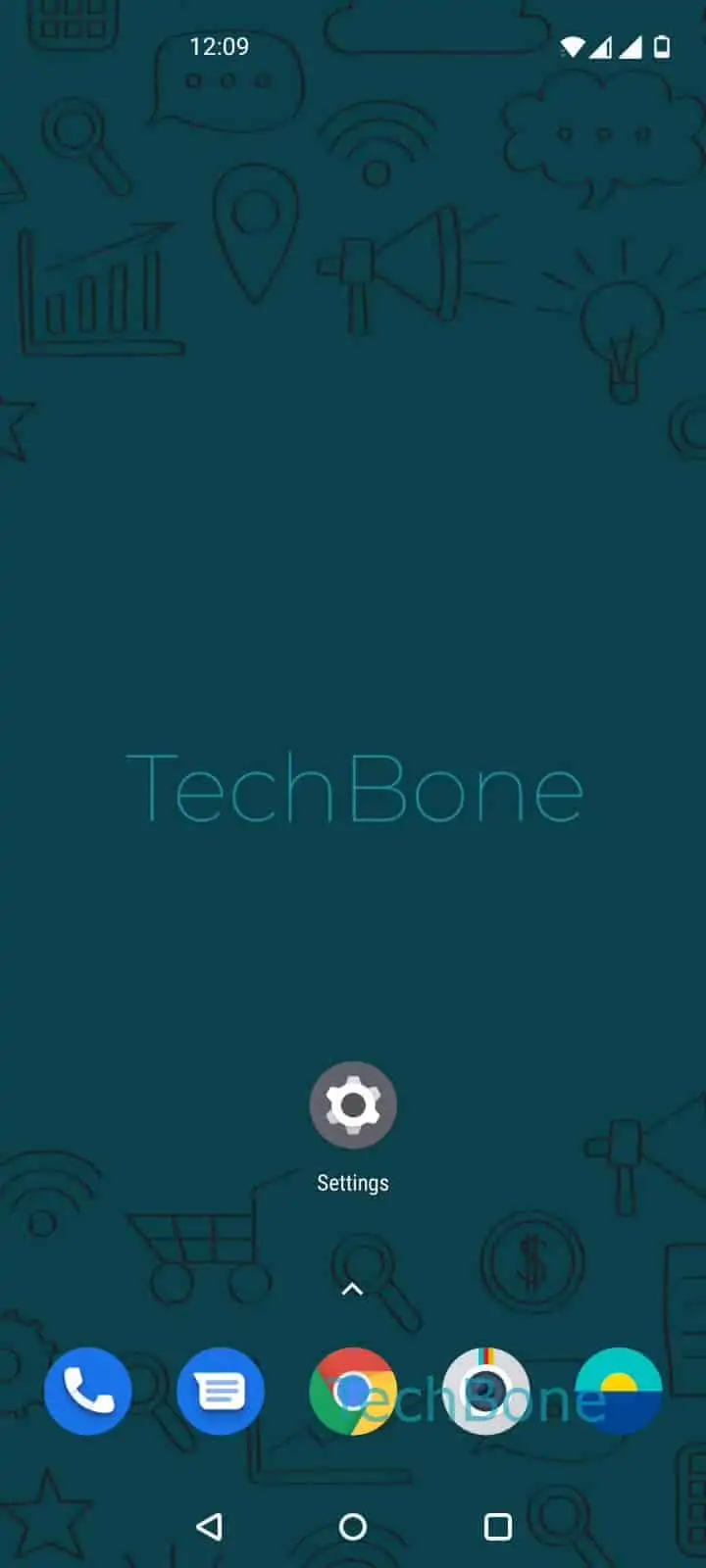
You control it manually, or let it run on a schedule so it turns on automatically at a set time, such as overnight when the phone sits idle. To switch it on or off yourself, go to Open the Settings ➔ Tap on Battery ➔ Tap on Battery Saver ➔ Enable or disable Battery Saver.
What actually changes
With Battery Saver active, background app refresh slows down, some animations are reduced, and notifications from certain apps can arrive with a short delay. Core functions like calls, messages and alarms keep working normally.
If your battery problem comes from one specific app rather than general background drain, check that app's individual battery permissions first. Battery Saver is the better fix when the whole system feels like it drains too quickly, not just a single app.