Skip to content
TechBone
OnePlus

OnePlus: Enable or Disable Call Barring

If you are traveling abroad with your OnePlus and want to avoid unexpected roaming charges, call barring lets you block specific call types before they even connect. You can restrict outgoing calls, incoming calls, or international calls depending on which option you activate. Without the right setting enabled, calls still go through as usual and charges keep piling up.

6 min8 steps
VersionAndroid 10 · Oxygenos 10

Step by step

1 / 8

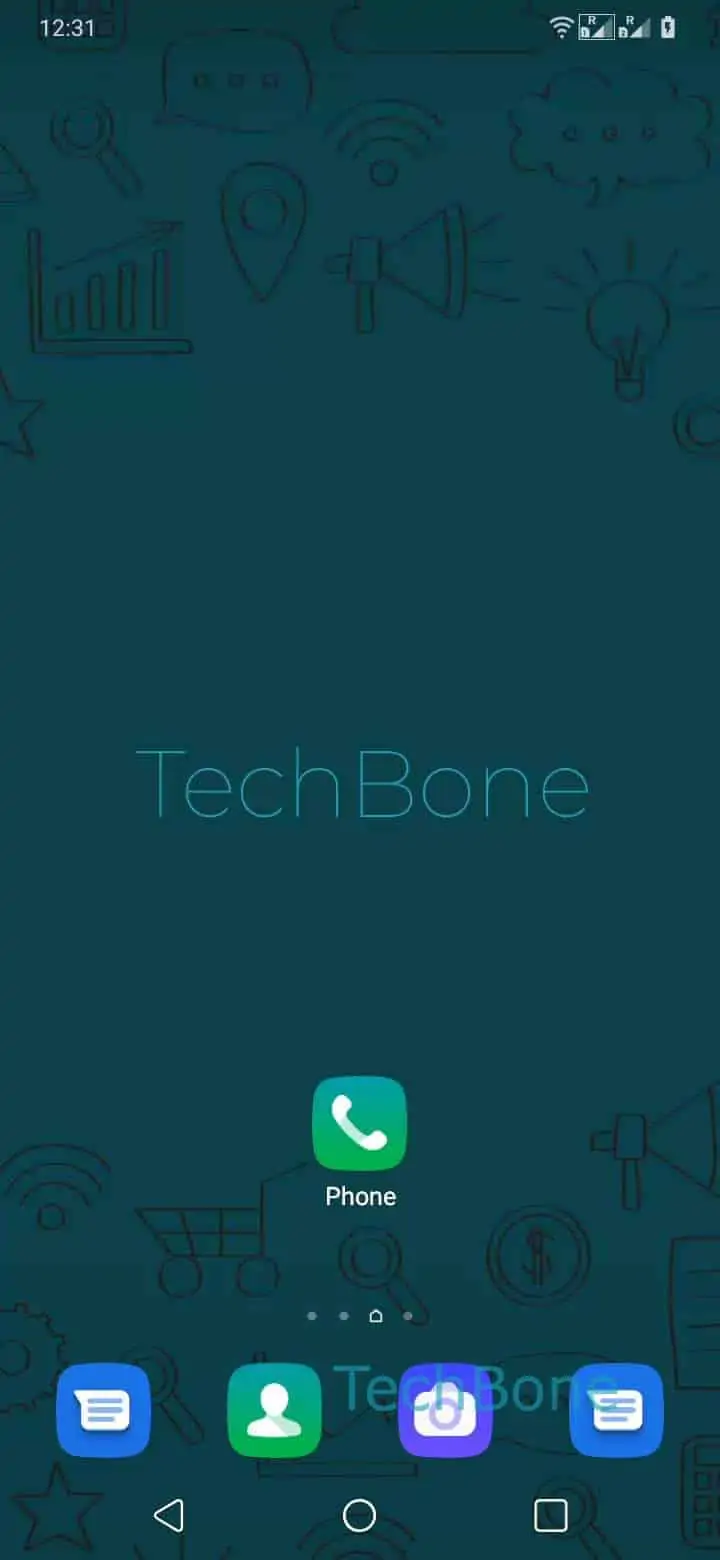
Step 1 of 8: Open the **Phone app**

1

Open the Phone app

Live simulator

Android 10 · Oxygenos 10
Enable or Disable Call Barring – Oxygenos 10: step 1 – Open the Phone app
Open the Phone app
1 / 8

Scroll or use the buttons for the next step

Feedback

Was the guide correct?

Help others: confirm the path or report a problem.

22

Confirmations

Forum verified this path

OnePlus

Enable or Disable Call Barring auf OnePlus

Call barring on OnePlus phones works through your network operator, not through the OnePlus software itself. It stops outgoing or incoming calls before they are connected, which is useful when you want to avoid roaming charges or restrict certain call types entirely.

You find the setting in the Phone app. Open Open the Phone appOpen the menuOpen the SettingsTap on Call accounts. On dual SIM devices, choose the SIM you want to configure, since call barring is set separately per SIM card.

Next tap Call barring, then Choose an option from the list your operator supports, such as barring all outgoing calls or all incoming calls. Enter the barring password provided by your operator and confirm with Turn on/off.

If you do not know this password, contact your carrier, since it is not the same as your device PIN. Also note that call barring can conflict with call forwarding rules, so test a call afterward to confirm the setting applied correctly.

Frequently asked questions

It is a network-side password issued by your mobile operator, not your phone PIN or lock screen code. If you never set one, contact your carrier support to get or reset it before you tap Turn on/off.

Compatible devices

Tap your device — opens its hub with matching guides.