Skip to content
TechBone
OnePlus

OnePlus: Check for System Updates Manually

If you dismissed or missed the update notification on your OnePlus phone, you might be running outdated software without realizing it. The automatic prompt only appears once, so a cleared notification means no second reminder. You can still confirm right now whether a new OxygenOS version is waiting to be installed.

3 min3 steps
VersionAndroid 10 · Oxygenos 10

Step by step

1 / 3

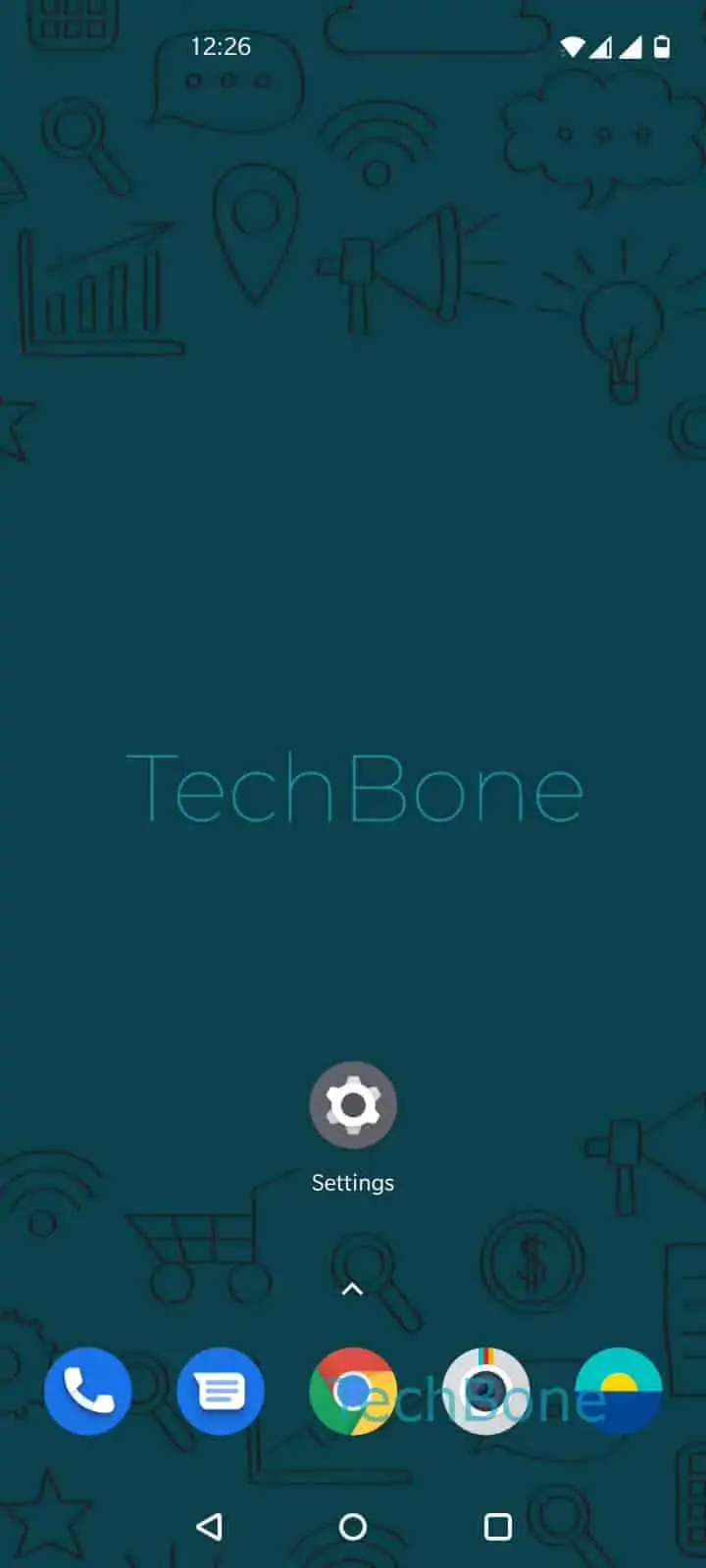
Step 1 of 3: Open the **Settings**

1

Open the Settings

Live simulator

Android 10 · Oxygenos 10
Manually Check for System Updates – Oxygenos 10: step 1 – Open the Settings
Open the Settings
1 / 3

Scroll or use the buttons for the next step

Feedback

Was the guide correct?

Help others: confirm the path or report a problem.

35

Confirmations

Forum verified this path

OnePlus

Manually Check for System Updates auf OnePlus

OnePlus phones show a system update notification only once, right after the update becomes available for your device. If you swipe it away or clear your notification history, the alert is gone for good and the phone will not remind you again on its own.

The update status lives inside the System updates section of the Settings app, which checks in with OnePlus servers every time you open it. That means you can trigger a fresh check manually at any point instead of waiting for a push notification that already passed.

Open Settings, then tap System, and select System updates. The screen shows your current OxygenOS version and immediately looks for a newer build. If one is available, you get the option to download and install it right there.

If the screen reports that your software is up to date but you expected a newer version, the rollout may not have reached your region or device variant yet. Regional and carrier-specific rollouts can lag behind by days or weeks, so checking again later is usually the better fix rather than digging for hidden settings.

Frequently asked questions

OxygenOS updates roll out in batches by region and device variant. Even after checking manually in SettingsSystemSystem updates, your batch may not be scheduled yet, so check again after a few days.

Compatible devices

Tap your device — opens its hub with matching guides.