
Skip to content
TechBone
OnePlus

OnePlus: Set a Custom Notification Sound

Every SMS or Messenger alert on your OnePlus still plays the same stock tone, even after you scroll through the built-in sound list twice. OxygenOS does support your own audio files as notification sounds, but the option to load a custom file sits one menu deeper than the regular tone picker. Until that file is placed correctly on your phone, the system keeps falling back to the default ringtone.

4 min5 steps
VersionAndroid 10 · Oxygenos 10

Step by step

1 / 5

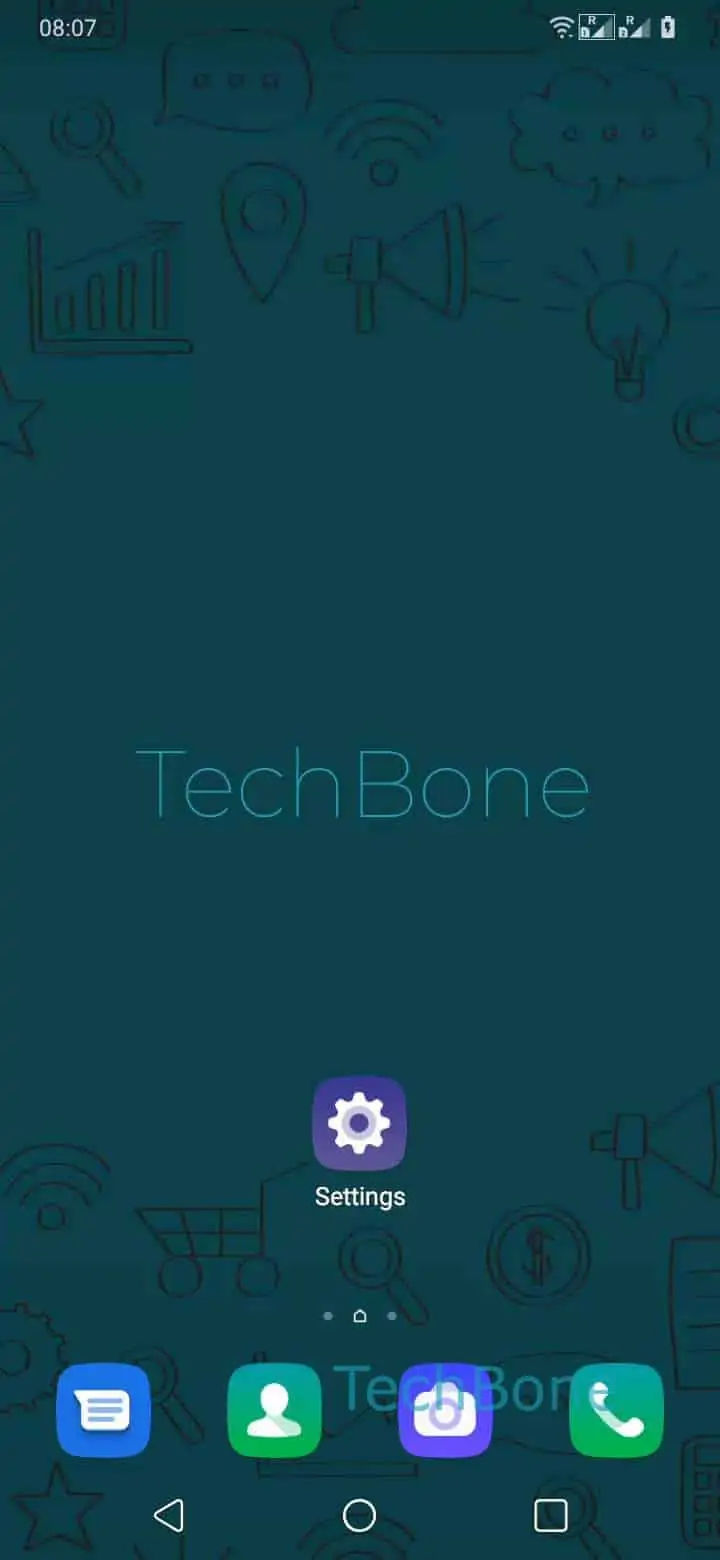
Step 1 of 5: Open the **Settings**

1

Open the Settings

Live simulator

Android 10 · Oxygenos 10
Set a Custom Notification Sound – Oxygenos 10: step 1 – Open the Settings
Open the Settings
1 / 5

Scroll or use the buttons for the next step

Feedback

Was the guide correct?

Help others: confirm the path or report a problem.

27

Confirmations

Forum verified this path

OnePlus

Set a Custom Notification Sound auf OnePlus

OxygenOS ships with a fixed set of ringtones, and by default every new message or app alert draws from that same list. If you want a personal mp3 or wav file to play instead, the system needs that file copied onto internal storage first. Without this step, the custom sound option stays empty no matter how often you open the sound settings.

The setting lives inside the general audio menu, not in a separate media app. Once the file is on the device, you pick it up from there and assign it as your notification tone.

Menu path

Open the SettingsTap on Sounds & vibrationTap on Notification sound and vibrationTap on Ringtone from internal storageChoose a custom ringtone

After confirming your choice, the new sound applies system-wide to standard notifications right away. If you only want a different tone for one specific app, such as a messaging service, check that app's own notification settings instead, since some apps override the system sound with their own picker.

Keep in mind that very short or very quiet audio files can be hard to notice next to a phone call ringtone, so test the volume before relying on it for important alerts.

Frequently asked questions

Common formats like mp3 and wav are recognized once the file sits in the folder OxygenOS scans for ringtones. If a file does not appear in Ringtone from internal storage, try re-encoding it as a standard mp3.

Compatible devices

Tap your device — opens its hub with matching guides.