Skip to content
TechBone
OnePlus

OnePlus: Switch the Messages App Between Dark and Light Theme

If the Messages app on your OnePlus phone still opens in a bright white layout at night, the built-in theme option is likely set to Light or System default instead of Dark. This app-level 'Choose theme' setting works independently from your phone's overall system theme, so changing one does not automatically change the other. Left on the wrong setting, this means unnecessary eye strain in dark rooms and slightly higher battery drain on an AMOLED screen.

4 min5 steps
VersionAndroid 10 · Oxygenos 10

Step by step

1 / 5

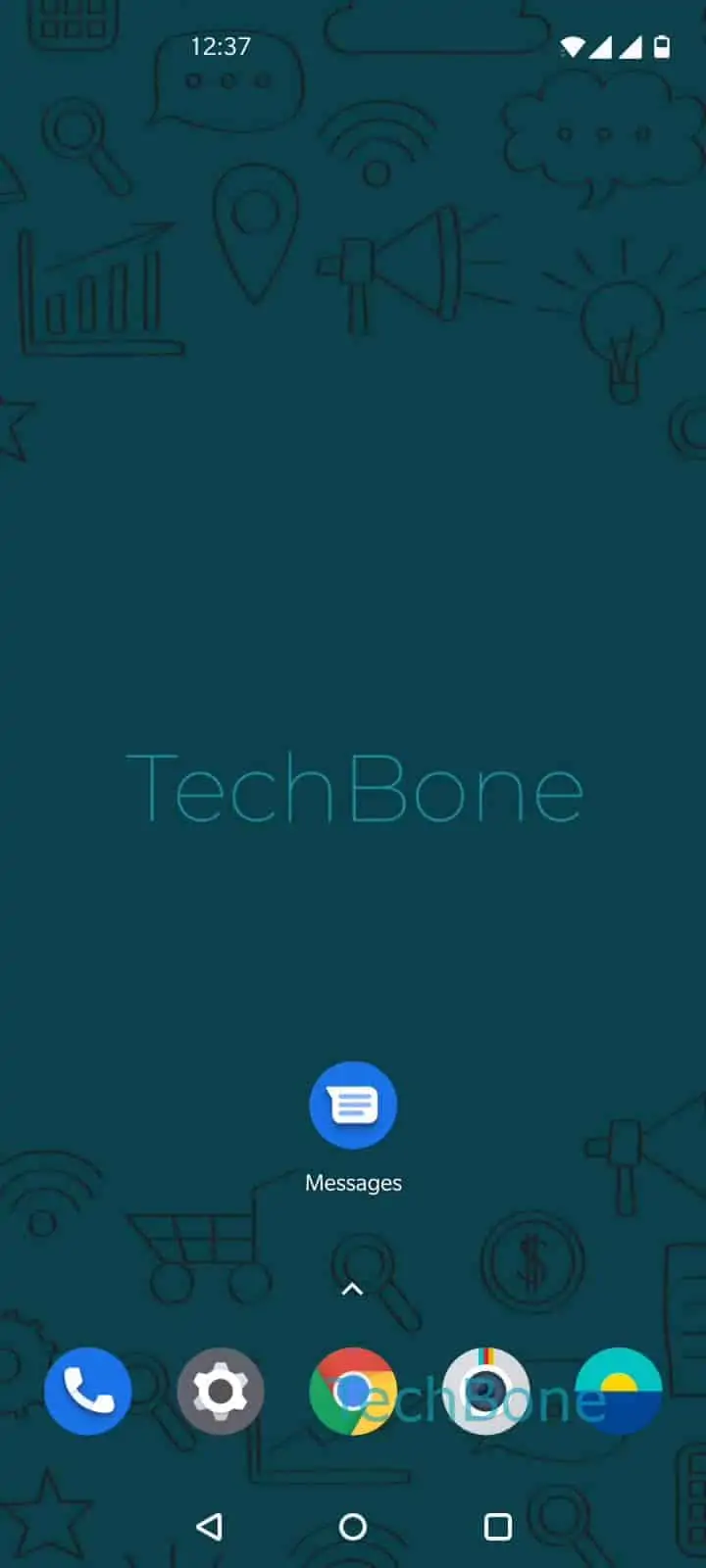
Step 1 of 5: Open the **Messages app**

1

Open the Messages app

Live simulator

Android 10 · Oxygenos 10
Set Dark or Light Theme for the Messages App – Oxygenos 10: step 1 – Open the Messages app
Open the Messages app
1 / 5

Scroll or use the buttons for the next step

Feedback

Was the guide correct?

Help others: confirm the path or report a problem.

75

Confirmations

Forum verified this path

OnePlus

Set Dark or Light Theme for the Messages App auf OnePlus

The Messages app on OnePlus phones has its own theme control that is separate from the phone-wide dark mode toggle. That is why some users see a dark system interface everywhere except inside Messages, or the opposite: a dark Messages app while the rest of the phone stays bright.

This app-level setting exists because Calls & Messages is a preinstalled OnePlus app with its own display preferences. Choosing System default links the app to whatever theme the phone itself is currently using, including any scheduled day/night switch. Choosing Light or Dark manually overrides that and keeps the app fixed to one look, no matter what the rest of the system does.

To change it, follow this path: Open the Messages appOpen the menuTap on Choose themeChoose Light, Dark or System defaultConfirm with OK.

Pick Dark if you mainly use the app at night or want to reduce power draw on an AMOLED panel. Pick Light if you find the dark layout harder to read text on in bright rooms. System default is the better choice if you already rely on a scheduled dark mode and want every app to match it automatically. If the app still does not change after confirming, a restart of the Messages app usually applies the setting correctly.

Frequently asked questions

The app's own theme is probably set to Light instead of System default. Go to Open the Messages appOpen the menuTap on Choose theme and select System default so it follows the phone's overall setting.

Compatible devices

Tap your device — opens its hub with matching guides.