
OnePlus
Set Dark or Light Theme for the Phone App auf OnePlus
OxygenOS normally lets the Phone app inherit whatever theme your OnePlus uses system-wide, so switching between light and dark mode during the day changes the dialer and call log along with everything else. This behavior is controlled by a setting inside the Phone app itself, separate from the general Android dark mode toggle, which is why the two do not always match.
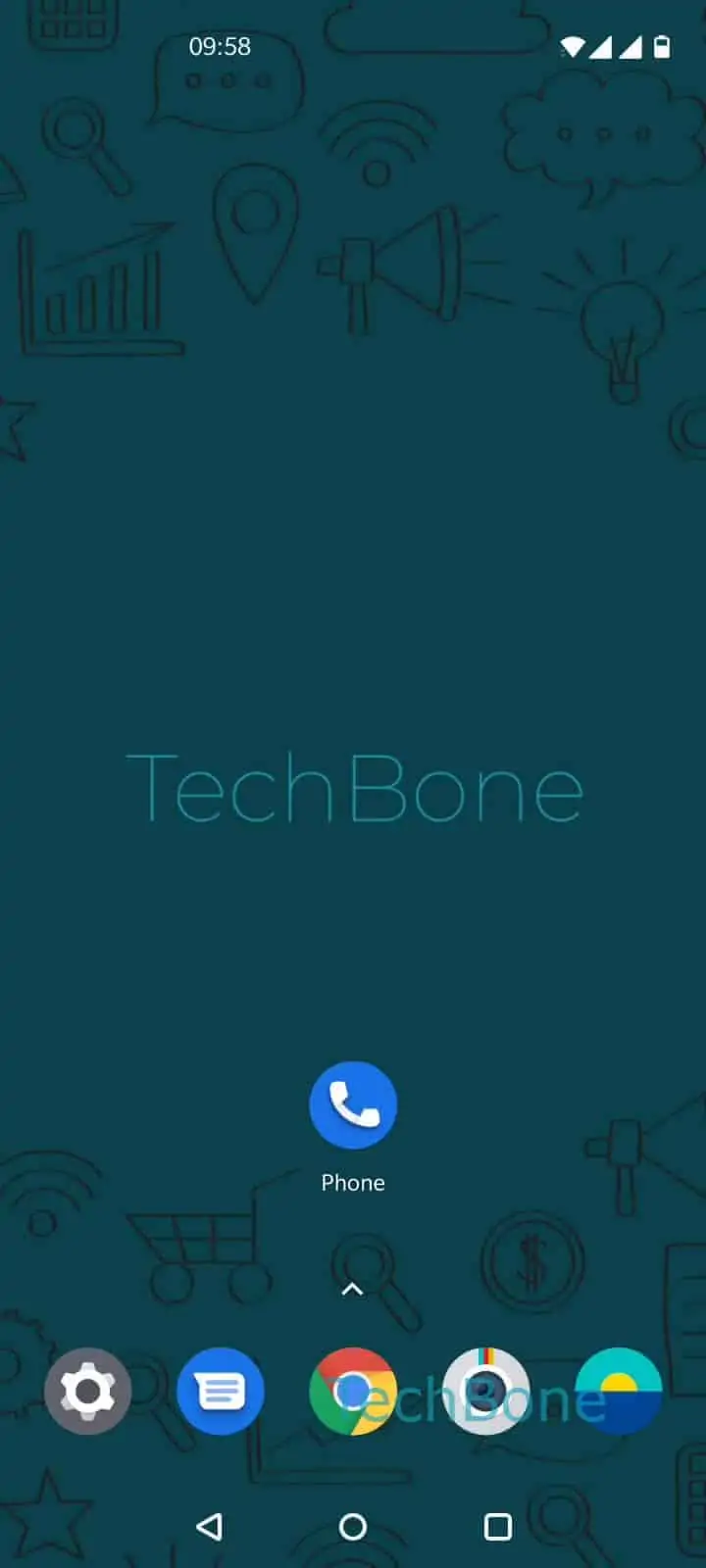
To fix a mismatched look or lock in a permanent style, open Open the Phone app ➔ Open the menu ➔ Open the Settings ➔ Tap on Display options ➔ Tap on Choose theme ➔ Choose Light, Dark or System default.
Picking Light or Dark overrides the system behavior only inside the Phone app; other apps keep following their own theme settings. Selecting System default hands control back to the general Android dark mode setting.
Dark mode lights up fewer pixels on OLED panels, which lowers power draw during calls and while scrolling the call log. It also reduces glare in dim rooms, while the light theme can stay easier to read in bright daylight.
If you want every app on your OnePlus to match, change the OS-wide dark mode setting instead. Use the Phone app option only when you want the dialer to look different from the rest of your interface.