
OnePlus
Change Default Homepage in Chrome auf OnePlus
OxygenOS ships Chrome with a curated feed as the default homepage, mixing shortcuts, suggested sites and news snippets. This page loads whenever you tap the Home icon in the browser toolbar, which is a different control from the New Tab page you see when opening extra tabs.
Changing the homepage does not change what appears when you open a fresh tab from the tab switcher. It only affects the page Chrome jumps to when you press the Home button, so if your goal is to change what every new tab shows, look at the startup or New Tab settings instead.
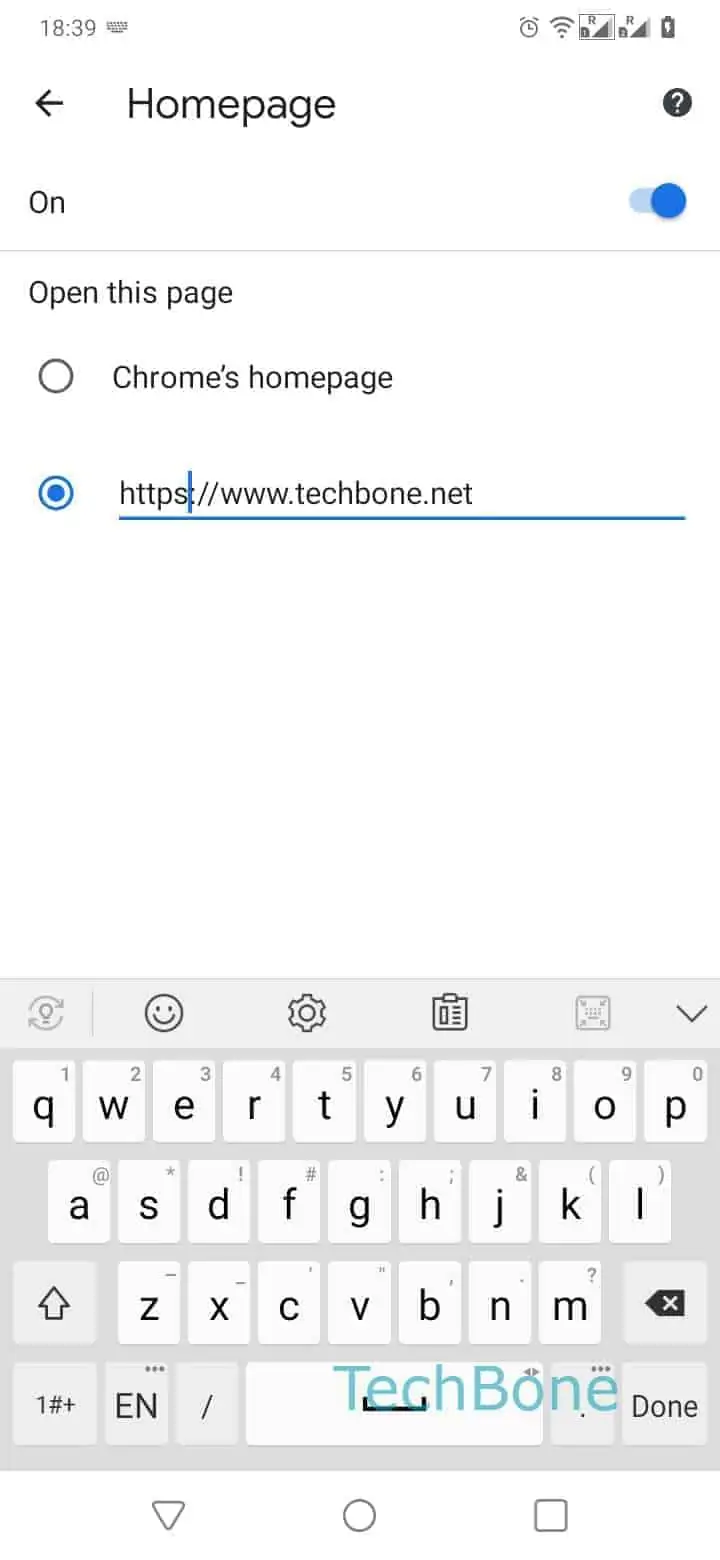
To set your own homepage, follow this path: Open the Chrome app ➔ Open the menu ➔ Open the Settings ➔ Tap on Homepage ➔ Check Enter a web address ➔ Enter a web address ➔ Tap on Back.
Once saved, the Home icon loads your chosen address immediately, and the change stays until you edit it again or reset Chrome to factory settings, which restores the original feed.