Skip to content
TechBone
OnePlus

OnePlus: Turn Glide Typing On or Off

Typing on a OnePlus keyboard can feel slow when every single letter needs its own tap. Glide typing lets you drag a finger across the keys to form whole words instead, but the toggle for this feature sits several menus deep and many users only find it by accident. Others want it switched off again because the swipe gesture keeps producing the wrong word.

6 min7 steps
VersionAndroid 10 · Oxygenos 10

Step by step

1 / 7

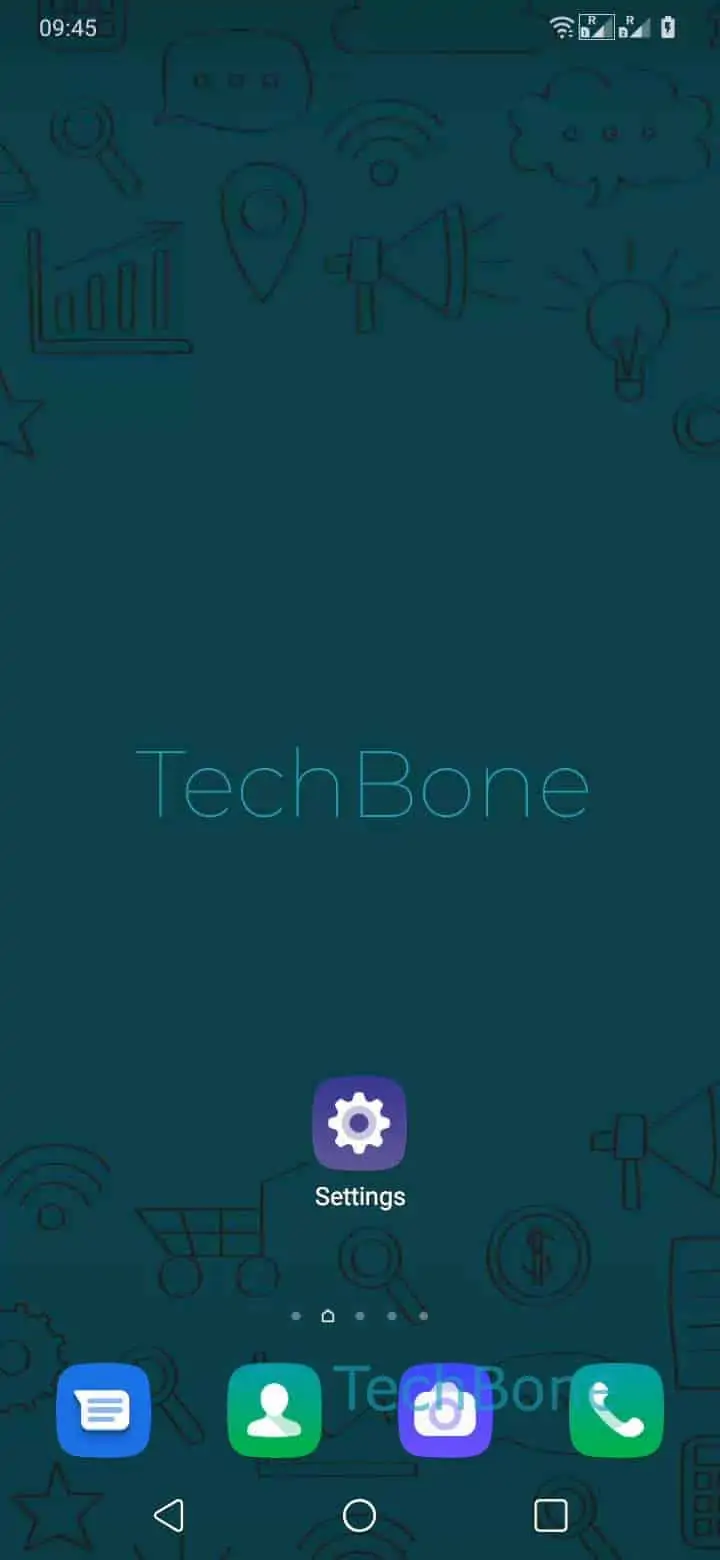
Step 1 of 7: Open the **Settings**

1

Open the Settings

Live simulator

Android 10 · Oxygenos 10
Enable or Disable Glide Typing – Oxygenos 10: step 1 – Open the Settings
Open the Settings
1 / 7

Scroll or use the buttons for the next step

Feedback

Was the guide correct?

Help others: confirm the path or report a problem.

13

Confirmations

Forum verified this path

OnePlus

Enable or Disable Glide Typing auf OnePlus

Glide typing is part of the Gboard keyboard on OnePlus phones. Instead of tapping each letter, you slide your finger from key to key and the keyboard predicts the word from the pattern of the swipe. This speeds up typing for longer messages, but it also increases the chance of the wrong word being picked when letters sit close together on a small screen.

The setting is not in the general keyboard menu but nested inside the language settings. Go to Open the SettingsTap on SystemTap on Languages & inputTap on Virtual keyboardTap on GboardTap on Glide typingEnable or disable Glide typing.

Turn the feature off if autocorrect keeps swapping in unrelated words during a swipe, or if you type mostly numbers and short codes where tapping is more accurate anyway. Turning it back on later does not reset any dictionary entries or keyboard themes, only the swipe-to-type behavior itself changes.

Frequently asked questions

This usually happens when the swipe path passes close to several valid words. Slowing the gesture down or adding the intended word to your personal dictionary through Tap on GboardDictionary reduces wrong predictions.

Compatible devices

Tap your device — opens its hub with matching guides.