Skip to content
TechBone
OnePlus

OnePlus: Enable or Disable Google Backup

If your OnePlus phone stops uploading app data, contacts, and call history to Google Drive, you probably never checked whether Back up to Google Drive is actually turned on. This backup runs in the background and only keeps working while the toggle stays active, so a forgotten setting can mean silent data loss during a reset or device swap. Some people also switch it off on purpose to save mobile data or Drive storage without realizing what that costs them later.

3 min4 steps
VersionAndroid 10 · Oxygenos 10

Step by step

1 / 4

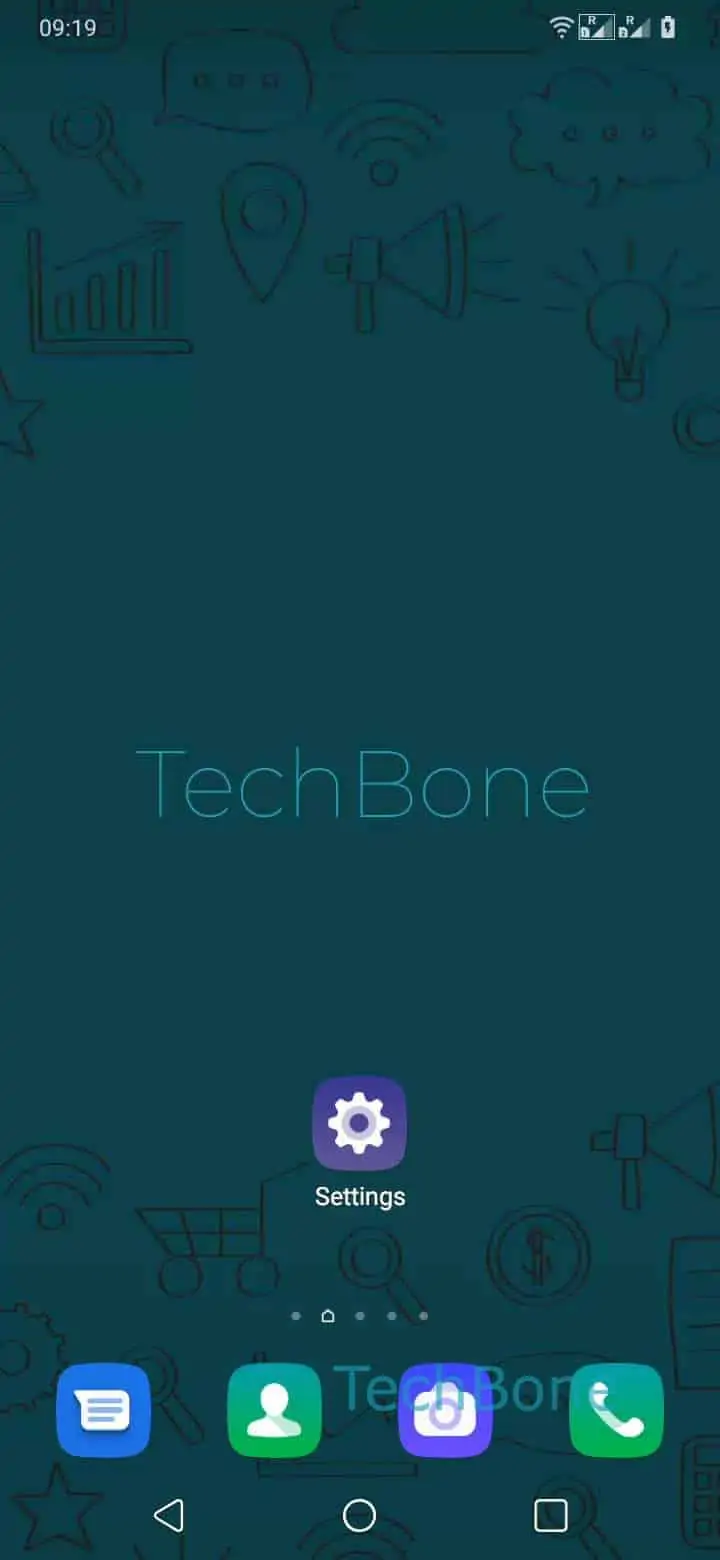
Step 1 of 4: Open the **Settings**

1

Open the Settings

Live simulator

Android 10 · Oxygenos 10
Enable or Disable Google Backup – Oxygenos 10: step 1 – Open the Settings
Open the Settings
1 / 4

Scroll or use the buttons for the next step

Feedback

Was the guide correct?

Help others: confirm the path or report a problem.

42

Confirmations

Forum verified this path

OnePlus

Enable or Disable Google Backup auf OnePlus

Google Backup on OnePlus is controlled by a single toggle inside the system settings, not by the Google Drive app itself. When it is active, Android periodically uploads apps and app data, your call list, contacts, and device settings to your Google account, so a new or reset phone can pull that data back down automatically.

The toggle can end up off after a factory reset, a system update, or a manual change you forgot about. Once it is off, none of the covered data gets refreshed in Drive, even though older backups may still exist there from before.

To check or change the setting, go to Open the SettingsTap on SystemTap on BackupEnable or disable Back up to Google Drive.

Turn it on if you plan to reset the device, switch phones, or simply want your data protected without manual exports. Leave it off only if you rely on a different backup method, want tighter control over what leaves the device, or need to reduce background data and storage usage on your Google account.

Keep in mind that turning the toggle off does not remove backups already stored in Drive. It only stops new data from being added until you switch it back on.

Frequently asked questions

It covers apps and app data, your call list, contacts, and most device settings. Media in your camera roll is handled separately through Google Photos, not this toggle.

Compatible devices

Tap your device — opens its hub with matching guides.