Skip to content
TechBone
OnePlus

OnePlus: Adjust the Key Long Press Delay on Gboard

Typing on the OnePlus virtual keyboard sometimes brings up a number or symbol before you meant to hold a key down, or makes you wait too long for that long-press to register. This is controlled by the Gboard key long press delay, a slider between 100 ms and 700 ms. Getting this value wrong for your typing speed causes either accidental long presses or a sluggish feel when reaching for secondary characters.

7 min9 steps
VersionAndroid 10 · Oxygenos 10

Step by step

1 / 9

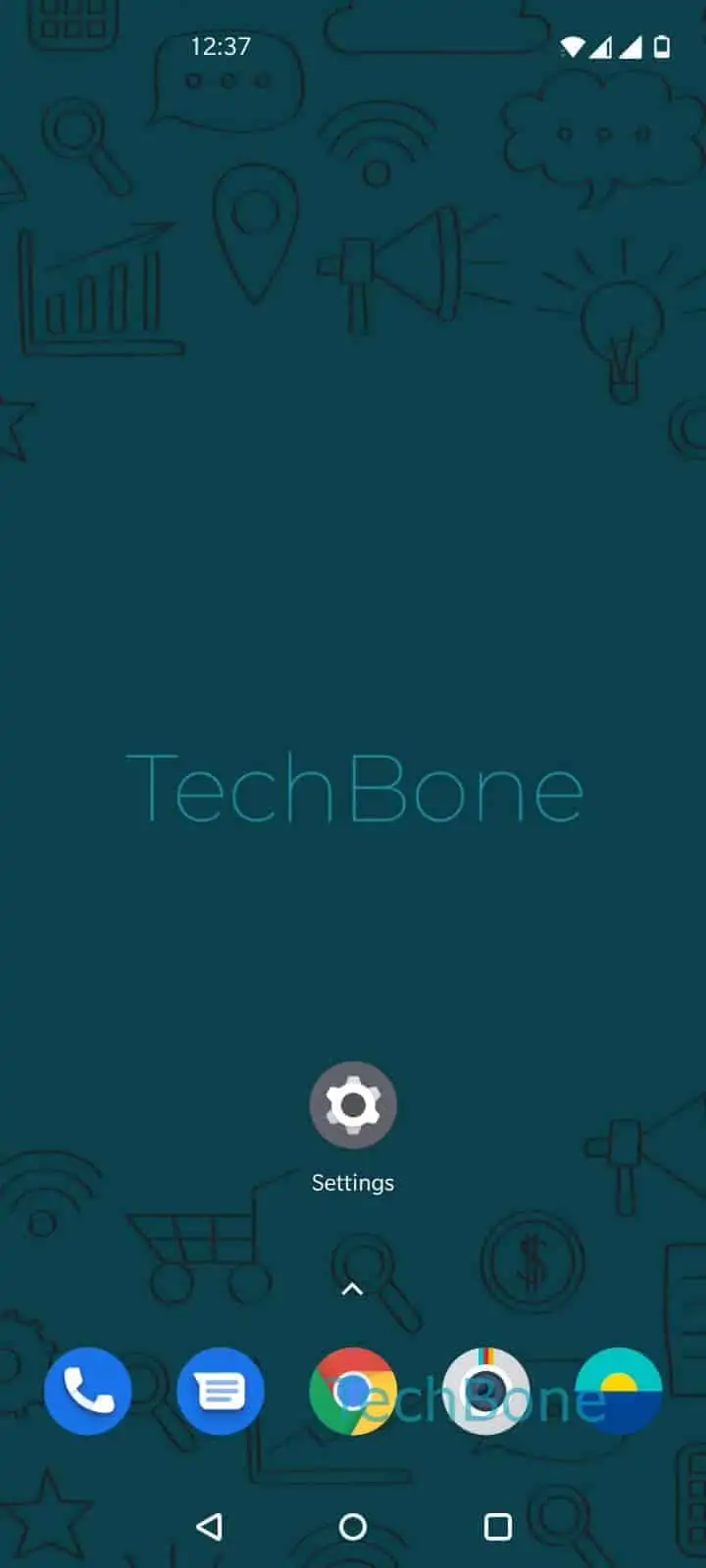
Step 1 of 9: Open the **Settings**

1

Open the Settings

Live simulator

Android 10 · Oxygenos 10
Key Long Press Delay Setting – Oxygenos 10: step 1 – Open the Settings
Open the Settings
1 / 9

Scroll or use the buttons for the next step

Feedback

Was the guide correct?

Help others: confirm the path or report a problem.

41

Confirmations

Forum verified this path

OnePlus

Key Long Press Delay Setting auf OnePlus

When you hold down a key on the OnePlus virtual keyboard to bring up numbers or extra symbols, the timing before that pop-up appears is controlled by Gboard, not by a OnePlus system setting on its own. If the delay feels too short, you can trigger a long-press action every time you type a letter a bit slowly. If it feels too long, you end up waiting before the number or symbol row shows up.

This delay sits inside the keyboard app settings. Open SettingsSystemLanguages & inputVirtual keyboardGboardPreferencesKey long press delay. Swipe the slider left or right to pick a value between 100 ms and 700 ms, then confirm with OK.

A shorter delay reacts almost instantly but raises the risk of accidental long presses while typing fast. A longer delay cuts down on accidental triggers but slows down access to accented letters and secondary symbols.

If typing still feels off after adjusting this value, check whether autocorrect or key vibration are interfering, since both sit in the same Gboard preferences menu and can amplify the impression of a laggy keyboard.

Frequently asked questions

This usually means the long press delay is set too short for your typing speed. Increase the value under SettingsSystemLanguages & inputVirtual keyboardGboardPreferencesKey long press delay.

Compatible devices

Tap your device — opens its hub with matching guides.