Skip to content
TechBone
OnePlus

OnePlus: Enable or Disable Night Mode

Bright white light from the display can strain your eyes when you check your phone late at night or in a dark room. On OnePlus phones, Night mode shifts the screen to a warmer, beige-toned palette to cut that glare, but it is not always clear whether it runs on a schedule or only when switched on by hand. If the tint stays off after sunset or never fades back during the day, the schedule setting is usually the cause.

4 min5 steps
VersionAndroid 10 · Oxygenos 10

Step by step

1 / 5

Step 1 of 5: Open the **Settings**

1

Open the Settings

Live simulator

Android 10 · Oxygenos 10
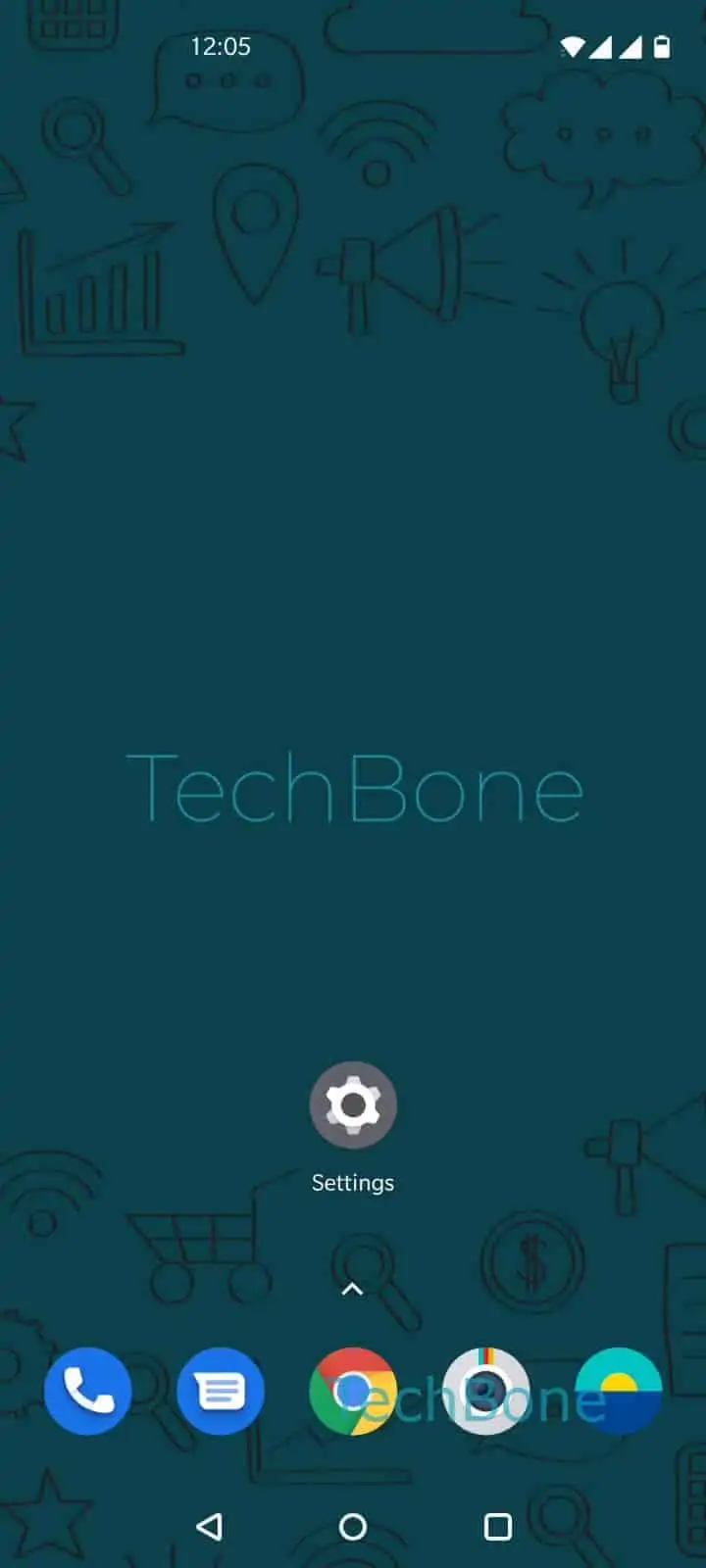
Turn Night Mode On or Off – Oxygenos 10: step 1 – Open the Settings
Open the Settings
1 / 5

Scroll or use the buttons for the next step

Feedback

Was the guide correct?

Help others: confirm the path or report a problem.

75

Confirmations

Forum verified this path

OnePlus

Turn Night Mode On or Off auf OnePlus

Night mode on your OnePlus phone reduces the amount of blue light coming from the display by adding a warm, beige tint to the screen. Android handles this through the display settings of Oxygenos, and the color shift stays active until you switch it off again or a schedule ends it for you.

To turn it on or adjust it, open Open the SettingsTap on DisplayTap on Night mode. From there, Enable or disable Turn on Night mode manually switches the tint on right away without waiting for a scheduled time.

Once Night mode is active, Swipe left or right to set the color temperature or lightness to control how strong the beige tint looks, from a barely noticeable shift to a much warmer tone.

If the display still looks harsh white after turning Night mode on, check whether another app is forcing its own color profile, such as a camera or video app that overrides system color filters. Night mode works separately from Dark mode, which changes background and text colors rather than the color temperature of the whole screen.

Frequently asked questions

Yes, inside Night mode you can switch from manual control to a schedule and set your own start and end time, so the beige tint appears and disappears on its own.

Compatible devices

Tap your device — opens its hub with matching guides.