
OnePlus
Remove an Account on OnePlus auf OnePlus
Accounts on OnePlus phones are managed centrally in OxygenOS, so every login you add - email, cloud backup, or a messenger like WhatsApp or Facebook - shows up in the same list. Removing one there only affects that specific login and its synced data. The app itself is not uninstalled and can be reopened afterwards to sign in again or add a different account.
What actually gets deleted
When you remove a messenger account, cached contacts, message previews, or synced content tied to that login are cleared from the device. Data already backed up to the provider's own cloud service is not affected, since that lives on their servers, not on your phone.
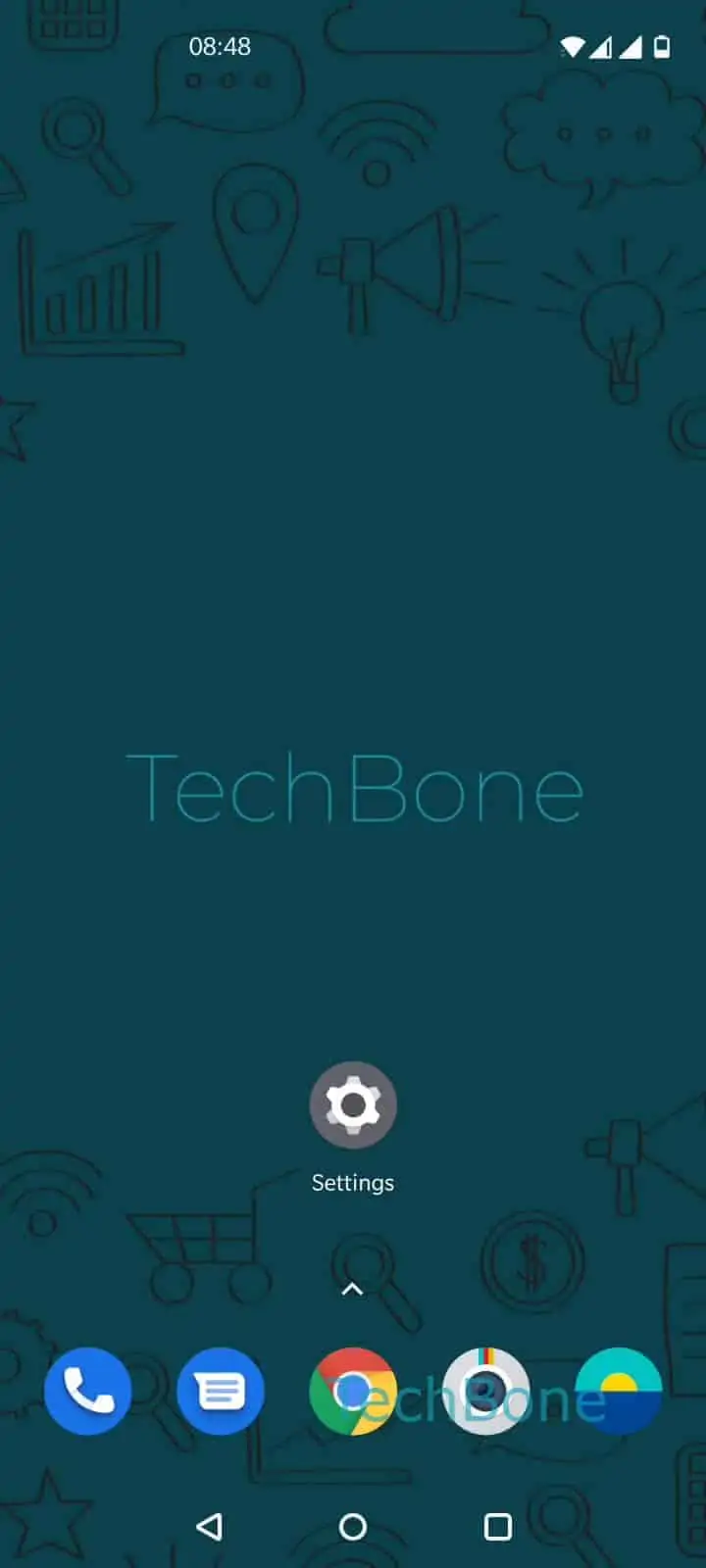
To remove an account, go to Open the Settings ➔ Tap on Accounts ➔ Choose an account ➔ Tap on Remove account ➔ Confirm with Remove account. If you only want to pause syncing without deleting anything, look for a sync toggle inside the account details instead of removing it outright, since that keeps the login intact for later.
Removing the wrong account can force a fresh sign-in for connected apps, so double-check which entry you select before confirming.