Skip to content
TechBone
OnePlus

OnePlus: Delete a User Account

When a family member or guest no longer needs access to your OnePlus phone, their user account still sits in the multi-user list with all its apps and data intact. Leaving unused accounts active wastes storage and can expose personal content to anyone who switches profiles. Removing the account permanently wipes everything tied to it, so only the owner or an administrator should trigger the deletion.

5 min6 steps
VersionAndroid 10 · Oxygenos 10

Step by step

1 / 6

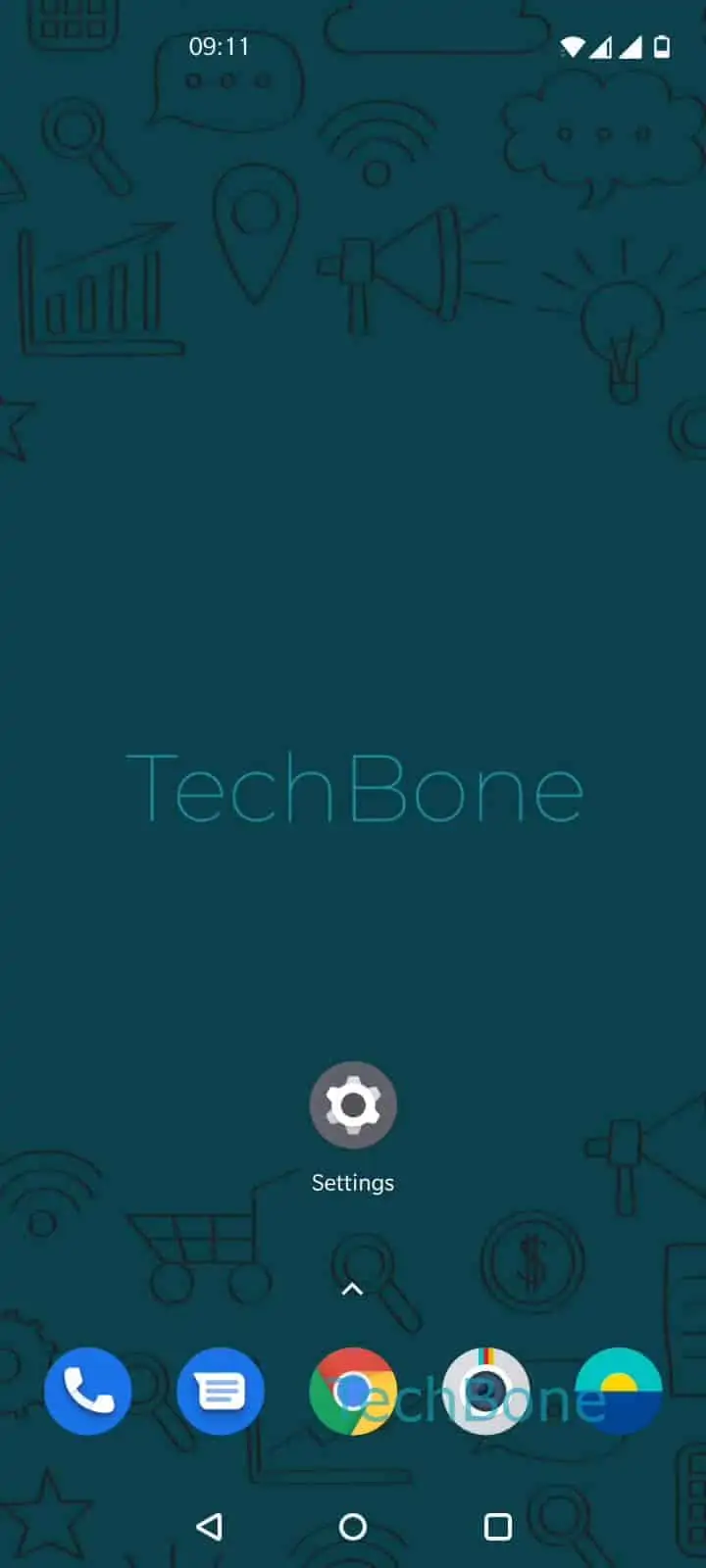
Step 1 of 6: Open the **Settings**

1

Open the Settings

Live simulator

Android 10 · Oxygenos 10
Delete a User Account – Oxygenos 10: step 1 – Open the Settings
Open the Settings
1 / 6

Scroll or use the buttons for the next step

Feedback

Was the guide correct?

Help others: confirm the path or report a problem.

12

Confirmations

Forum verified this path

OnePlus

Delete a User Account auf OnePlus

OnePlus phones let one owner or administrator manage several user accounts on the same device. Each account keeps its own apps, files and settings separate from the others.

Deleting a user account is permanent. Every app, photo, message and setting saved under that profile is erased immediately and cannot be recovered afterward, so back up anything important first.

Only the device owner or an account with administrator rights can remove another user. A regular user cannot delete their own profile or anyone else's.

Steps to remove a user

Go to Open the SettingsTap on SystemTap on Multiple users. Select the profile you want to remove, then Open the Settings for that user.

Tap on Tap on Delete user and confirm the warning with Confirm with Delete. The account disappears from the user list right away, along with all its data.

If you only want to block someone temporarily instead of erasing their data, disabling the profile or restricting app access is a better option than deletion.

Frequently asked questions

No. Once you confirm with Confirm with Delete, all apps, files and settings from that profile are removed permanently and cannot be restored.

Compatible devices

Tap your device — opens its hub with matching guides.