
Skip to content
TechBone
OnePlus

OnePlus: Set a Custom Ringtone for Calendar Reminders

Every appointment on your OnePlus triggers the same generic ringtone as your regular notifications, making it hard to tell a calendar reminder apart from a chat message. This happens because the Calendar app pulls its alert sound from a separate notification setting that most people never touch. You can assign a distinct tone, including your own mp3 file, so reminders stand out without checking the screen.

6 min8 steps
VersionAndroid 10 · Oxygenos 10

Step by step

1 / 8

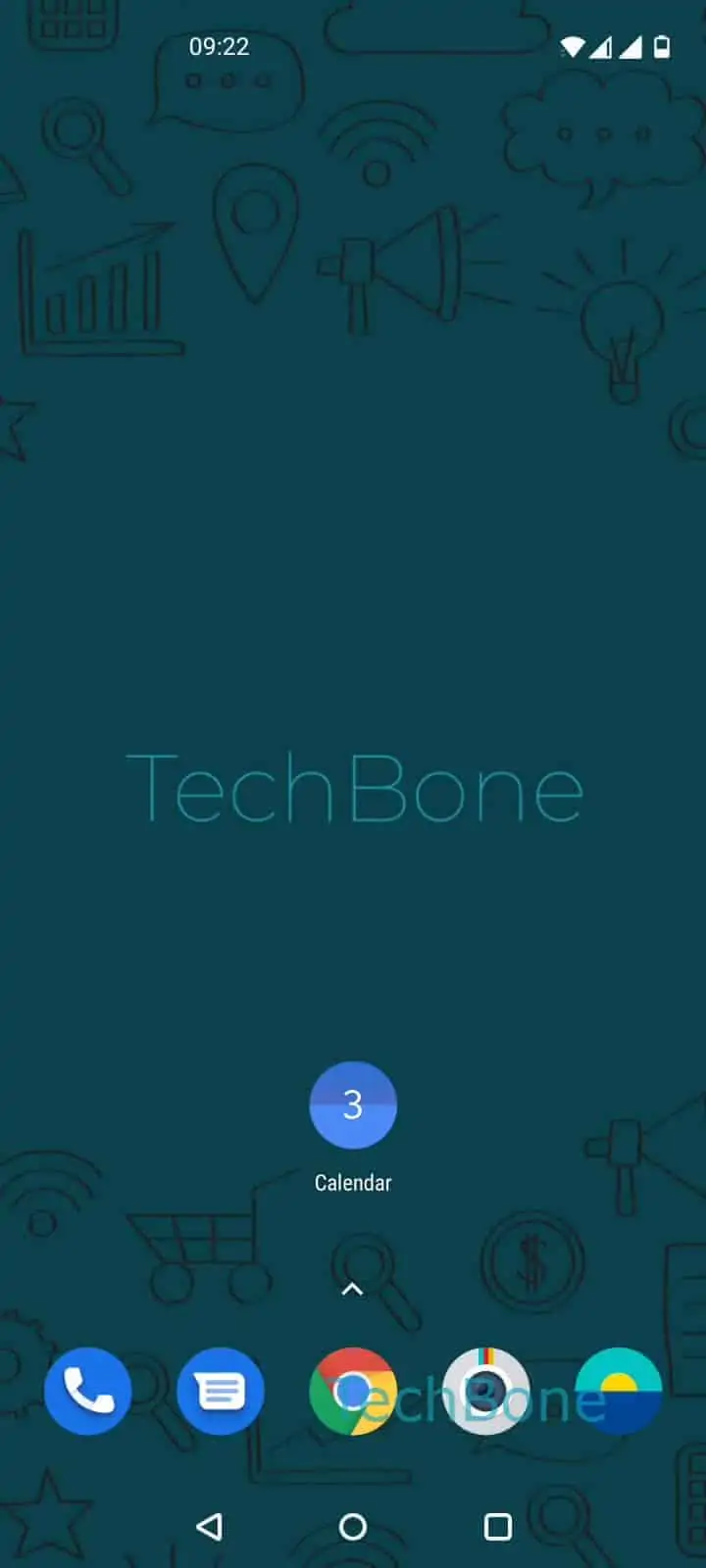
Step 1 of 8: Open **Calendar**

1

Open Calendar

Live simulator

Android 10 · Oxygenos 10
Change Ringtone for Calendar Events and Reminders – Oxygenos 10: step 1 – Open Calendar
Open Calendar
1 / 8

Scroll or use the buttons for the next step

Feedback

Was the guide correct?

Help others: confirm the path or report a problem.

84

Confirmations

Forum verified this path

OnePlus

Change Ringtone for Calendar Events and Reminders auf OnePlus

On OnePlus phones running OxygenOS, calendar reminders use their own sound setting separate from the general notification tone. If every alert on your phone sounds identical, it usually means the Calendar app is still using its default sound instead of a custom one you have chosen.

To change it, open Open CalendarOpen the menuOpen the SettingsTap on GeneralTap on Calendar notificationsTap on AdvancedTap on SoundChoose a ringtone.

From that sound picker, you can select any of the ringtones already installed on the system, or pick a custom audio file such as an mp3 stored on your device. This setting only affects Calendar app alerts. It has no effect on reminders created through other apps, such as a separate to-do or task manager, since those manage their own notification channels independently.

If you do not hear the new tone after saving, check that Calendar notifications are still allowed under the system notification settings, since a disabled notification channel silences the sound regardless of what you pick here.

Frequently asked questions

The new tone usually applies only to reminders created after the change. Existing events scheduled before you updated the sound may still reference the previous setting until you edit or recreate them.

Compatible devices

Tap your device — opens its hub with matching guides.