
OnePlus
Set Date and Time Automatically auf OnePlus
Every OnePlus phone can read the current date and time straight from the mobile network. This signal, sent by the carrier together with regular network data, is called NITZ and keeps the clock accurate without any input from you.
The setting responsible for this is Use network-provided time. As long as it is turned on, the phone ignores any date or time you might set manually and always trusts the carrier signal instead. That is why manual adjustments sometimes seem to get overwritten a few seconds after you make them.
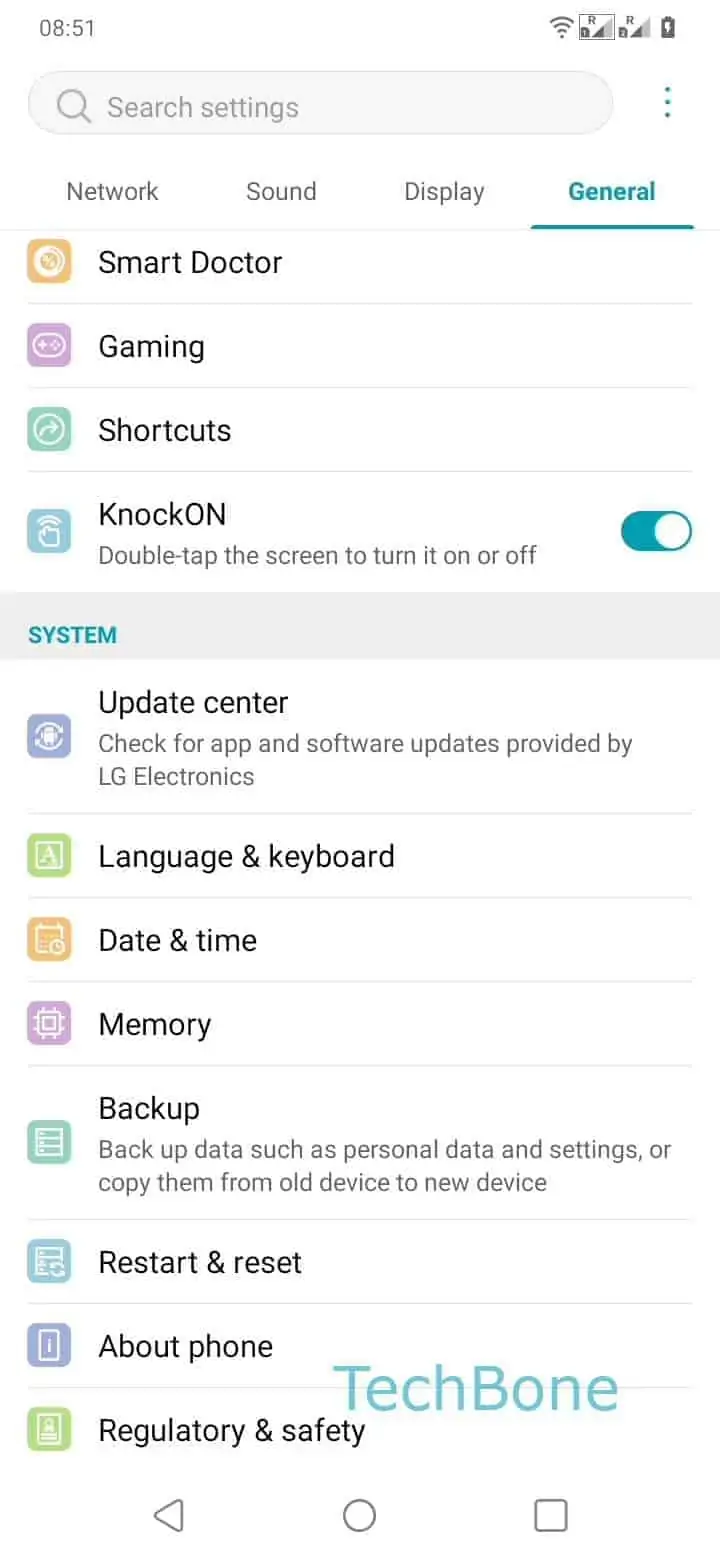
To check or re-enable it: Open the Settings ➔ Tap on System ➔ Tap on Date & time ➔ Enable Use network-provided time.
A wrong clock after landing abroad, inserting a new SIM or restoring from backup almost always means this toggle got flipped off, or a fixed time zone was chosen instead of the automatic one. Switching it back on fixes the display within a few seconds once the phone has network coverage.
Turn the toggle off only if you need a time that does not match your current network, for example while testing an app or keeping a travel schedule on local time while roaming on a foreign carrier. In that case, remember to switch it back on afterward so the clock does not drift.