
Skip to content
TechBone
OnePlus

OnePlus: Set the Default Keyboard

If typing on your OnePlus still opens the stock keyboard even after installing Gboard, SwiftKey or another app from the Play Store, the system has not switched the default input method yet. New keyboards need to be enabled separately before Android will actually use them for typing. Until that switch happens, your downloaded keyboard just sits unused in the background.

5 min6 steps
VersionAndroid 10 · Oxygenos 10

Step by step

1 / 6

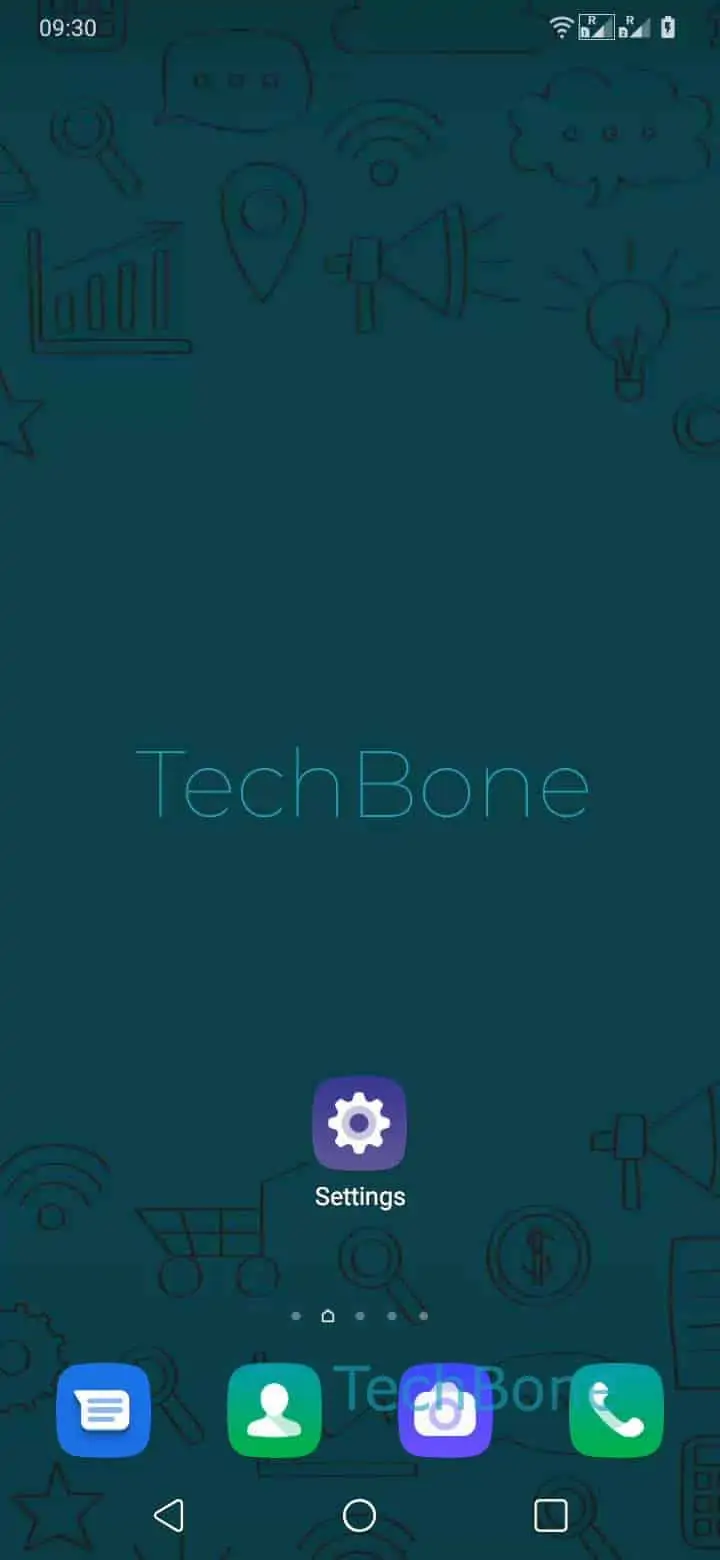
Step 1 of 6: Open the **Settings**

1

Open the Settings

Live simulator

Android 10 · Oxygenos 10
Set Default Keyboard – Oxygenos 10: step 1 – Open the Settings
Open the Settings
1 / 6

Scroll or use the buttons for the next step

Feedback

Was the guide correct?

Help others: confirm the path or report a problem.

79

Confirmations

Forum verified this path

OnePlus

Set Default Keyboard auf OnePlus

Installing a keyboard app from the Google Play Store does not automatically make it active. Android keeps every installed keyboard disabled until you enable it and pick it as the default input method. That is why the stock keyboard keeps appearing even after a new app is installed.

On OnePlus phones running Oxygenos, this switch happens in the input settings, not inside the keyboard app itself. Open SettingsSystemLanguages & inputVirtual keyboardDefault keyboard, then choose the keyboard you want to use from the list. Only keyboards you already enabled under Virtual keyboard show up here.

If your preferred keyboard is missing from the list, it likely still needs to be turned on first before it can be selected as default. Once set, the new keyboard opens for every text field system-wide, including messaging apps, browsers and forms.

Switching the default keyboard does not remove the old one. The stock keyboard stays installed and can be selected again the same way at any time.

Frequently asked questions

It usually has not been enabled yet. Go to SettingsSystemLanguages & inputVirtual keyboard, enable the keyboard there first, then it will appear under Default keyboard.

Compatible devices

Tap your device — opens its hub with matching guides.