Skip to content
TechBone
OnePlus

OnePlus: Turn Spell Check On or Off in Gboard

On a OnePlus phone, Gboard runs two separate features: auto-correction and spell check. If spell check is active, typos get underlined instead of fixed automatically, which can be confusing when you expect immediate corrections. Turning it off stops the underlining without touching auto-correction.

6 min7 steps
VersionAndroid 10 · Oxygenos 10

Step by step

1 / 7

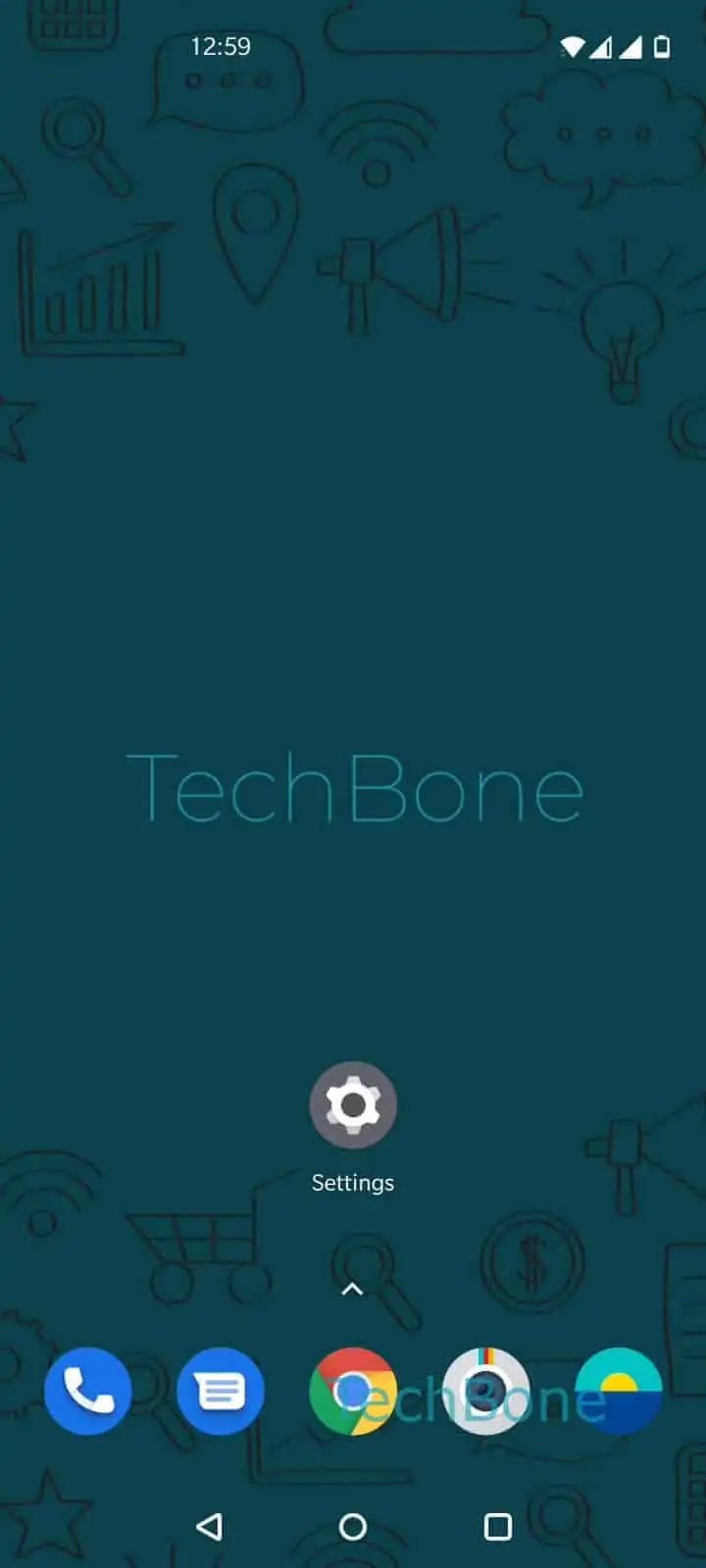
Step 1 of 7: Open the **Settings**

1

Open the Settings

Live simulator

Android 10 · Oxygenos 10
Enable or Disable Spell Check – Oxygenos 10: step 1 – Open the Settings
Open the Settings
1 / 7

Scroll or use the buttons for the next step

Feedback

Was the guide correct?

Help others: confirm the path or report a problem.

95

Confirmations

Forum verified this path

OnePlus

Enable or Disable Spell Check auf OnePlus

Spell check on OnePlus phones runs inside Gboard, separate from auto-correction. It underlines words it does not recognize instead of replacing them, so you notice typos without losing control over the text you typed.

Because both functions are independent, disabling auto-correction does not remove the underlines, and switching off spell check does not affect auto-correction. If you want a clean keyboard without red squiggles while typing notes or code, turning spell check off is the faster fix. If you rely on the underlines to catch mistakes before sending a message, keep it enabled.

Where to find the setting

Open Open the SettingsTap on SystemTap on Languages & inputTap on Virtual keyboardTap on GboardTap on Text correctionEnable or disable Spell check. The toggle applies system-wide, across every app that uses the keyboard.

If the option is greyed out, check that Gboard is selected as your active virtual keyboard, since the setting only appears for the keyboard currently in use.

Frequently asked questions

No. Auto-correction and spell check work separately in Gboard. Turning off Spell check only stops the underlines; auto-correction keeps fixing words as you type unless you disable it too.

Compatible devices

Tap your device — opens its hub with matching guides.