Skip to content
TechBone
OnePlus

OnePlus: Turn On System Captions for Videos and Apps

If videos in some apps show no subtitles at all, or you want a consistent caption style across your OnePlus phone instead of relying on each app's own subtitle toggle, the system-wide captioning option in Accessibility is the setting you need. This feature works independently from automatic app subtitles and lets you pick a fixed language, text size and caption style. Many users overlook it because it hides deep inside the Accessibility menu instead of the display settings.

5 min6 steps
VersionAndroid 10 · Oxygenos 10

Step by step

1 / 6

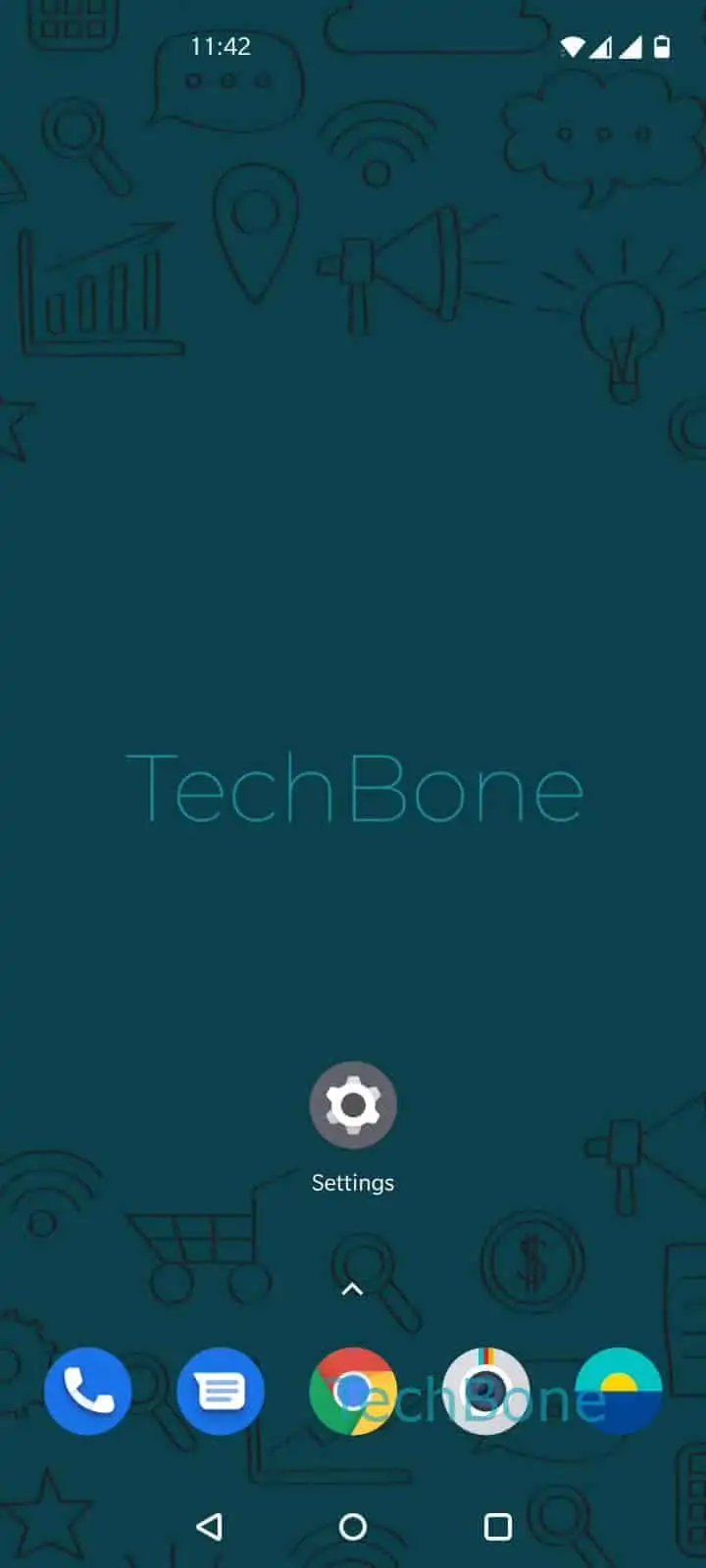
Step 1 of 6: Open the **Settings**

1

Open the Settings

Live simulator

Android 10 · Oxygenos 10
Enable System-Wide Captions – Oxygenos 10: step 1 – Open the Settings
Open the Settings
1 / 6

Scroll or use the buttons for the next step

Feedback

Was the guide correct?

Help others: confirm the path or report a problem.

13

Confirmations

Forum verified this path

OnePlus

Enable System-Wide Captions auf OnePlus

OnePlus phones running Android include a system-level captioning feature that is separate from the subtitle toggle inside streaming apps. It applies to apps that support Android's captioning API, so results vary depending on which apps you use.

You find the setting under Open the SettingsTap on SystemTap on AccessibilityTap on Caption preferencesEnable or disable Use captions.

Once Use captions is switched on, you can go to Set the Language, Text size or choose a Caption style to define how subtitles look across supported apps. This includes text size, font style and background options for the captions.

Turning this on does not disable an app's own subtitle menu, for example inside a video player or streaming service. Those two systems work in parallel, and an app with its own subtitle engine will usually keep using it instead of the system captions.

If videos in a specific app still show no subtitles after enabling this option, the app likely does not support Android's captioning API and needs its own in-app subtitle setting instead.

Frequently asked questions

Not every app supports Android's captioning API. If an app has its own subtitle menu, for example inside its player controls, that app manages subtitles independently and ignores the system-wide setting under AccessibilityCaption preferences.

Compatible devices

Tap your device — opens its hub with matching guides.