Skip to content
TechBone
OnePlus

OnePlus: Take a Photo with the Camera App

New OnePlus owners often can't find the actual shutter button or end up with blurry shots because the camera app opened in the wrong mode. Oxygen OS switches between Photo, Video, and Portrait with a simple swipe, so it's easy to tap the wrong icon without noticing. Filters and exposure settings applied before the shot can also change how the picture turns out compared to what you expected.

3 min3 steps
VersionAndroid 10 · Oxygenos 10

Step by step

1 / 3

Step 1 of 3: Open the **Camera app**

1

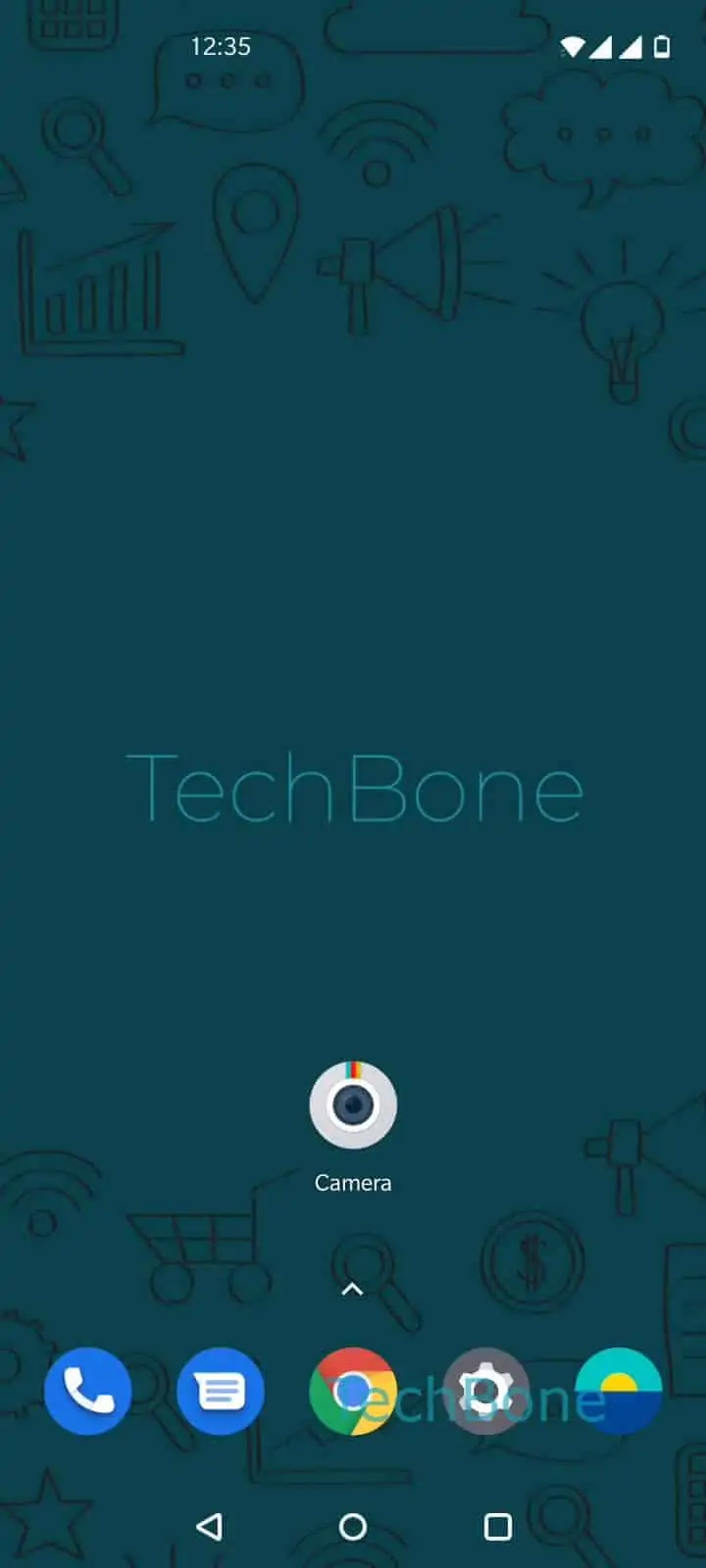
Open the Camera app

Live simulator

Android 10 · Oxygenos 10
Take a Photo with the Camera App – Oxygenos 10: step 1 – Open the Camera app
Open the Camera app
1 / 3

Scroll or use the buttons for the next step

Feedback

Was the guide correct?

Help others: confirm the path or report a problem.

17

Confirmations

Forum verified this path

OnePlus

Take a Photo with the Camera App auf OnePlus

Taking a photo on a OnePlus phone looks straightforward until the camera app opens in the wrong mode or the shutter icon seems unresponsive. Oxygen OS defaults to Photo mode when you launch the camera, but a stray swipe can switch it to Video, Portrait, or Pro before you even notice the change.

To take a standard photo, follow Open the Camera appChoose PhotoTap on the shutter release to take a picture. The shutter release sits at the bottom of the viewfinder and fires once the exposure has locked onto the frame in view.

Before tapping the shutter, you can adjust filters, aspect ratio, or flash directly from the viewfinder. These settings apply to the shot in real time, so what you see is close to what gets saved. If a photo comes out blurry, check that the focus ring on screen is steady rather than moving, since tapping the shutter mid-focus captures an unfinished frame.

If pictures consistently save with the wrong exposure or color tone, the cause usually sits in the camera settings rather than the shutter action itself. In that case, checking white balance or HDR toggles fixes more than repeating the shutter tap.

Frequently asked questions

The camera app waits for focus lock before triggering the sensor. If you tap too fast or the scene has low light, the shutter release can feel unresponsive for a moment while it finishes focusing.

Compatible devices

Tap your device — opens its hub with matching guides.