Skip to content
TechBone
OnePlus

OnePlus: Turn On-Body Detection On or Off

When On-body detection is active, your OnePlus phone stays unlocked the moment you pick it up or carry it in a bag, even after the screen would normally lock. The feature only checks for motion, not who is actually holding the device, so anyone carrying it gets the same access. If your phone keeps unlocking itself on the way to work or during a workout, this Smart Lock option is usually the reason.

6 min7 steps
VersionAndroid 10 · Oxygenos 10

Step by step

1 / 7

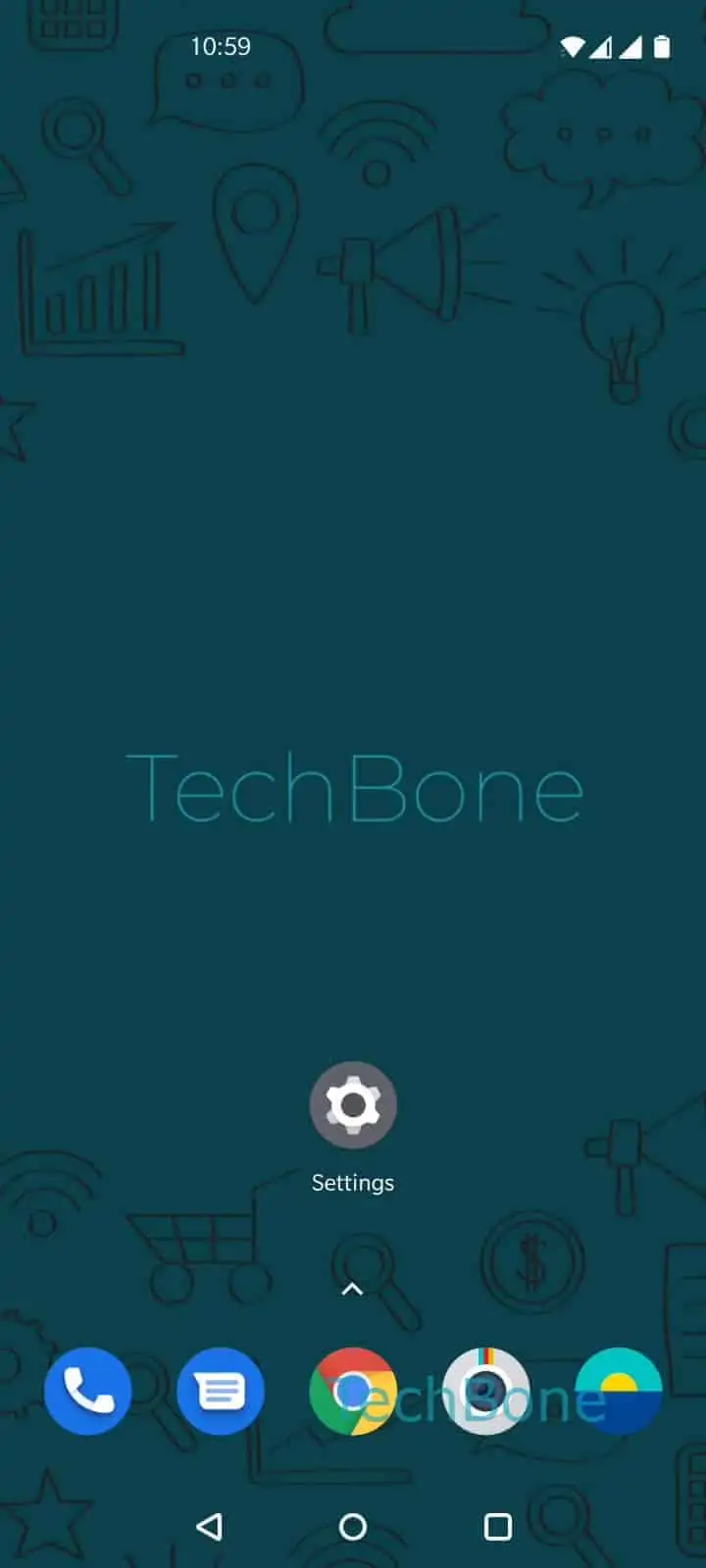
Step 1 of 7: Open the **Settings**

1

Open the Settings

Live simulator

Android 10 · Oxygenos 10
Enable or Disable On-Body Detection – Oxygenos 10: step 1 – Open the Settings
Open the Settings
1 / 7

Scroll or use the buttons for the next step

Feedback

Was the guide correct?

Help others: confirm the path or report a problem.

61

Confirmations

Forum verified this path

OnePlus

Enable or Disable On-Body Detection auf OnePlus

On-body detection belongs to Smart Lock and keeps your OnePlus phone unlocked whenever it senses motion, for example while you carry it in a pocket or bag.

The sensor only measures movement. It cannot identify who is actually holding the phone, so the unlocked state continues even if someone else takes it from you right after you stop moving.

Turn the feature off if you often hand your phone to other people or leave it moving in a bag on public transport. Keep it on if you mainly want fewer unlocks at home or during exercise and accept the reduced security in return.

To change the setting: Open the SettingsTap on Security & lock screenTap on Smart LockEnter the current pattern, PIN or passwordTap on On-body detectionEnable or disable On-body detectionConfirm with Continue.

A screen lock such as a pattern, PIN or password has to be set up already, since the Smart Lock menu only appears once a secure lock method exists.

Frequently asked questions

Smart Lock settings are protected. You need to Enter the current pattern, PIN or password before OnePlus lets you view or change any Smart Lock option.

Compatible devices

Tap your device — opens its hub with matching guides.