Skip to content
TechBone
Realme

Realme: Reset Your Advertising ID

If ads on your Realme phone still feel oddly specific even after you cleared your browser history, the tracking is happening through a device-level advertising ID, not your browser. This identifier links your app activity and search behavior across services until it gets reset. Resetting it breaks that link and starts a fresh, anonymous tracking profile.

5 min6 steps
VersionAndroid 11 · Realme UI 2

Step by step

1 / 6

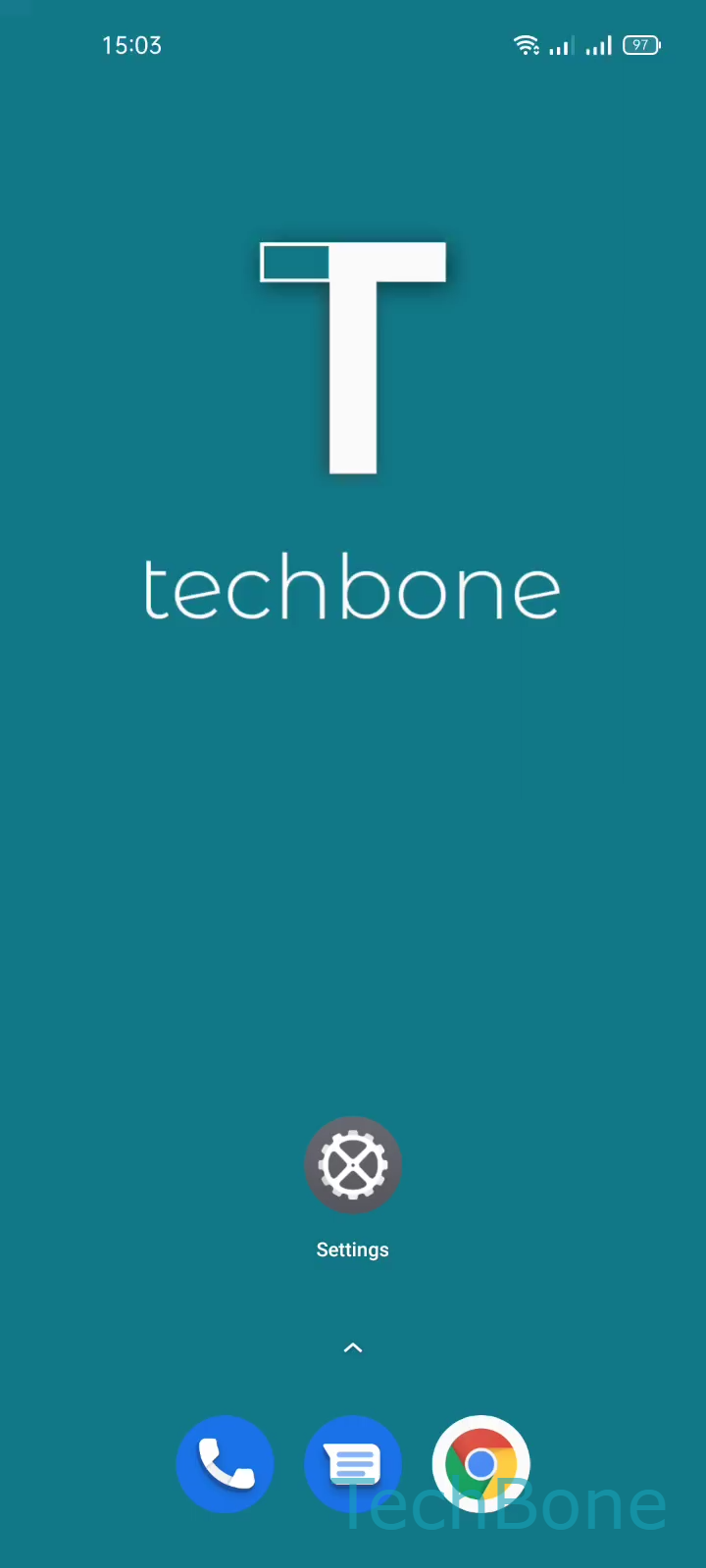
Step 1 of 6: Tap on **Settings**

1

Tap on Settings

Live simulator

Android 11 · Realme UI 2
Reset Advertising ID – Realme UI 2: step 1 – Tap on Settings
Tap on Settings
1 / 6

Scroll or use the buttons for the next step

Feedback

Was the guide correct?

Help others: confirm the path or report a problem.

29

Confirmations

Forum verified this path

Realme

Reset Advertising ID auf Realme

Realme UI assigns every phone a unique advertising ID the moment you set it up. Apps and ad networks use this identifier to link your browsing habits, installed apps, and search queries into a profile that fuels personalized ad suggestions.

Clearing your browser cache or switching networks does not touch this ID. It stays tied to your device until you reset it manually, which is why ads can still feel eerily specific weeks after you last searched for something.

To reset it, open SettingsPrivacyAdvancedAdsReset advertising IDOK. Realme UI generates a new random ID immediately and disconnects it from your previous ad history.

After the reset, ad networks start building a new profile from scratch, so recommendations will feel less targeted for a while. This does not block ads entirely; it only removes the link between your old activity and the ads you see. If you want fewer ads overall rather than just a fresh identifier, check the same Ads menu for a separate personalized ads opt-out.

Frequently asked questions

No. It only disconnects your past activity from your device profile. Apps can still build a new profile over time unless you also turn off personalized ads under SettingsPrivacyAdvancedAds.