
Skip to content
TechBone
Realme

Realme: Turn Android Beam On or Off

If file transfers to nearby Android phones fail or the Android Beam option is missing entirely on your Realme phone, NFC is usually switched off or Android Beam has been disabled on its own. Both settings depend on each other, so one without the other leaves beam-to-share unusable. This mostly shows up when you try to send photos, contacts or app links directly between two phones.

4 min5 steps
VersionAndroid 11 · Realme UI 2

Step by step

1 / 5

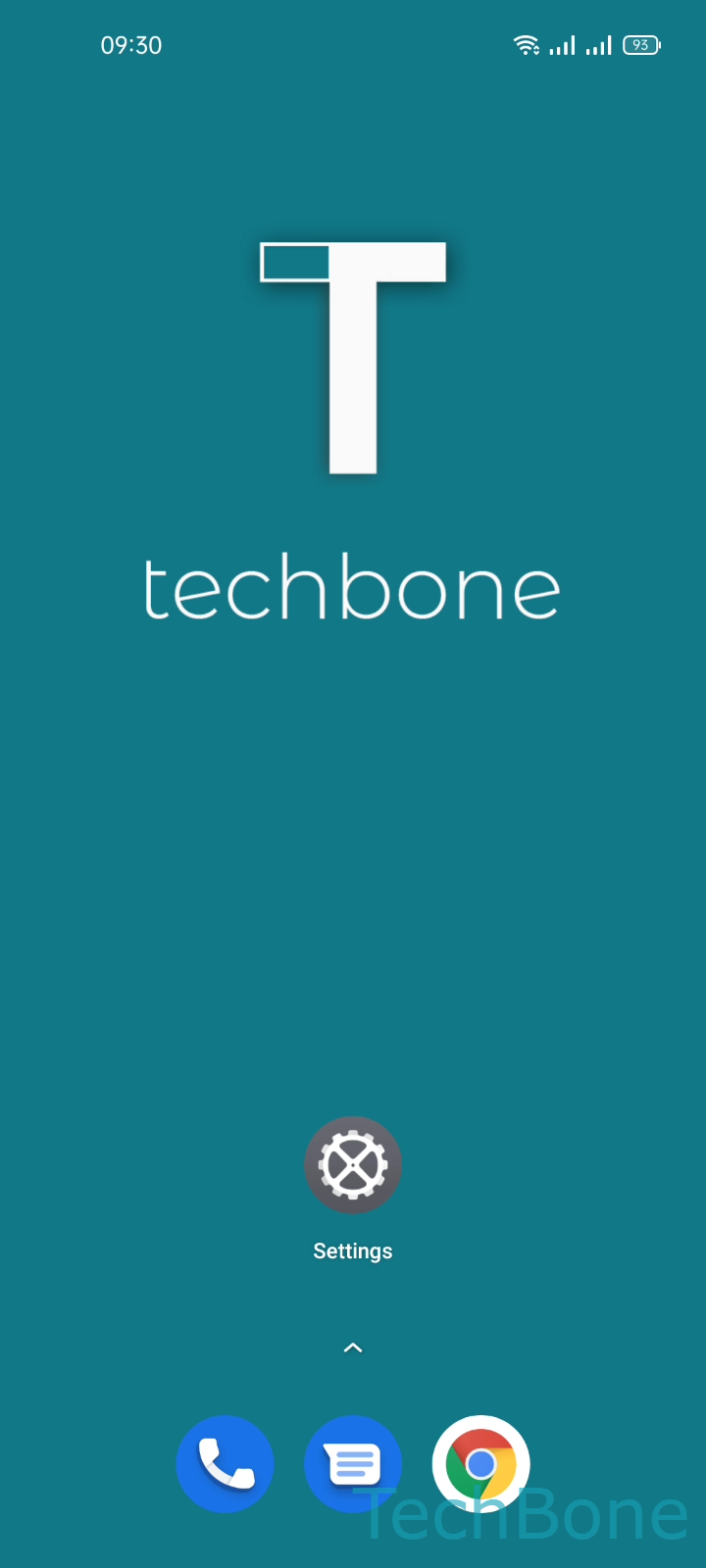
Step 1 of 5: Tap on **Settings**

1

Tap on Settings

Live simulator

Android 11 · Realme UI 2
Turn Android Beam On or Off – Realme UI 2: step 1 – Tap on Settings
Tap on Settings
1 / 5

Scroll or use the buttons for the next step

Feedback

Was the guide correct?

Help others: confirm the path or report a problem.

42

Confirmations

Forum verified this path

Realme

Turn Android Beam On or Off auf Realme

Android Beam only appears in your settings once NFC is switched on. On Realme phones running Realme UI, the feature sits inside the connectivity menu together with NFC, since it uses the same short-range radio to detect a nearby device before switching to a faster transfer channel.

To turn it on or off, go to Tap on SettingsTap on Connection & sharingTurn On NFCTap on Android BeamEnable or disable Android Beam.

If NFC stays off, Android Beam disappears from the menu entirely, which is the most common reason people think the feature was removed. Turning NFC back on restores the option without any extra setup.

Android Beam works best for quick transfers between two Android phones held back to back. For larger files or transfers to non-Android devices, a dedicated file-sharing app is usually faster and more reliable.

Leaving NFC on all the time has minor battery impact but no security risk on its own, since Android Beam still requires physical proximity and manual confirmation before any data moves.

Frequently asked questions

Android Beam only shows up once NFC is active. Check SettingsConnection & sharing and confirm NFC is switched on; the Android Beam entry appears right below it once enabled.