Skip to content
TechBone
Realme

Realme: Clear App Data and Reset an App

Clearing an app's cache only removes temporary files, but wiping app data erases everything the app has stored: logins, saved settings, downloaded content, and even game progress. On a Realme phone this action resets the affected app to its original installed state, so it behaves like a fresh install. That makes it a stronger fix than a cache clear, but also a riskier one if you have not backed anything up.

6 min7 steps
VersionAndroid 11 · Realme UI 2

Step by step

1 / 7

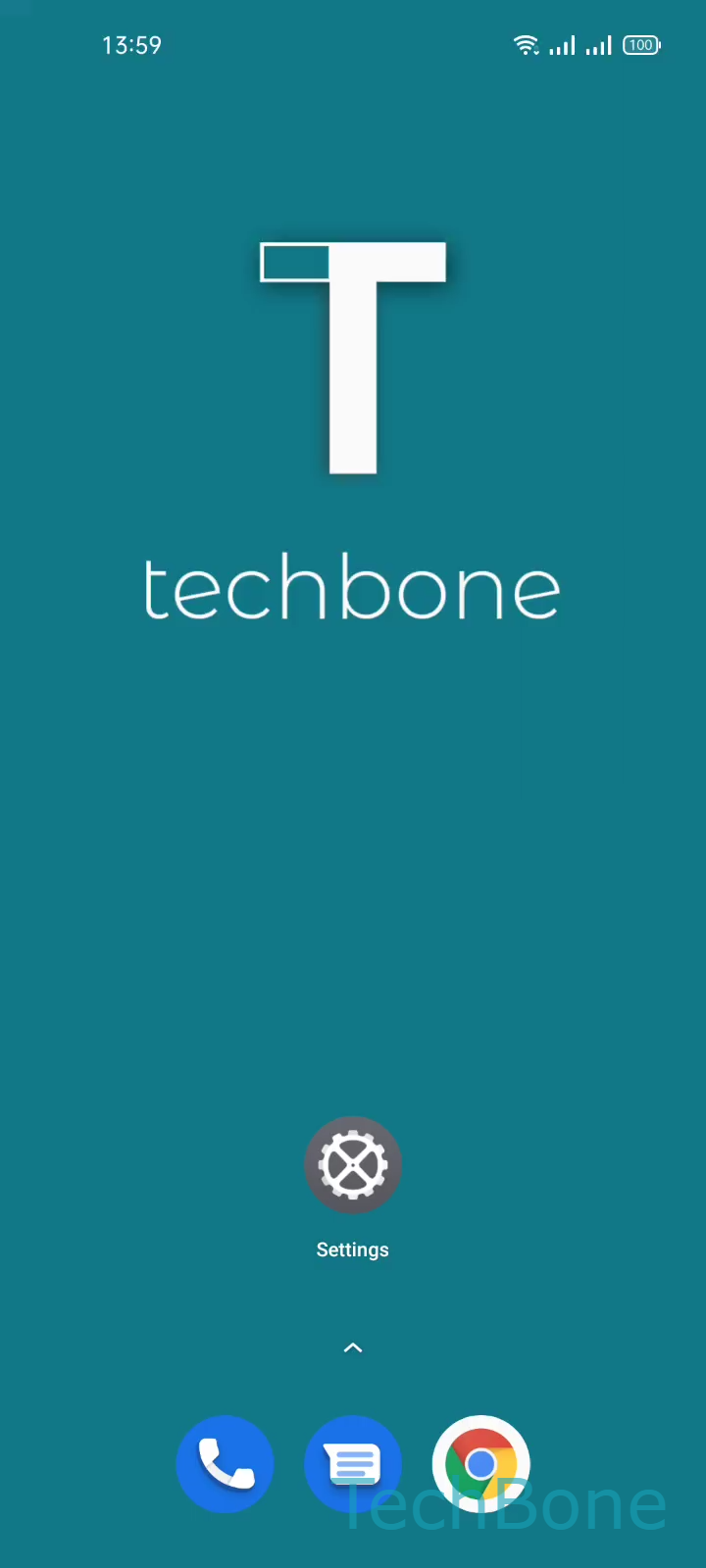
Step 1 of 7: Tap on **Settings**

1

Tap on Settings

Live simulator

Android 11 · Realme UI 2
Clear App Data – Realme UI 2: step 1 – Tap on Settings
Tap on Settings
1 / 7

Scroll or use the buttons for the next step

Feedback

Was the guide correct?

Help others: confirm the path or report a problem.

97

Confirmations

Forum verified this path

Realme

Clear App Data auf Realme

App data storage differs from cache. Cache holds temporary files that speed up loading, while app data stores logins, settings, saved content, and game progress. Clearing data removes all of that and resets the app to its original installed state, as if you had just downloaded it.

On a Realme phone running Realme UI, this reset happens through the App management section in the system settings. Follow this path: Tap on SettingsTap on App managementTap on App listChoose an AppTap on Storage usageTap on Clear dataTap on OK.

Use this method when an app crashes repeatedly, gets stuck on a loading screen, or shows corrupted content that a simple cache clear does not fix. Clearing data is more aggressive: you lose saved logins, local files, and any progress that has not synced to a cloud account.

If you only want to free up storage without losing settings, clear the cache instead. Reserve a full data clear for apps that misbehave even after a cache clear, or before uninstalling an app you plan to reinstall from scratch.

Frequently asked questions

No, unless the app stores photos only inside its own private storage. Photos saved to the general gallery through Storage usage of the camera app usually stay in shared storage and are not removed.